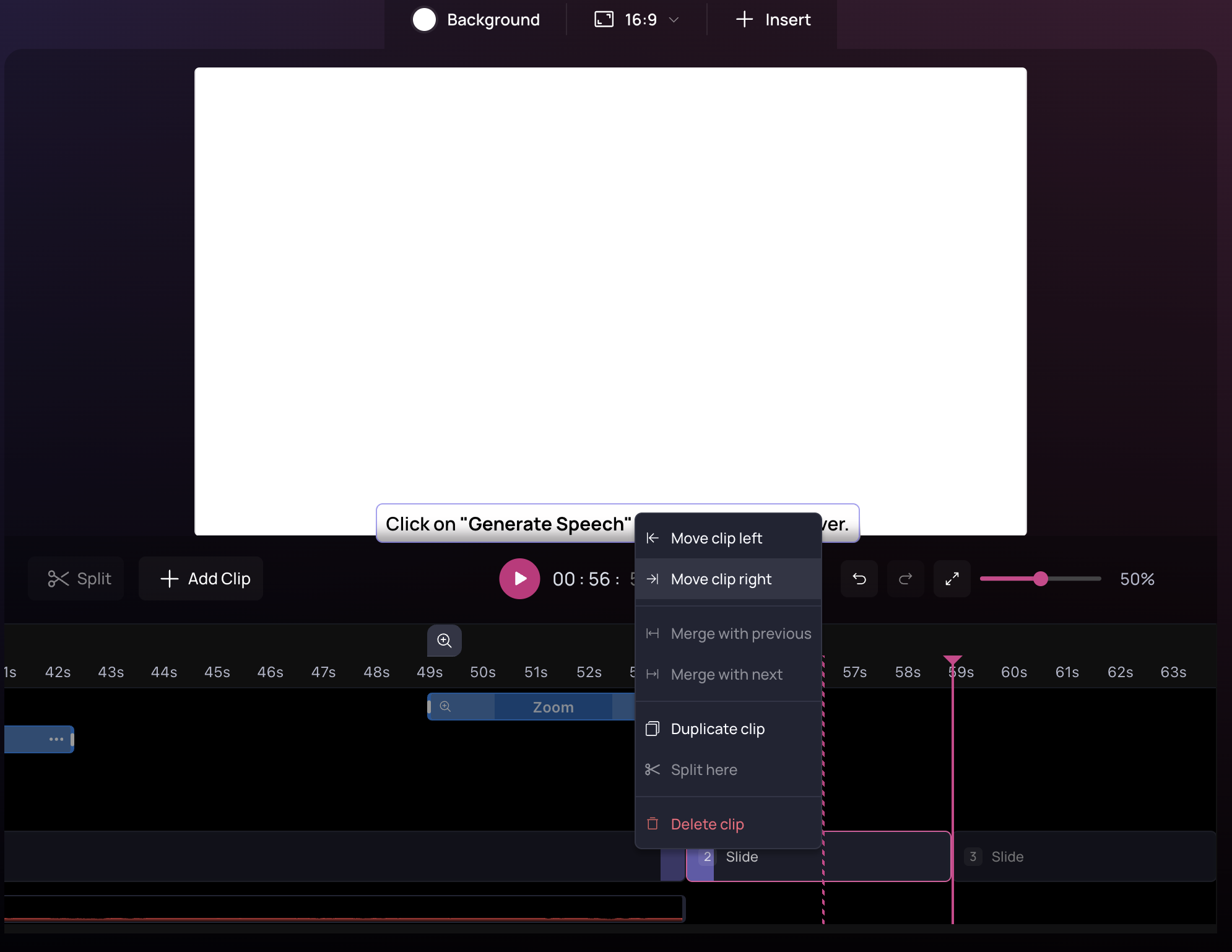
To reorder a clip in your video, right-click on it from the timeline and choose Move clip left or Move clip right to reorder it in your video.Documentation Index
Fetch the complete documentation index at: https://help.clueso.io/llms.txt
Use this file to discover all available pages before exploring further.

Notes
- When you move a clip, its associated script and sync points move with it.
- Reordering does not delete or change content—it only changes the sequence.
- You can reorder both video clips and slide clips the same way.