

New
Video element
Layer a video right on your canvas, on top of your existing clip, as a movable overlay. Position, resize, and animate it like any other element. Use it to put your face in the corner of a screen recording, float a product clip over a slide, or layer more than one video in the same scene.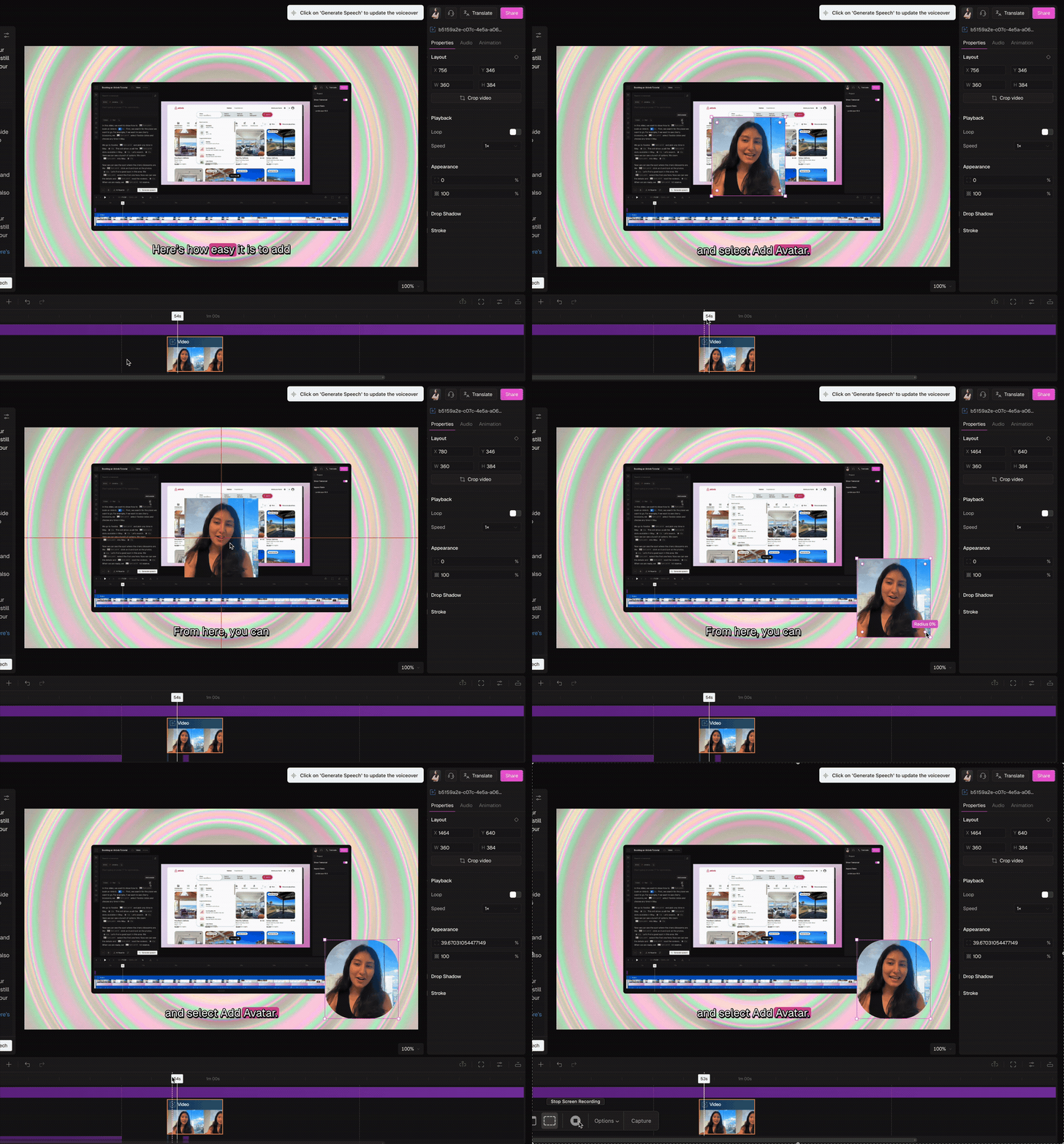
New
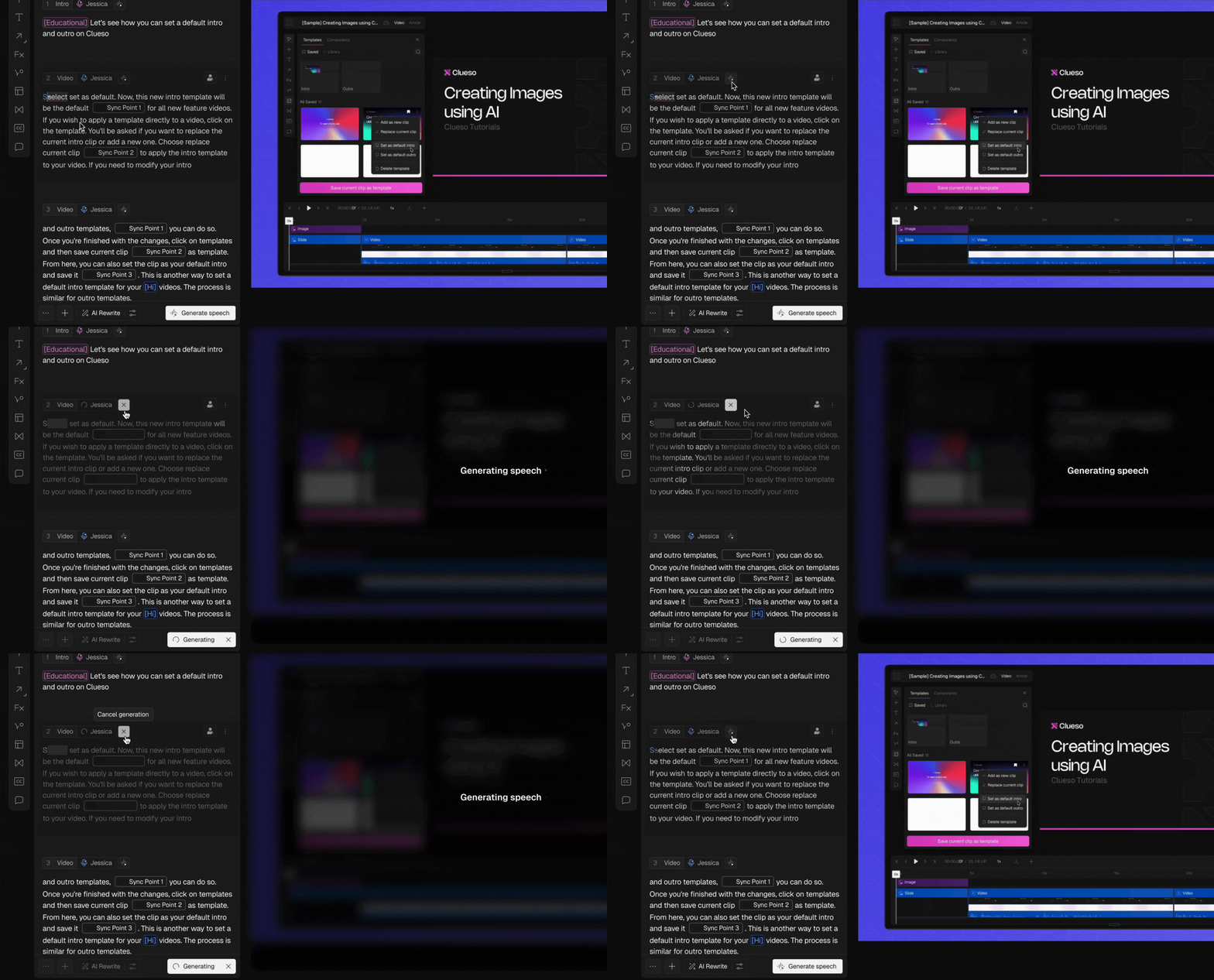
Cancel in-progress actions
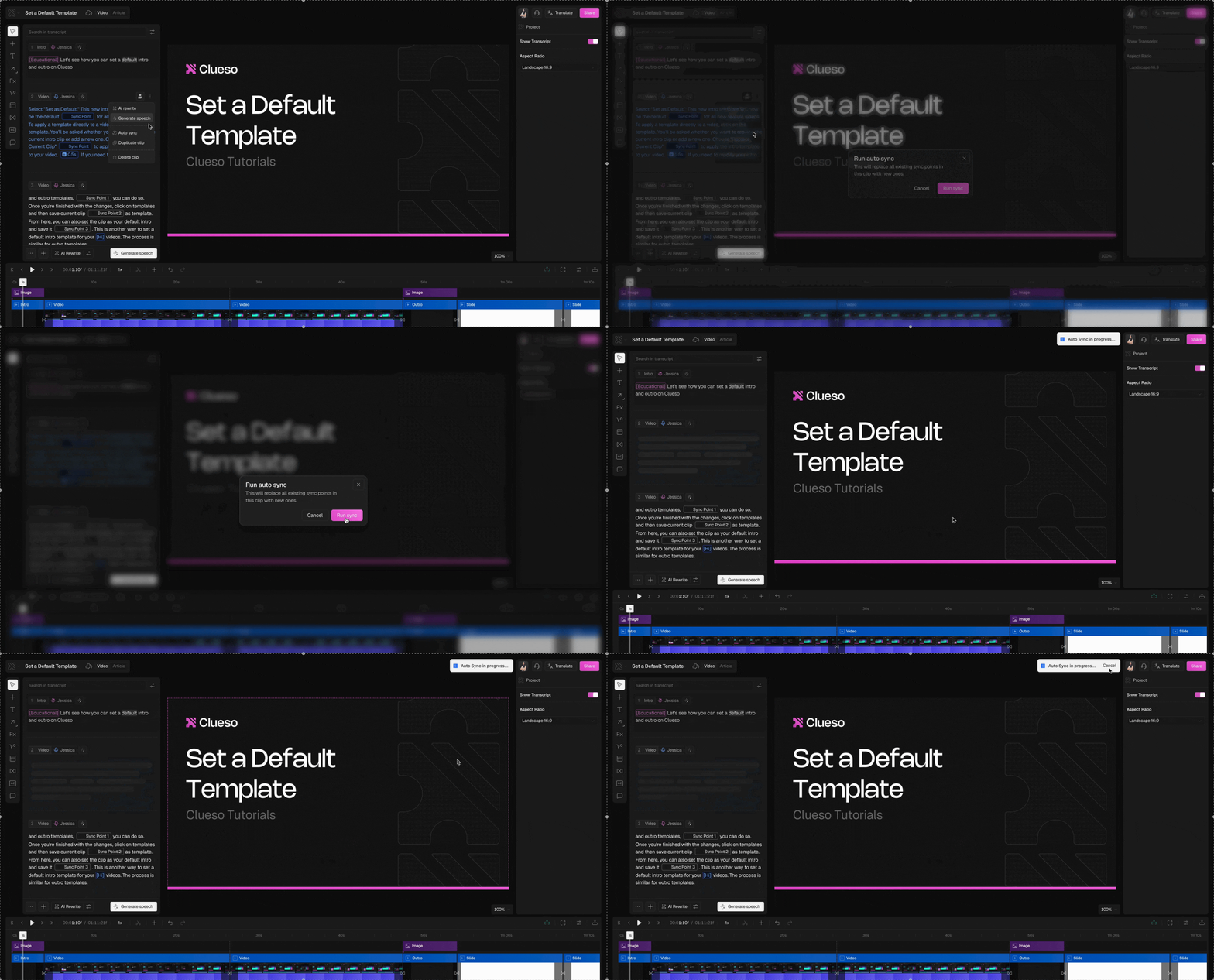
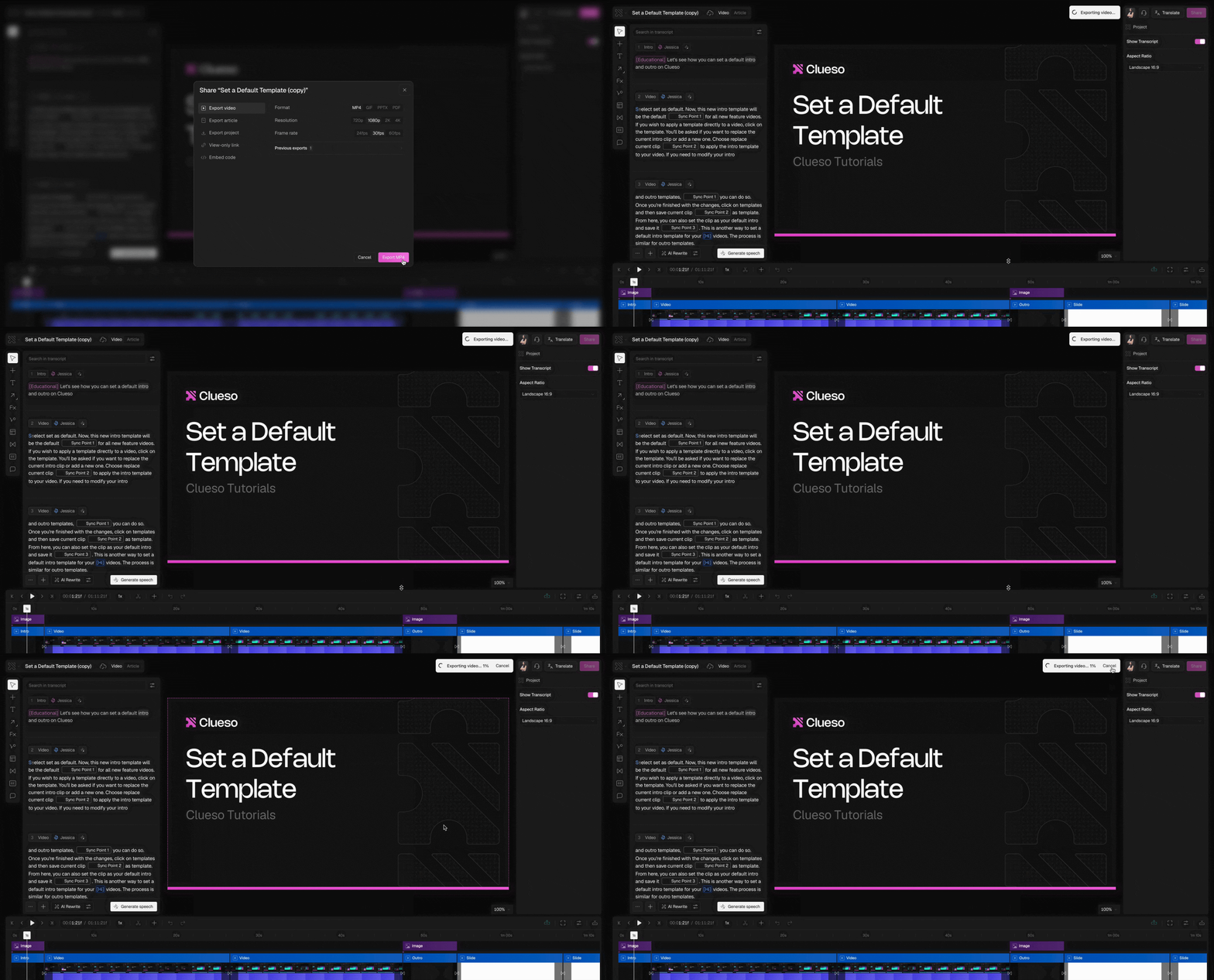
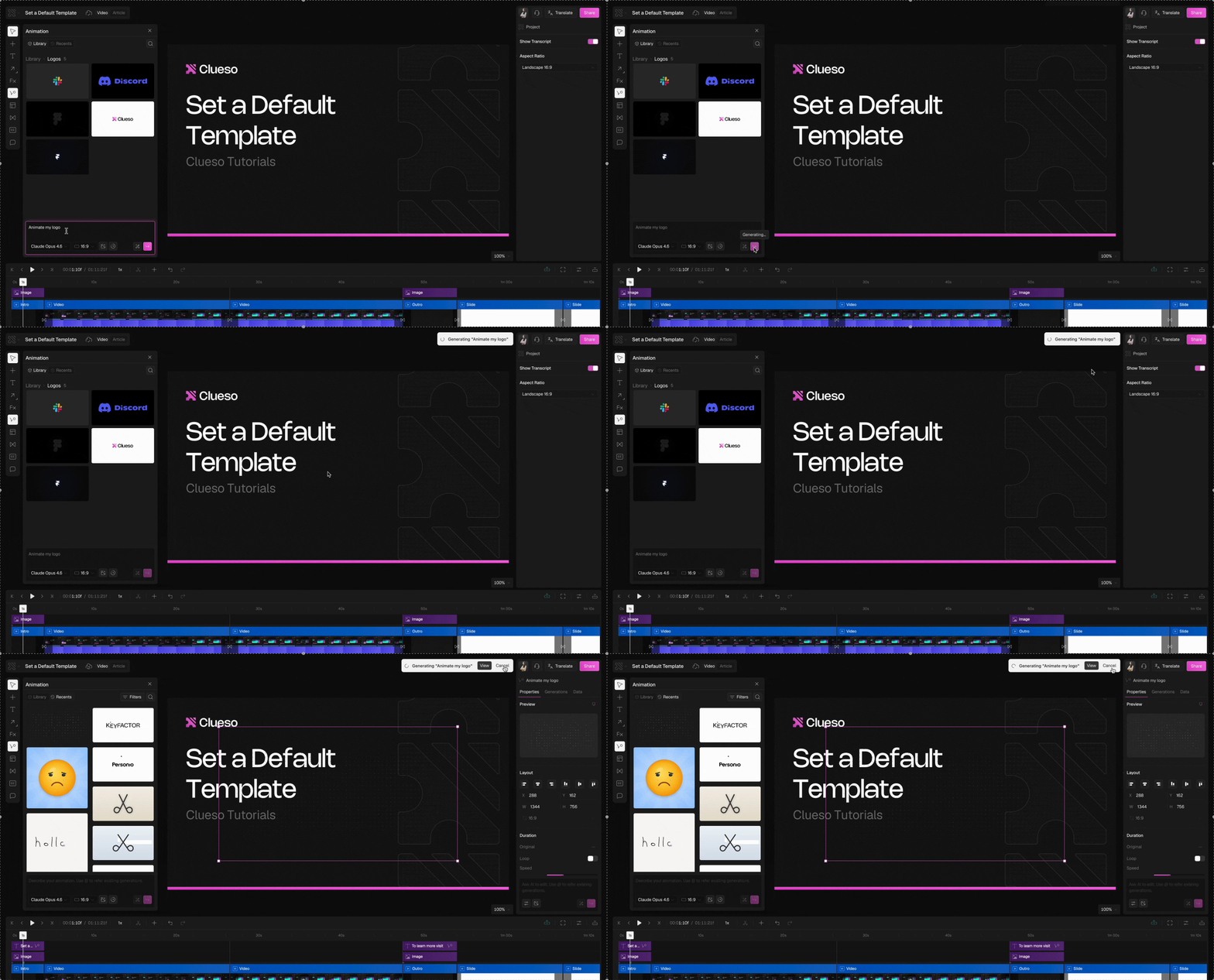
You can now cancel any running operation directly from the loading toast — no need to wait for it to finish.Autosync
New releases
Reviewer Seats
Reviewers have read-only access to the workspace. They can watch guides, read comments, and leave feedback. This role is meant for clients, external stakeholders or anyone on your team who only needs to review. Learn more about Reviewer Seats →New releases
Command K
Every action in Clueso, one keystroke away. No menus. No hunting. Just type and go. Press ⌘ K on Mac or Ctrl K on Windows to open Command K from anywhere inside a project.What you can do
You can search for any project, folder, navigation page and trigger any action in the editor directly from the palette. A few examples:Generate speech
Generate voiceover for one clip or all clips. Change voice anytime.
Split clip
Split the clip at the playhead position in one action.
Upload media
Upload images, video, or audio without leaving the editor.
Share & export
Open share, export, translate, version history, or move to folder.
Search smarter with scope prefixes
Type one of these prefixes before your query to filter results instantly.New releases
MCP Integration
Clueso now supports MCP, so you can manage your projects, create clips, update voiceover, and more through any AI client - create clips, update voiceover, manage assets and more without opening the editor.Learn more about MCP setup →