1
Open the GIF maker
Hover over the screenshot you want to convert and click the GIF button in the toolbar at the top right of the image.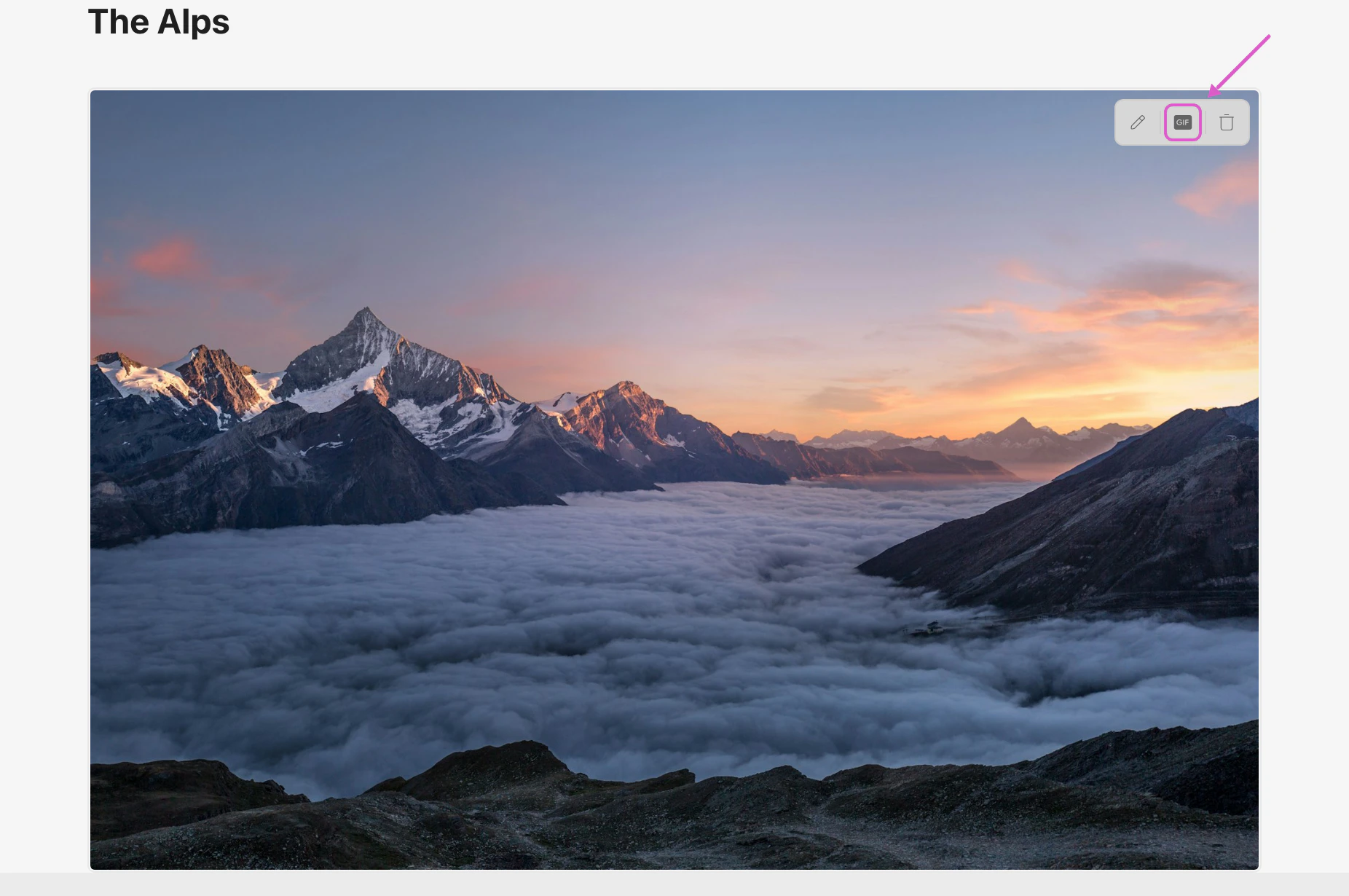
2
Adjust zoom and playback speed
The GIF maker opens with the source clip loaded into the editor. Use the controls in the right panel to fine-tune the result: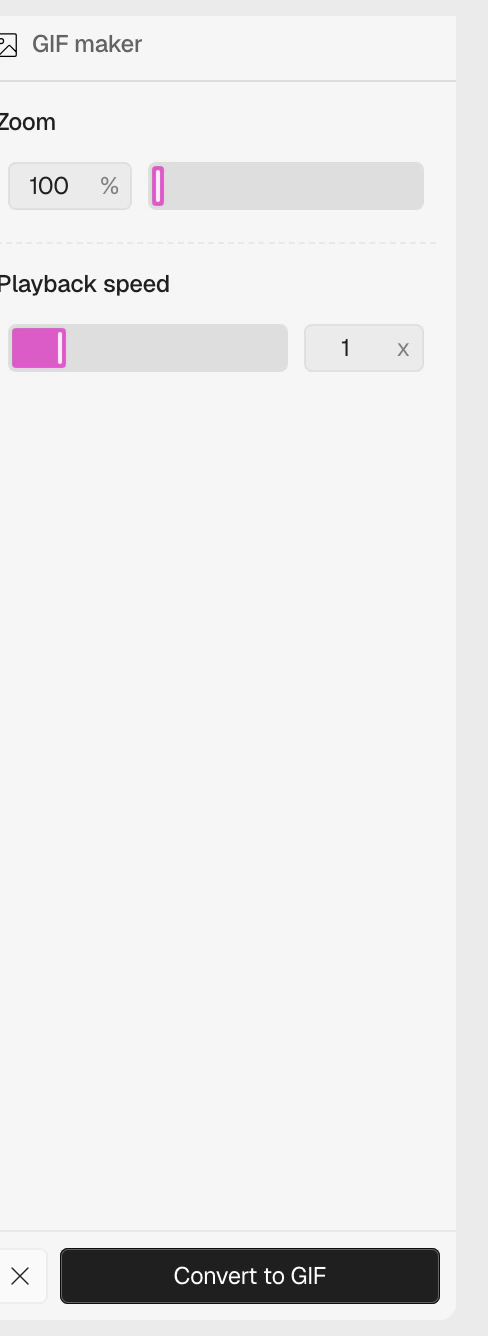
- Zoom — zoom into a specific area of the frame (100%–300%)
- Playback speed — speed the GIF up or slow it down (0.5x–3x)
3
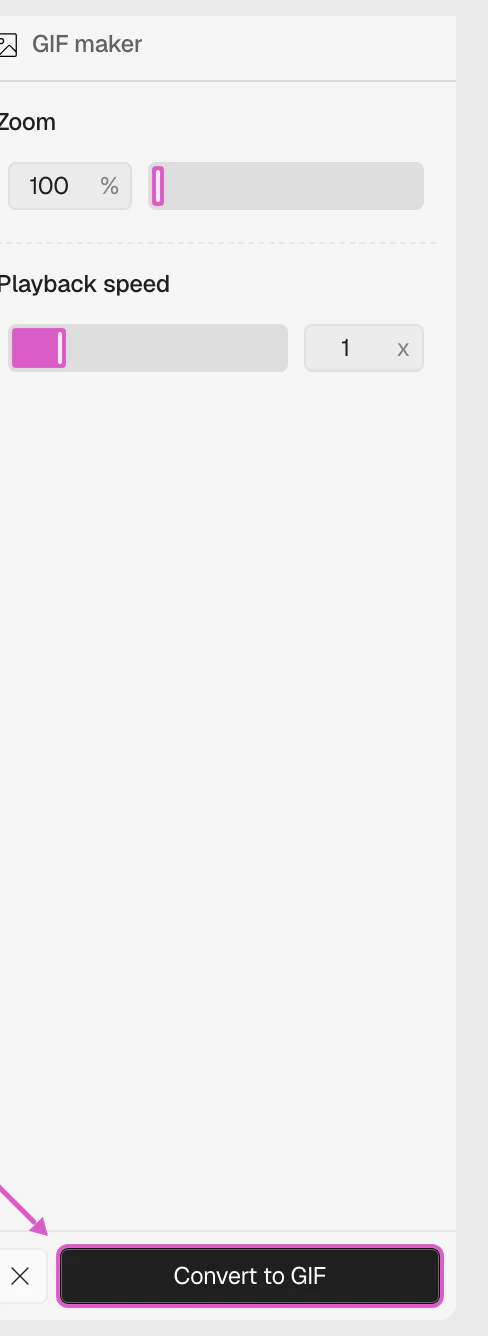
Convert to GIF
When you’re happy with the preview, click Convert to GIF. Clueso replaces the screenshot in your article with the new animated GIF.