Create an animation from the homepage
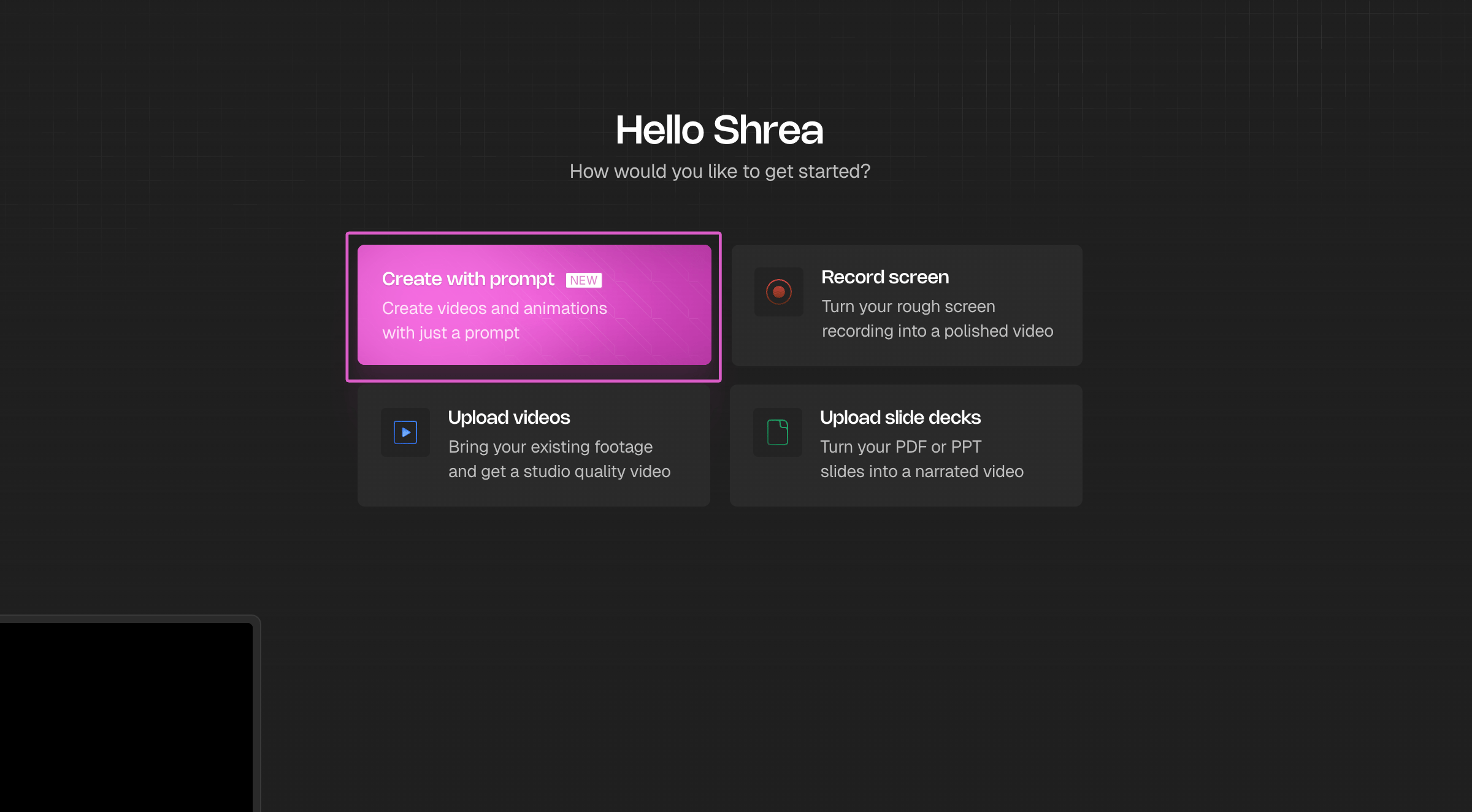
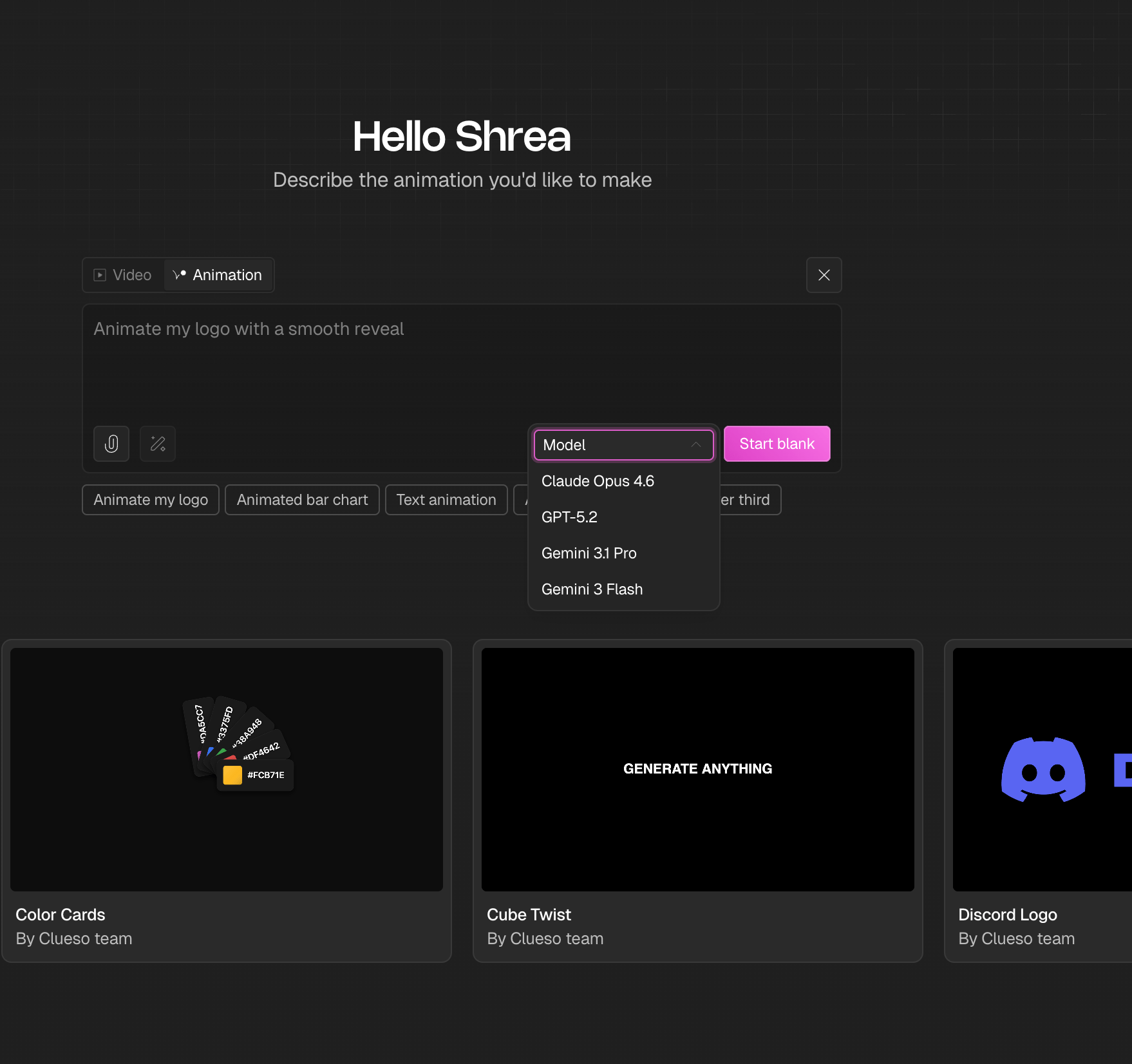
This is the fastest way to get started. Steps- From the homepage, click Create with prompt.
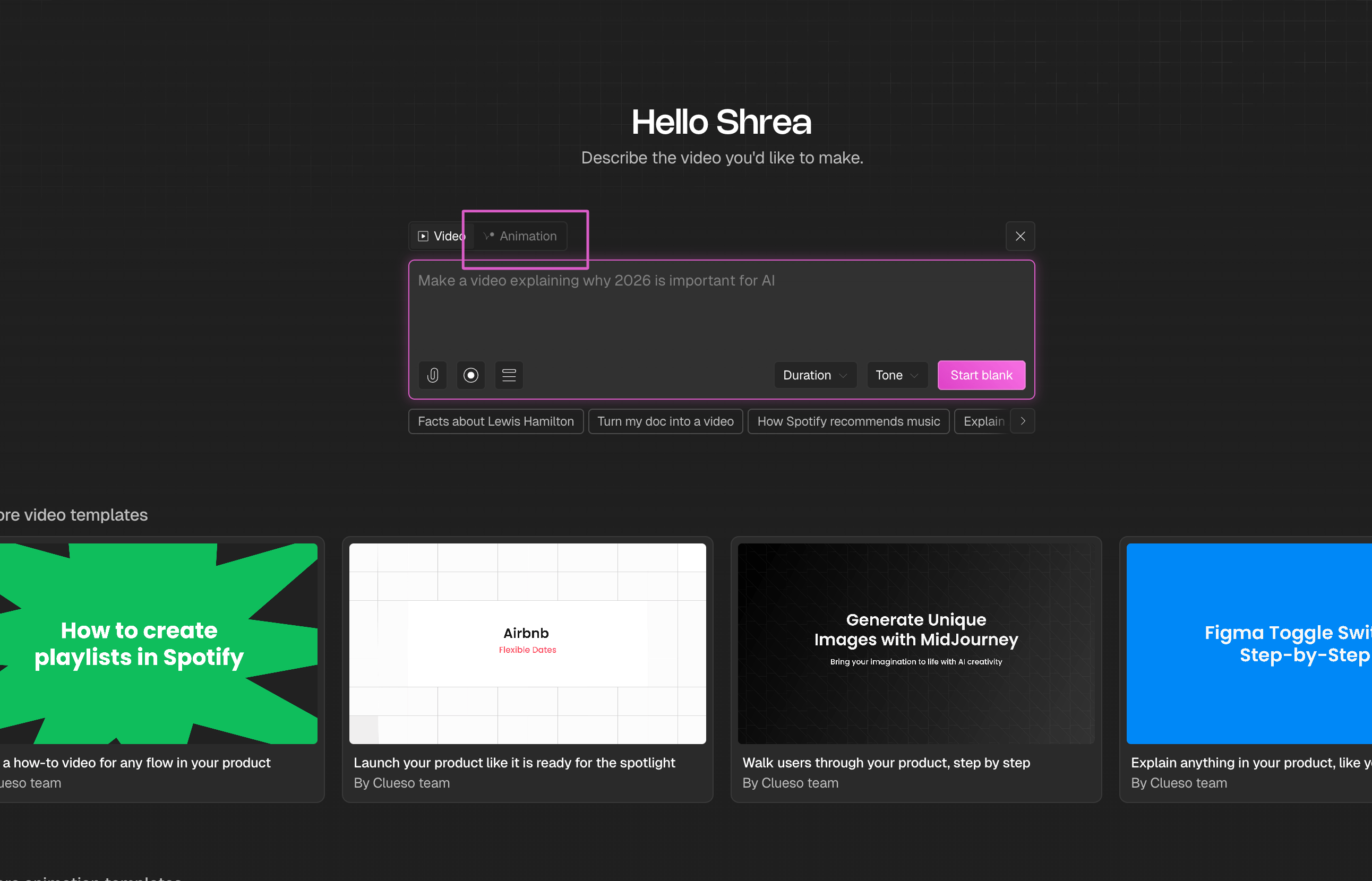
- Switch to the Animation tab at the top of the prompt box.
- Click the attachment icon to upload your logo (SVG recommended) and enter a prompt. You can also click Enhance Prompt to let AI refine your description.
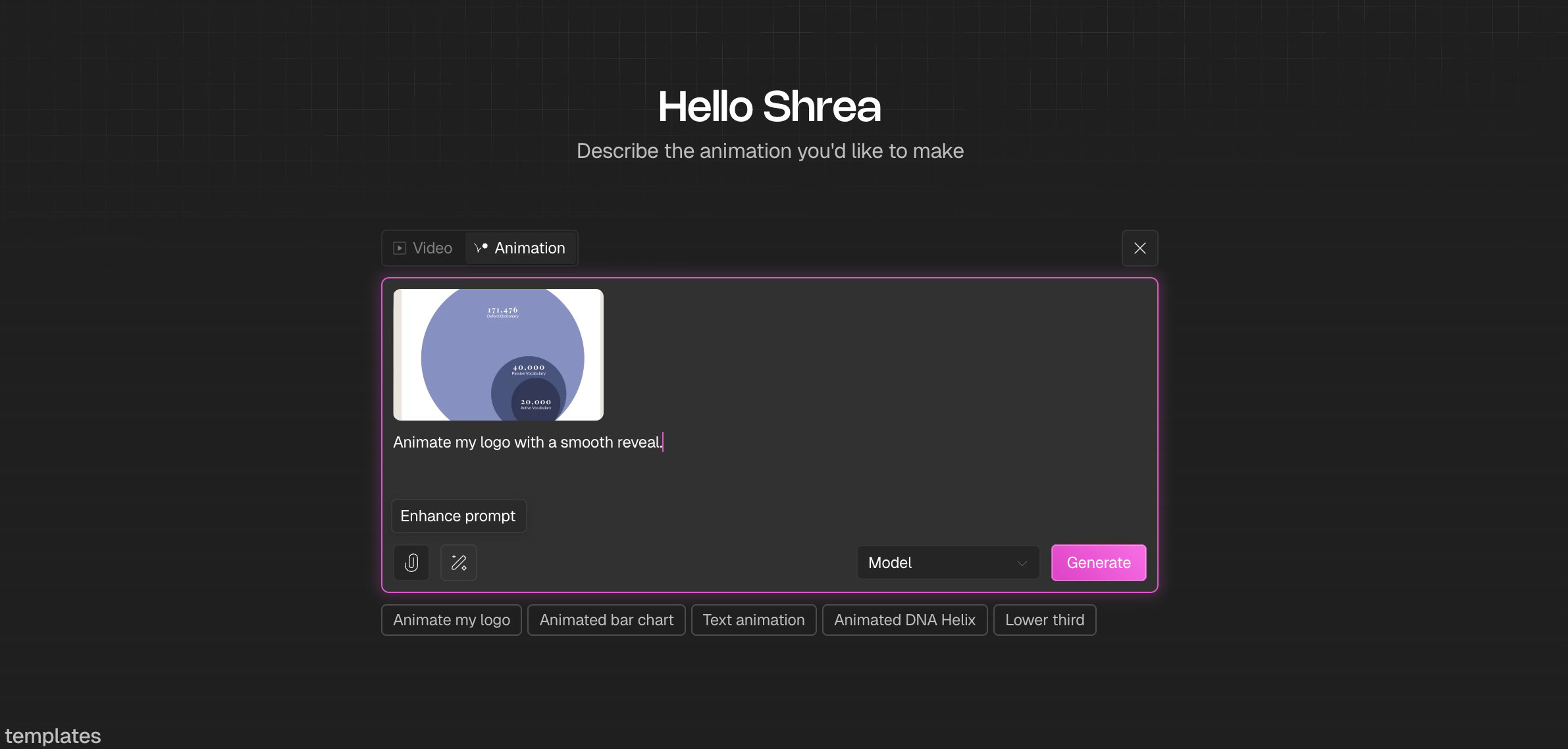
- Select a model from the dropdown and click Start Blank.
Start from a template
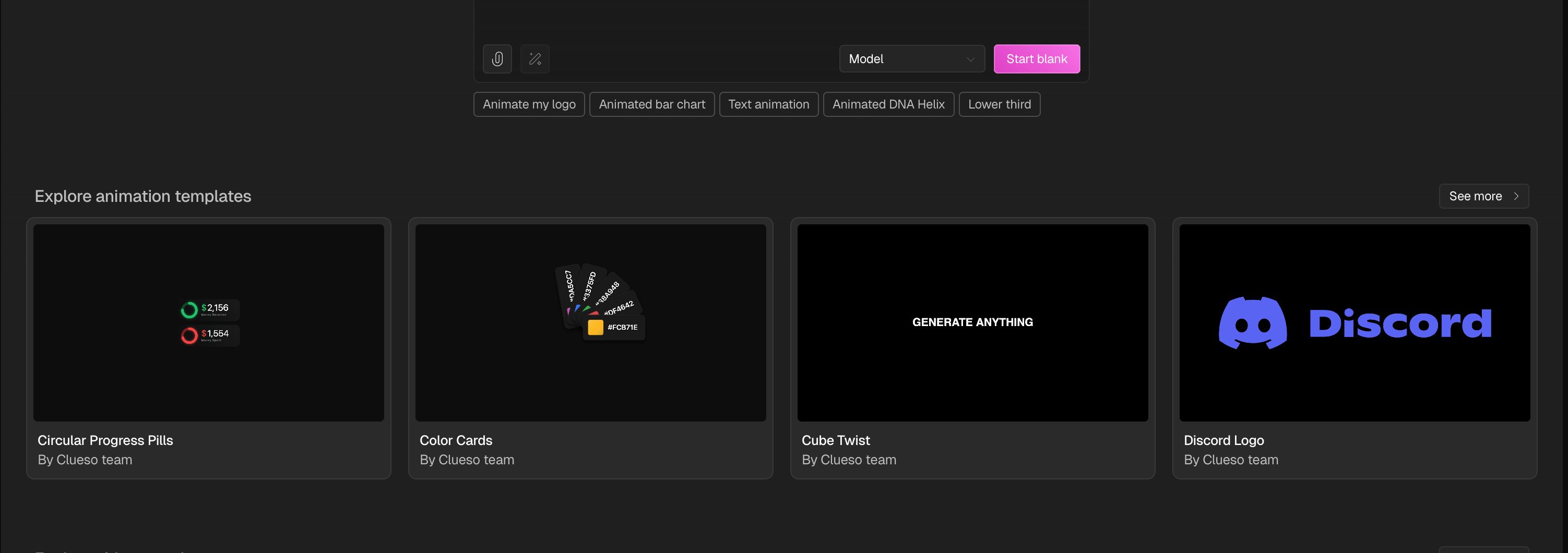
If you’d rather begin with a pre-built style and adapt it to your logo. Steps- Browse the animation templates on the create page.
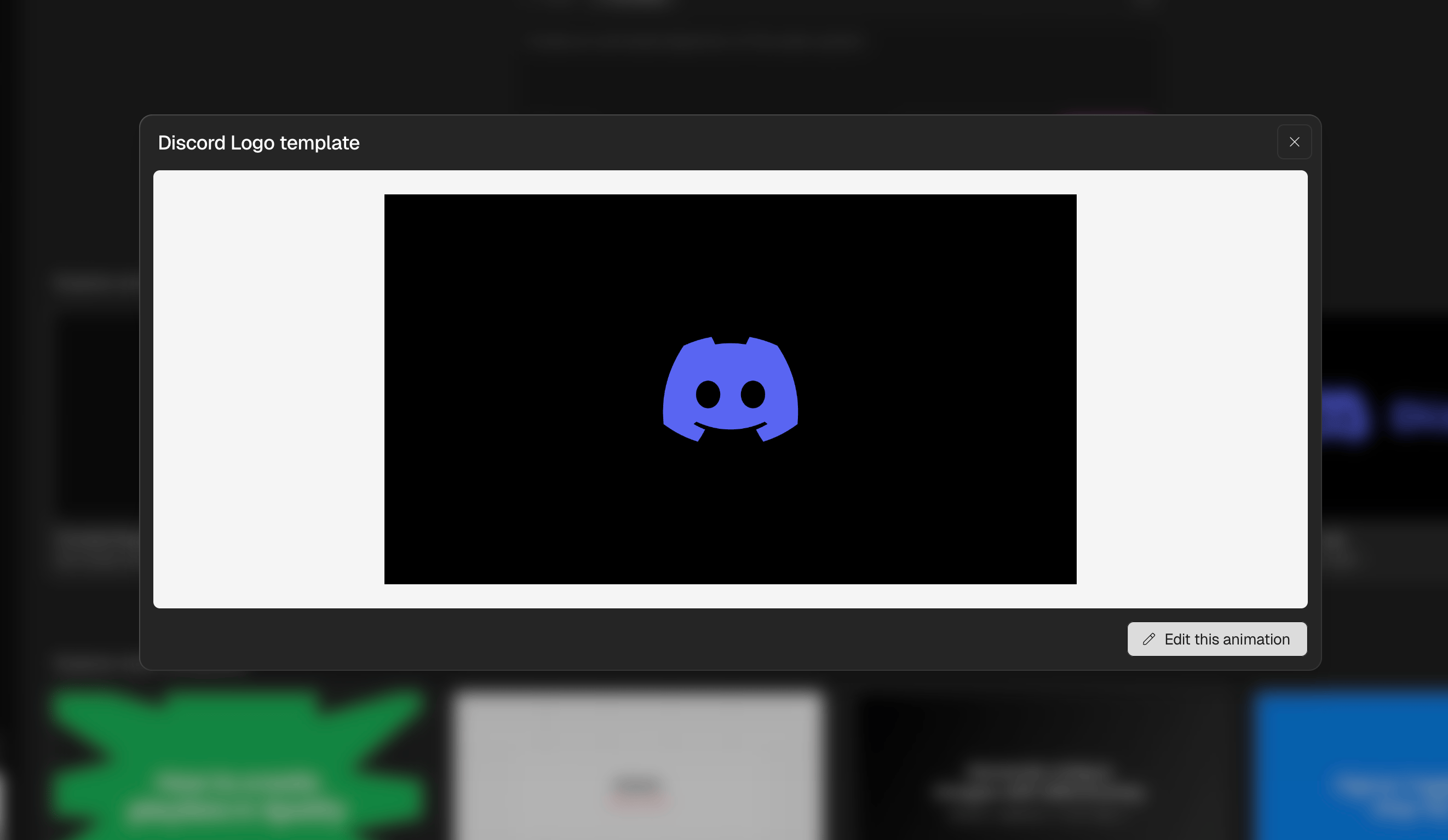
- Click a template to preview it.
- Click Edit this animation to open it in the editor.
Create or refine animations in the editor
The editor is a full creation surface. You can build a new animation from scratch or fine-tune an existing one.Create from the editor
- In the left panel, click the Animation icon.
- Describe the animation you want, optionally add a Reference image and select a model.
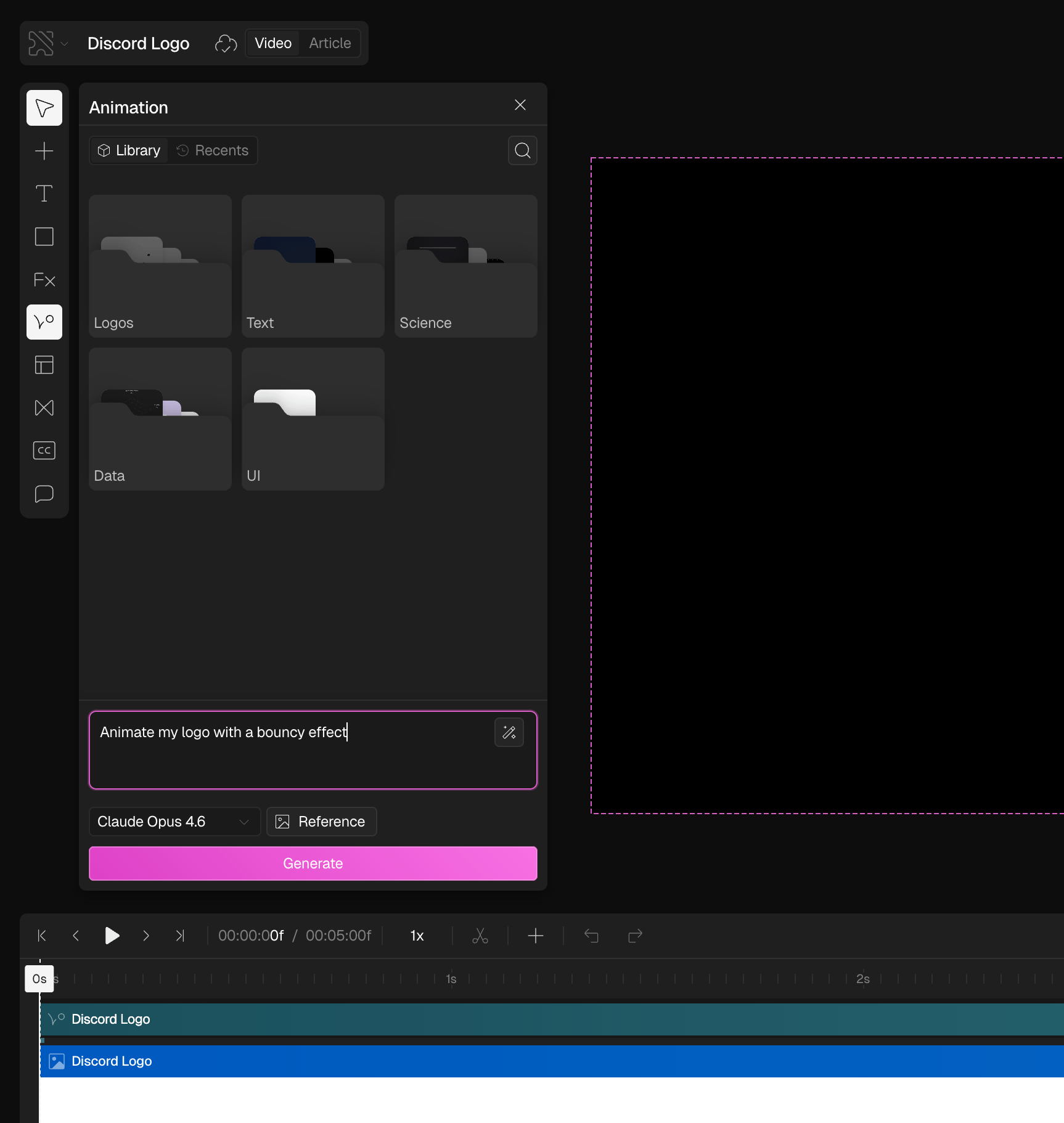
- Click Generate.
Adjust parameters
Use the Properties panel on the right to adjust animation parameters like duration, timing, and background. You can also ask AI to create custom parameters, these appear as sliders in the panel that you can manually control.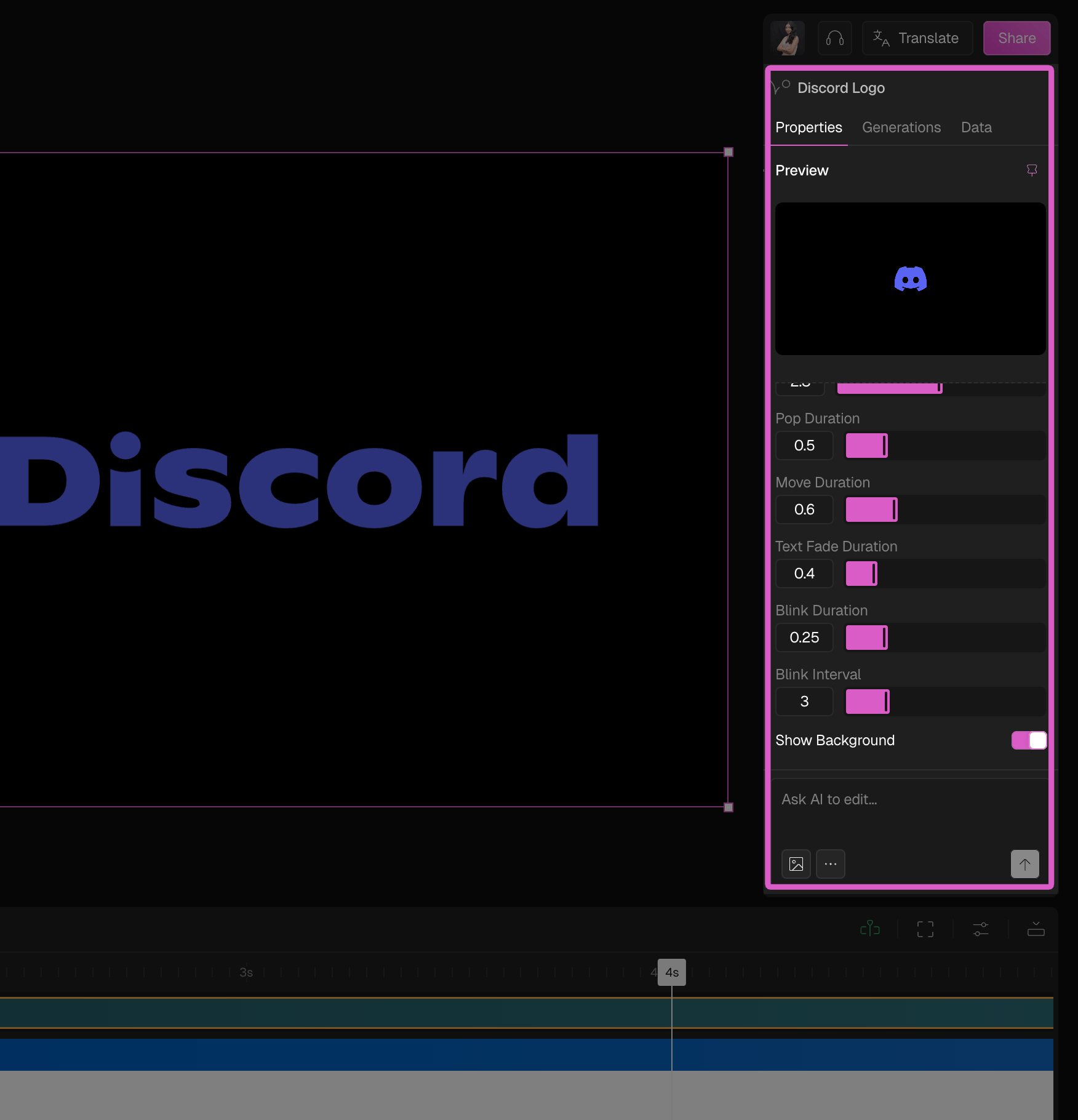
Edit with AI
Use the Ask AI to edit box at the bottom of the Properties panel to make changes in plain language. You can also attach reference images for style guidance.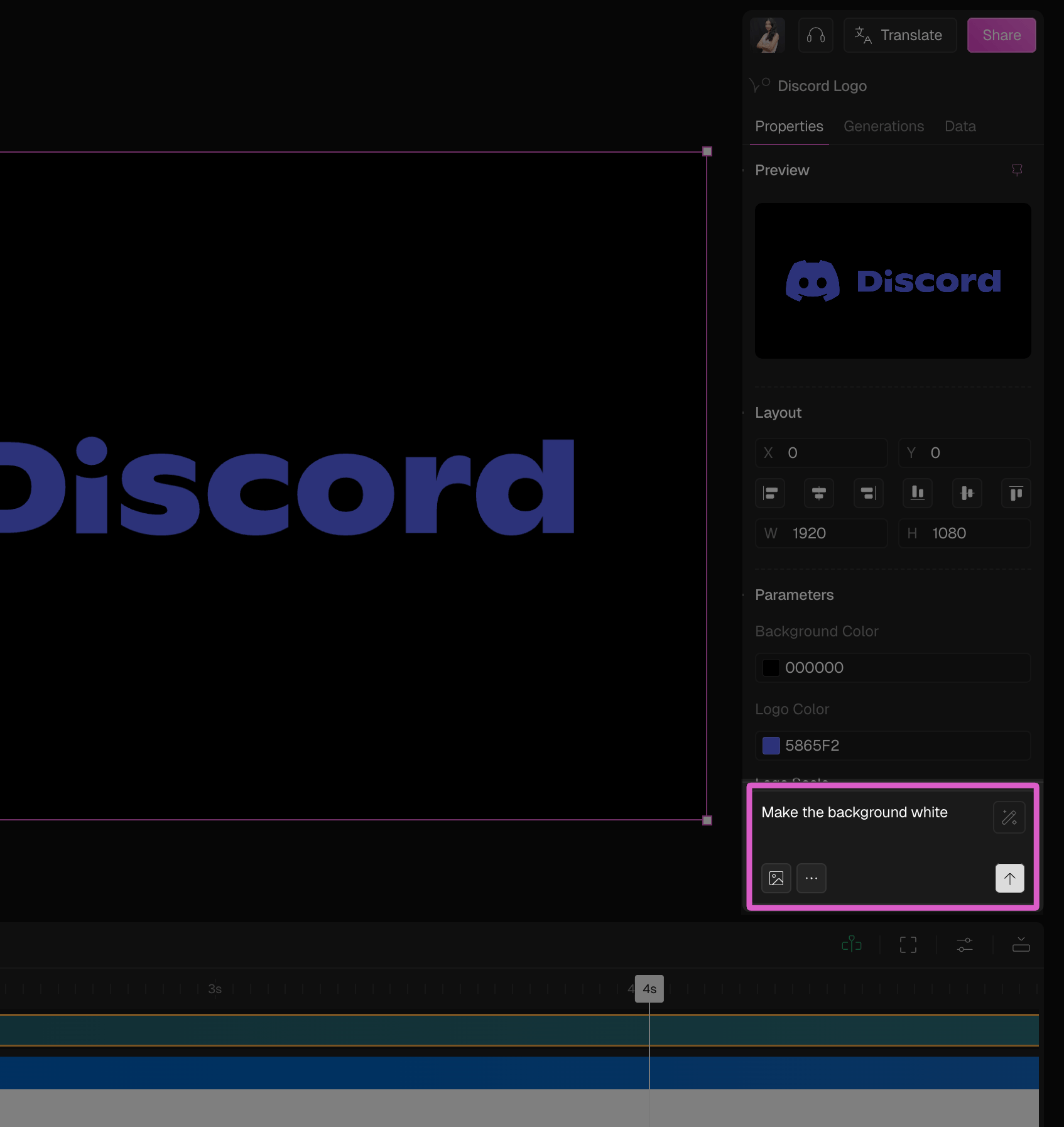
View version history
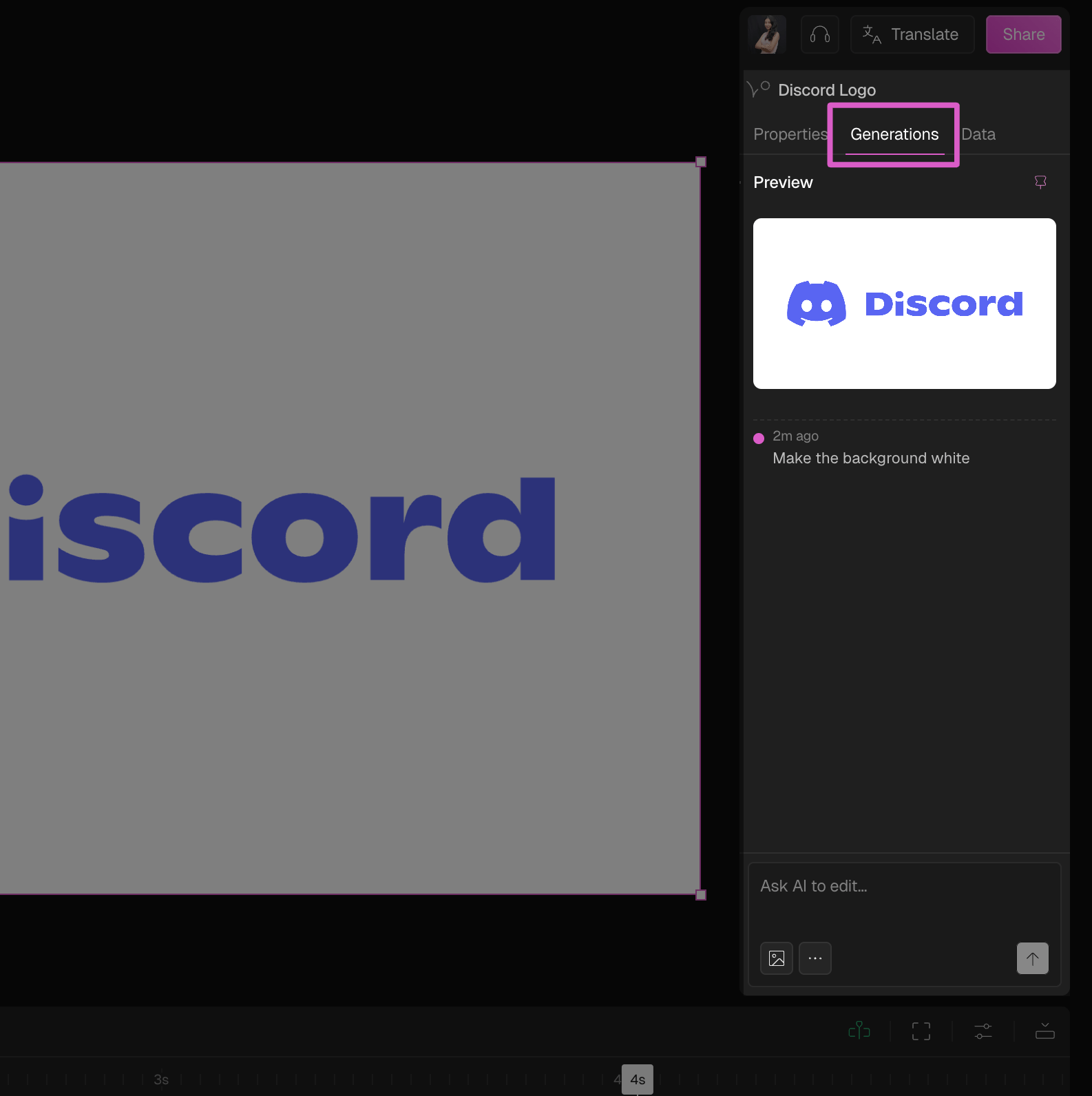
Click the Generations tab in the Properties panel to see all previously created versions of your animation. Select any generation to restore or compare it.