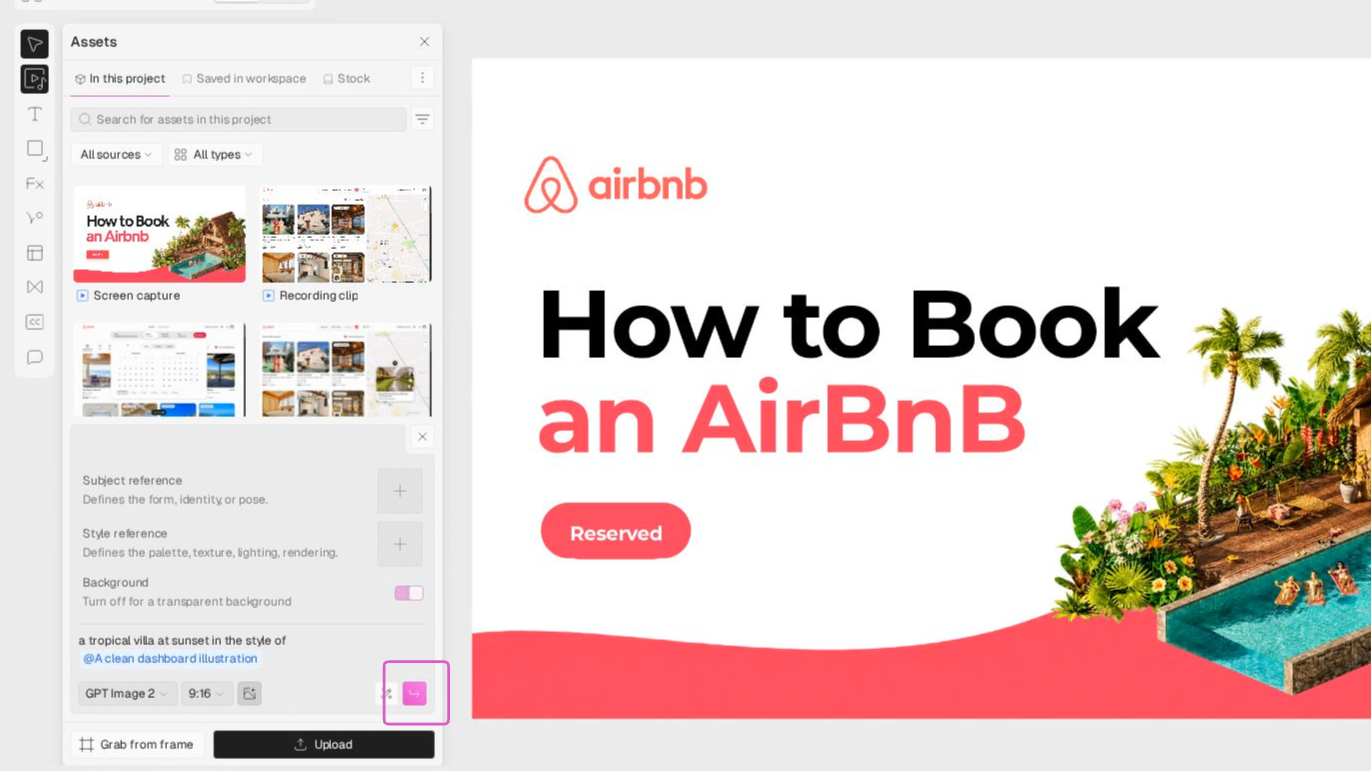
1
Open AI Media
Click the AI Media button in your editor’s toolbar to launch the image generation tool.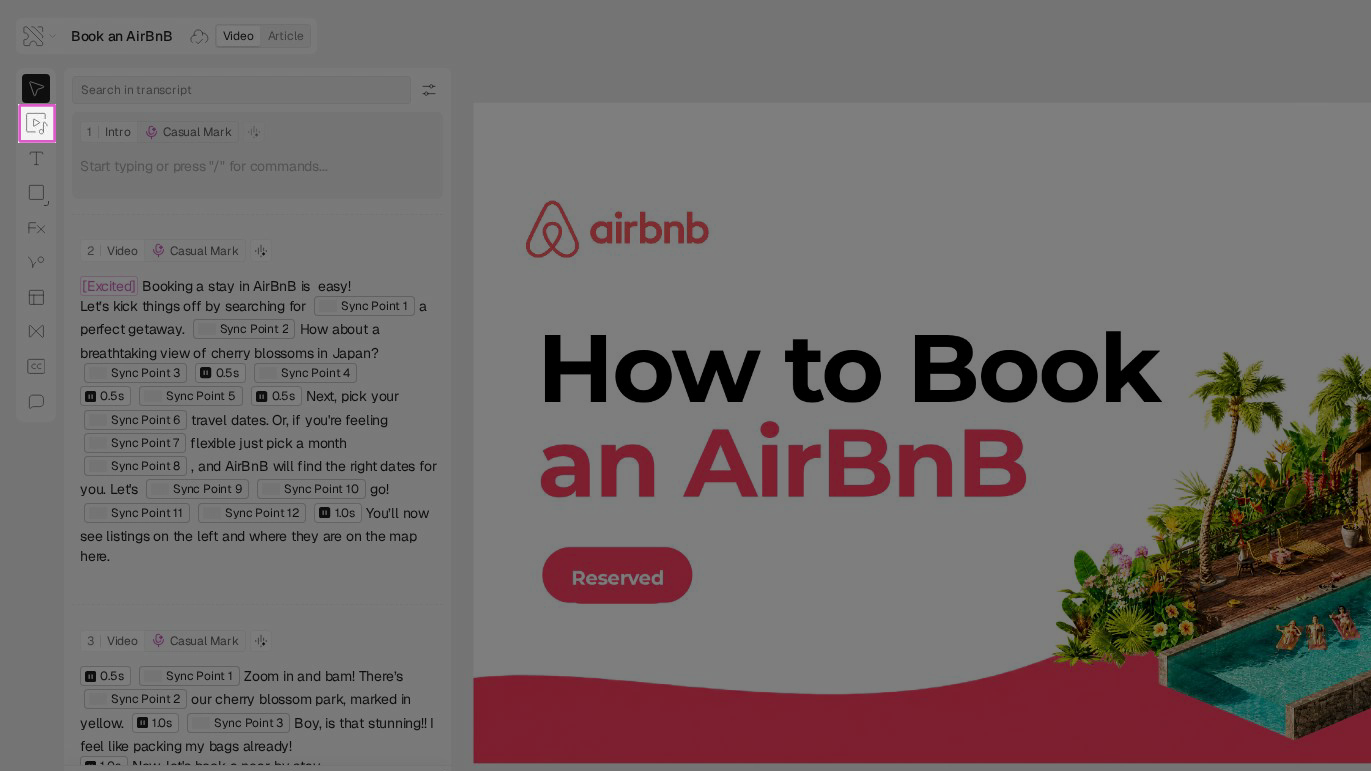
2
Enter a prompt
Write a clear description of the image you want to generate in the prompt input field.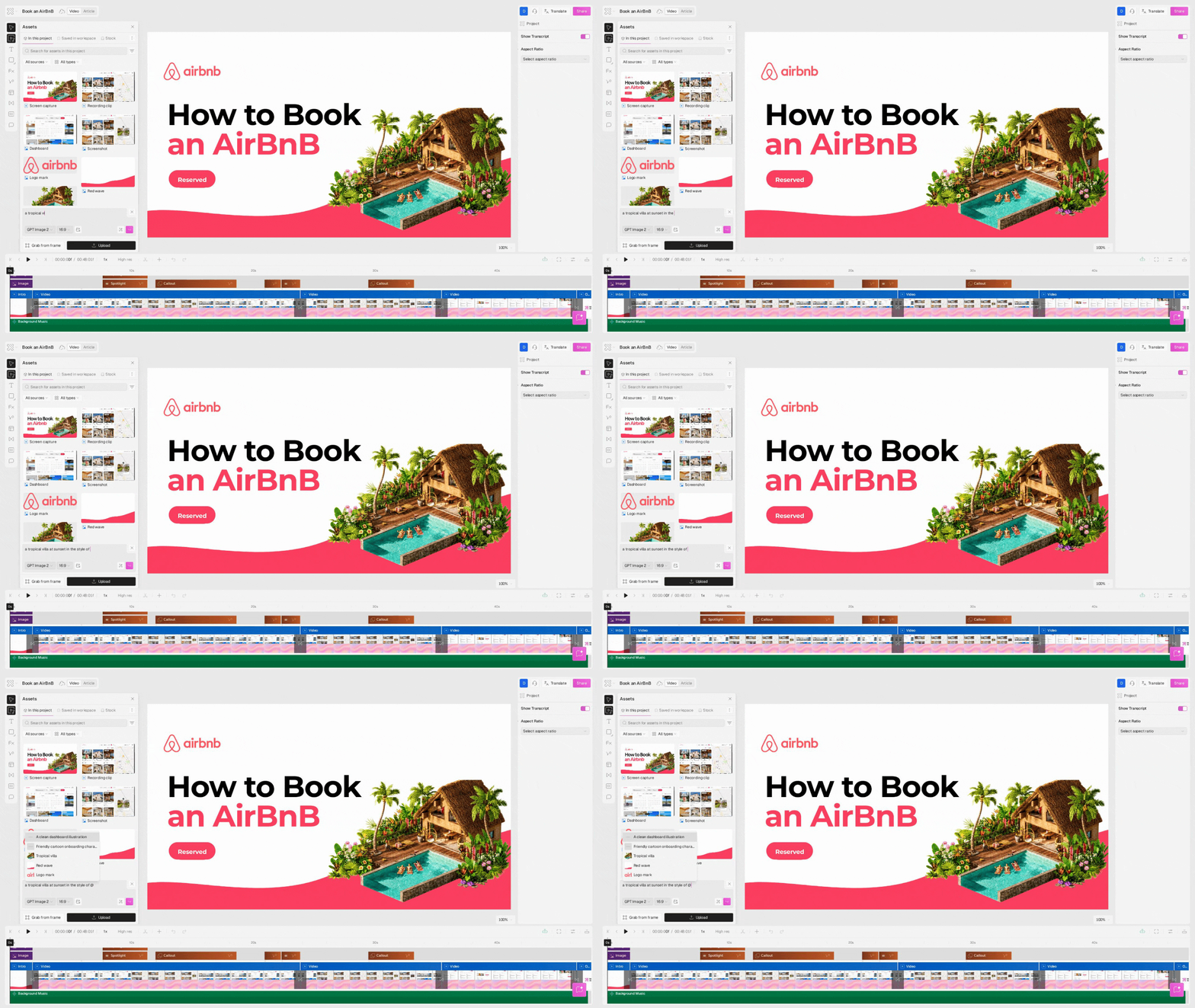
3
Open the Style menu
Click the Style button to open the style selection menu and view the available styles.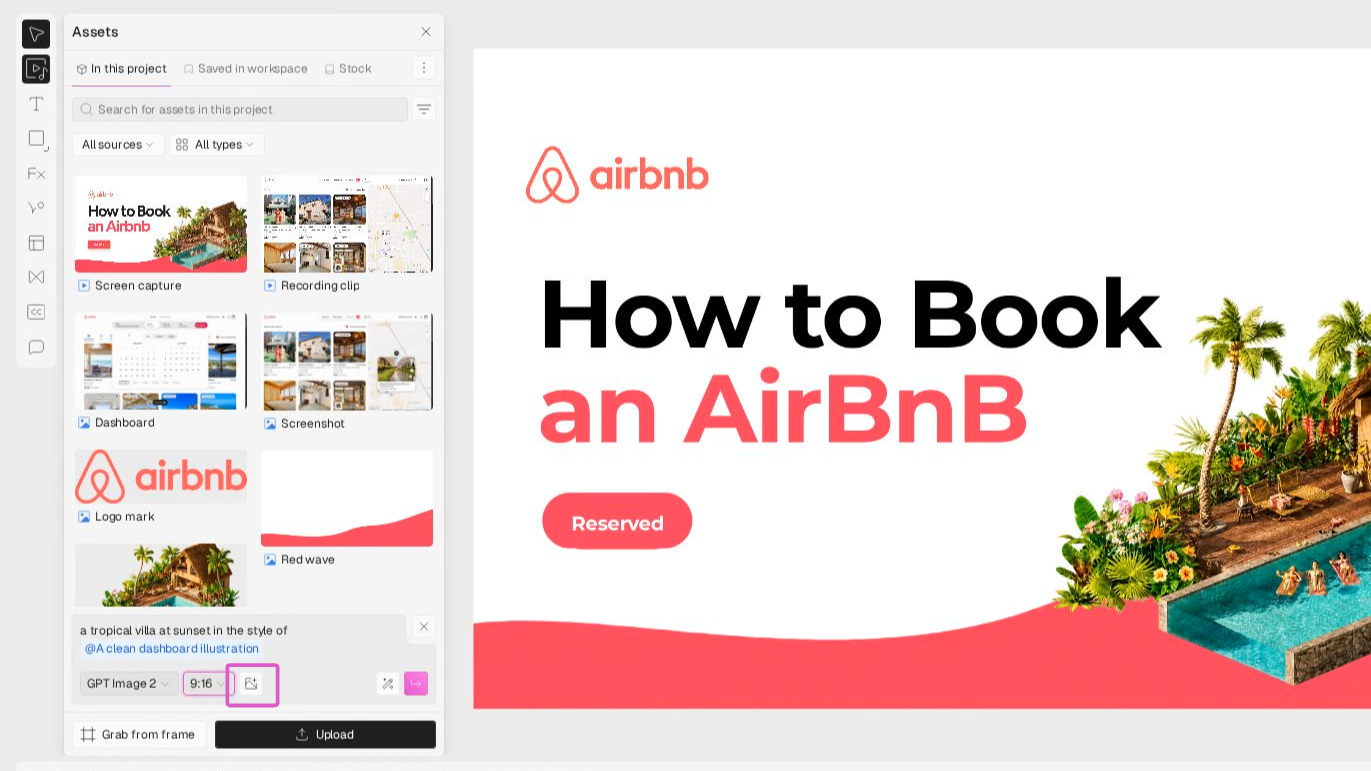
4
Create a new style
Click Create new style, give your style a name, and upload at least five images with a similar visual look to define the image’s overall mood and aesthetics.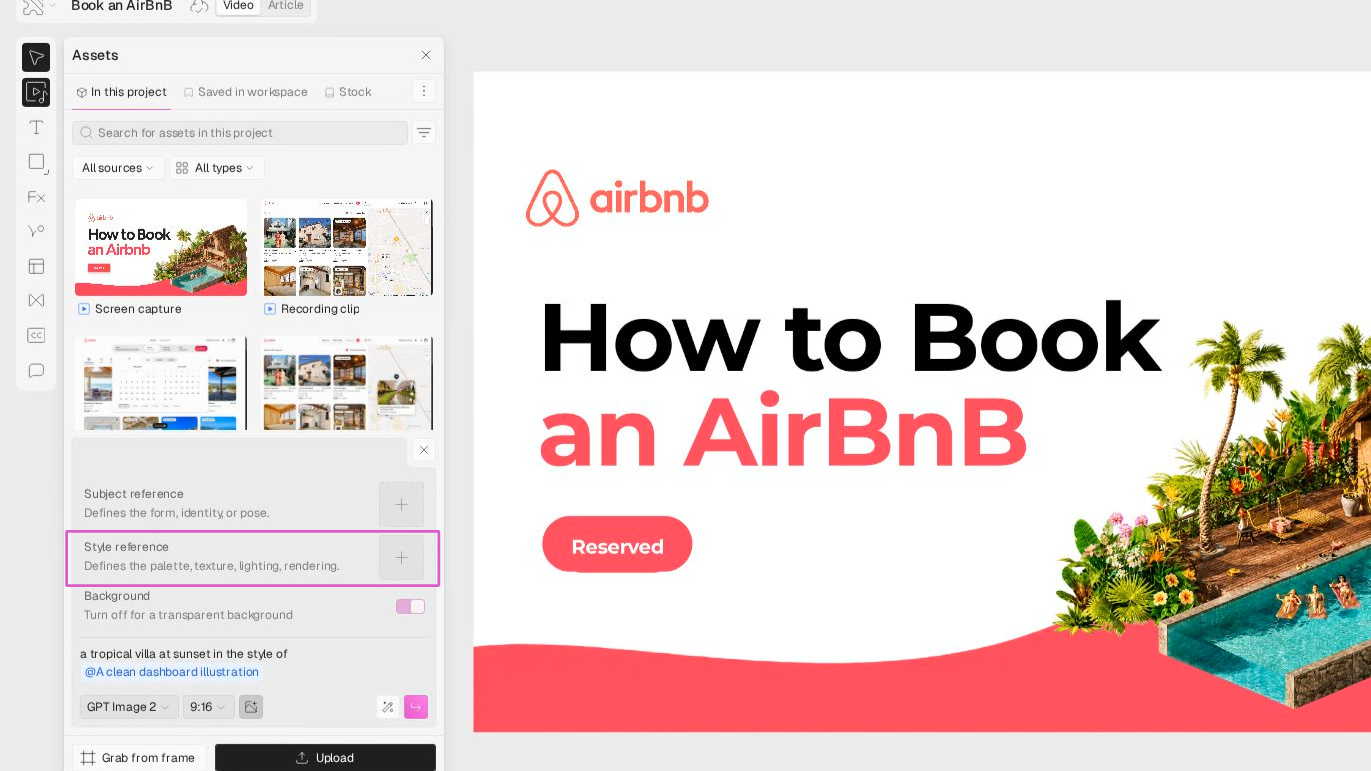
5
Select a subject image
Pick a subject image to keep the main person or object consistent across generated images.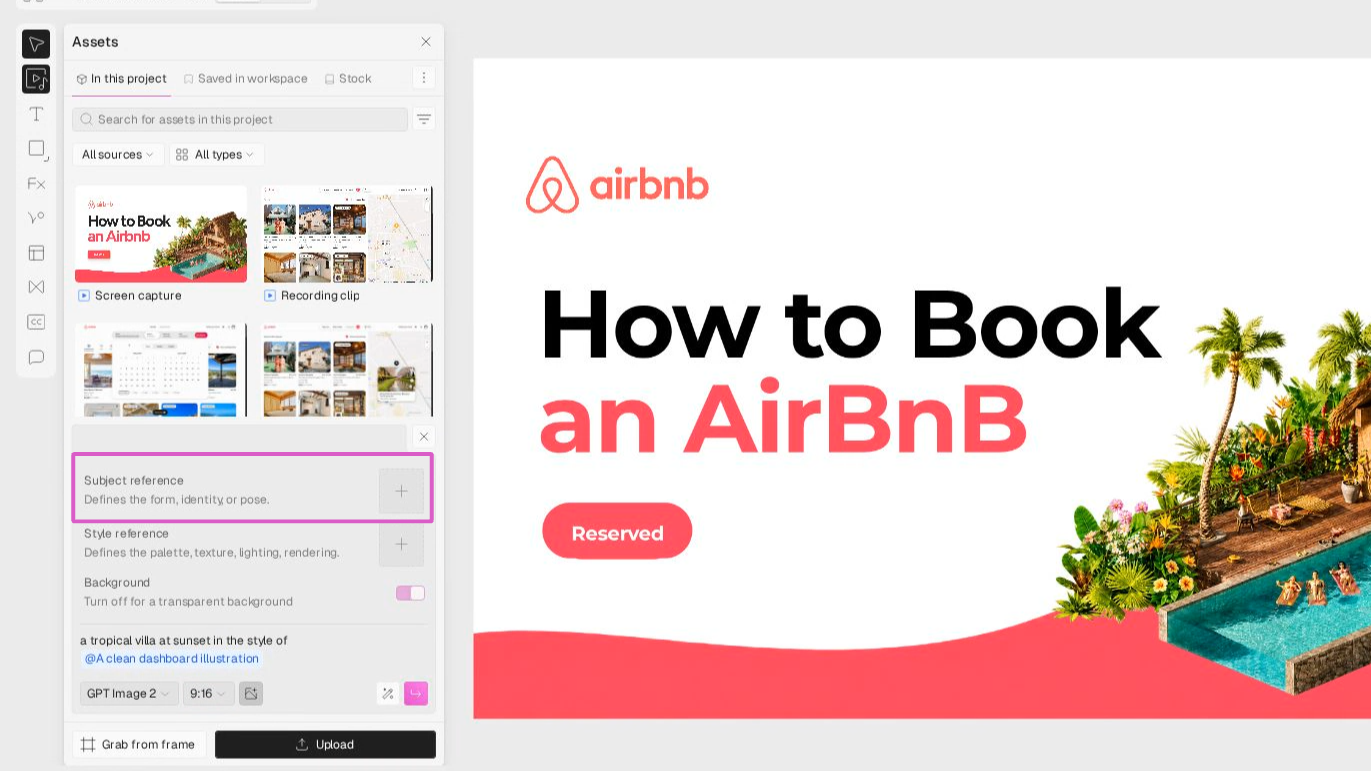
6
Generate the image
Click Generate Image to create your visual.Your new image will appear, ready for review or further editing.