

1
Open AI Media
From the editor, click Media in the left toolbar and switch to the AI gen tab to start generating an image.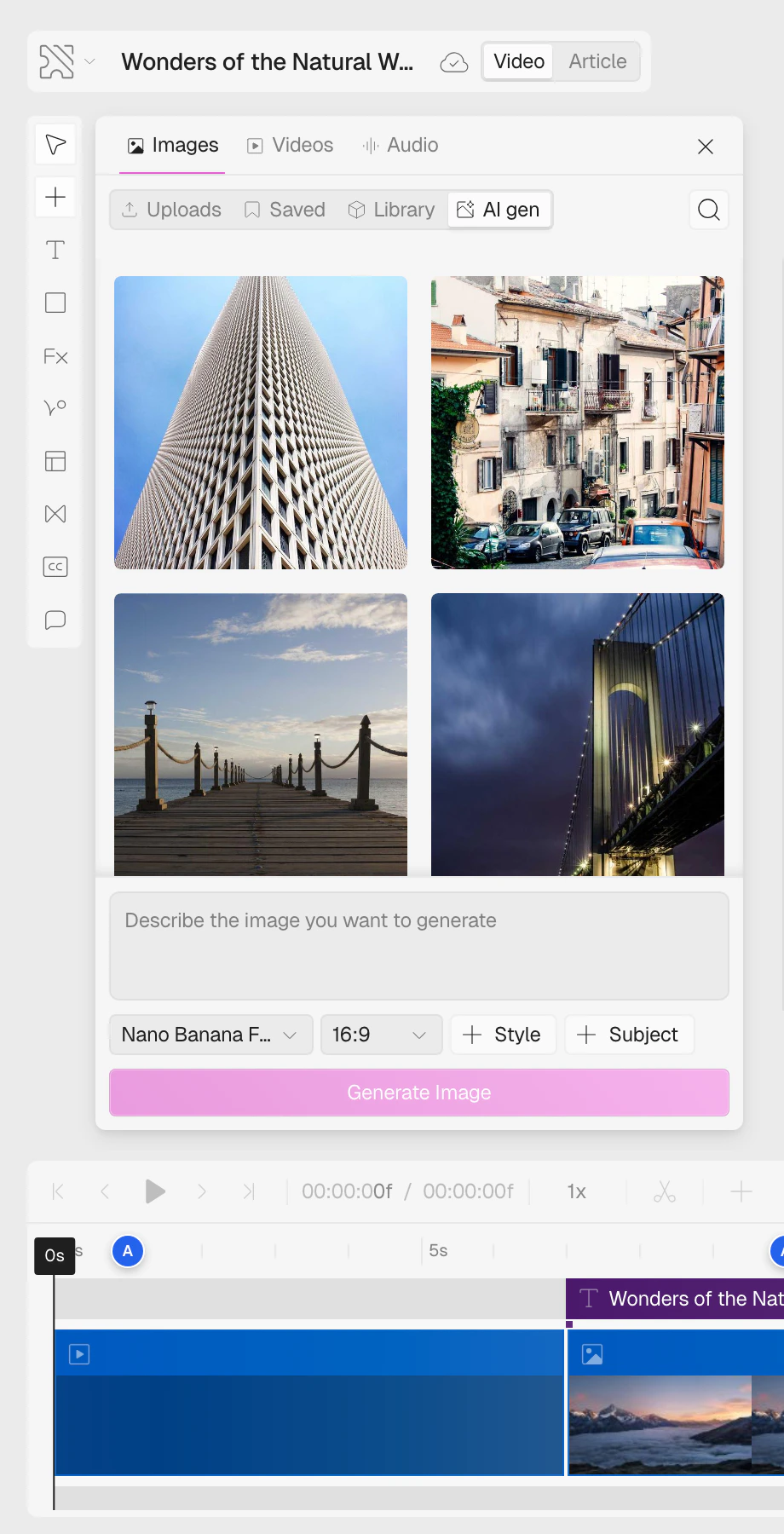
2
Enter a prompt
Add a prompt that describes what you want to generate. You can keep it simple or include more details to shape the final image.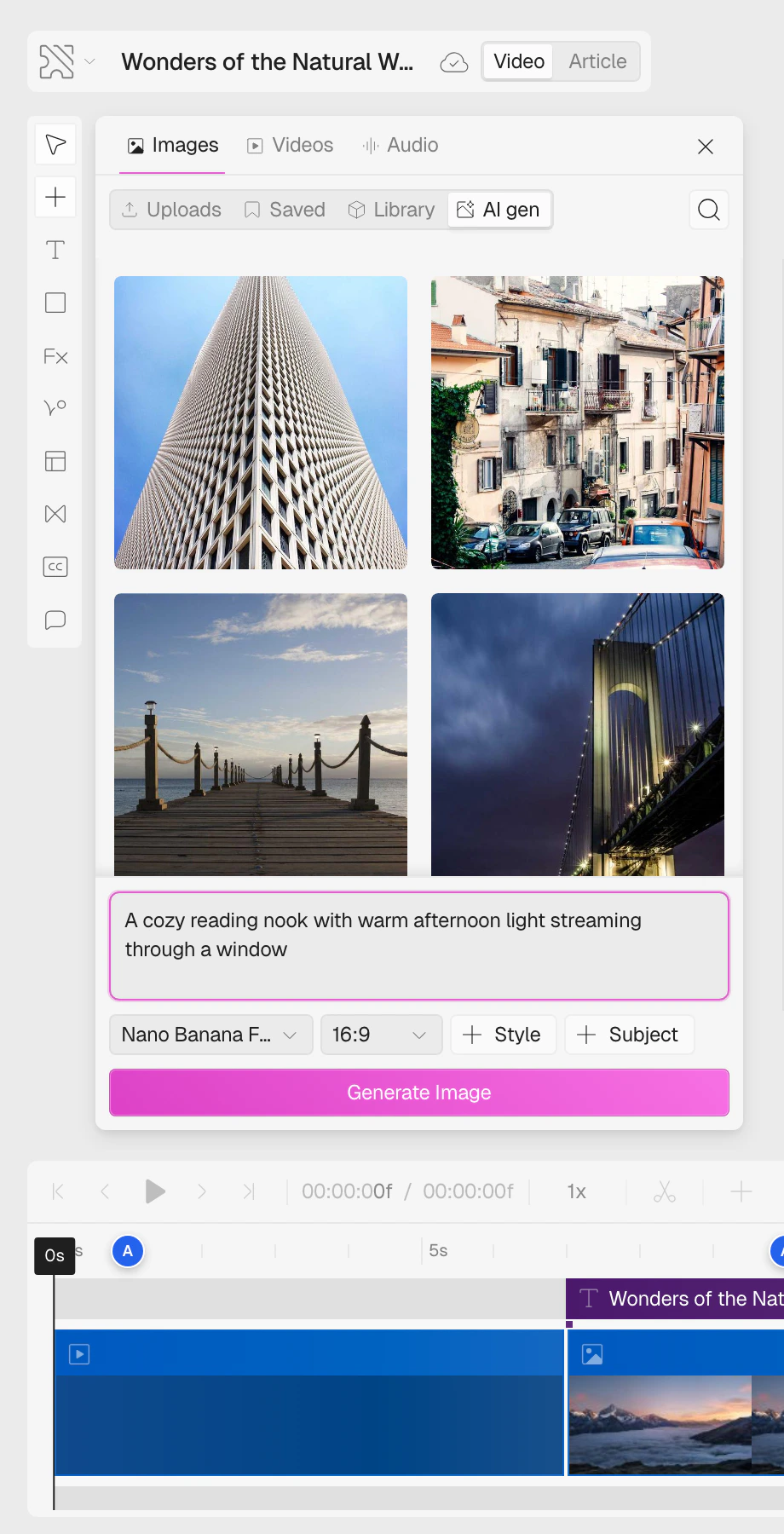
3
Choose an aspect ratio
Select an aspect ratio to define the image’s shape.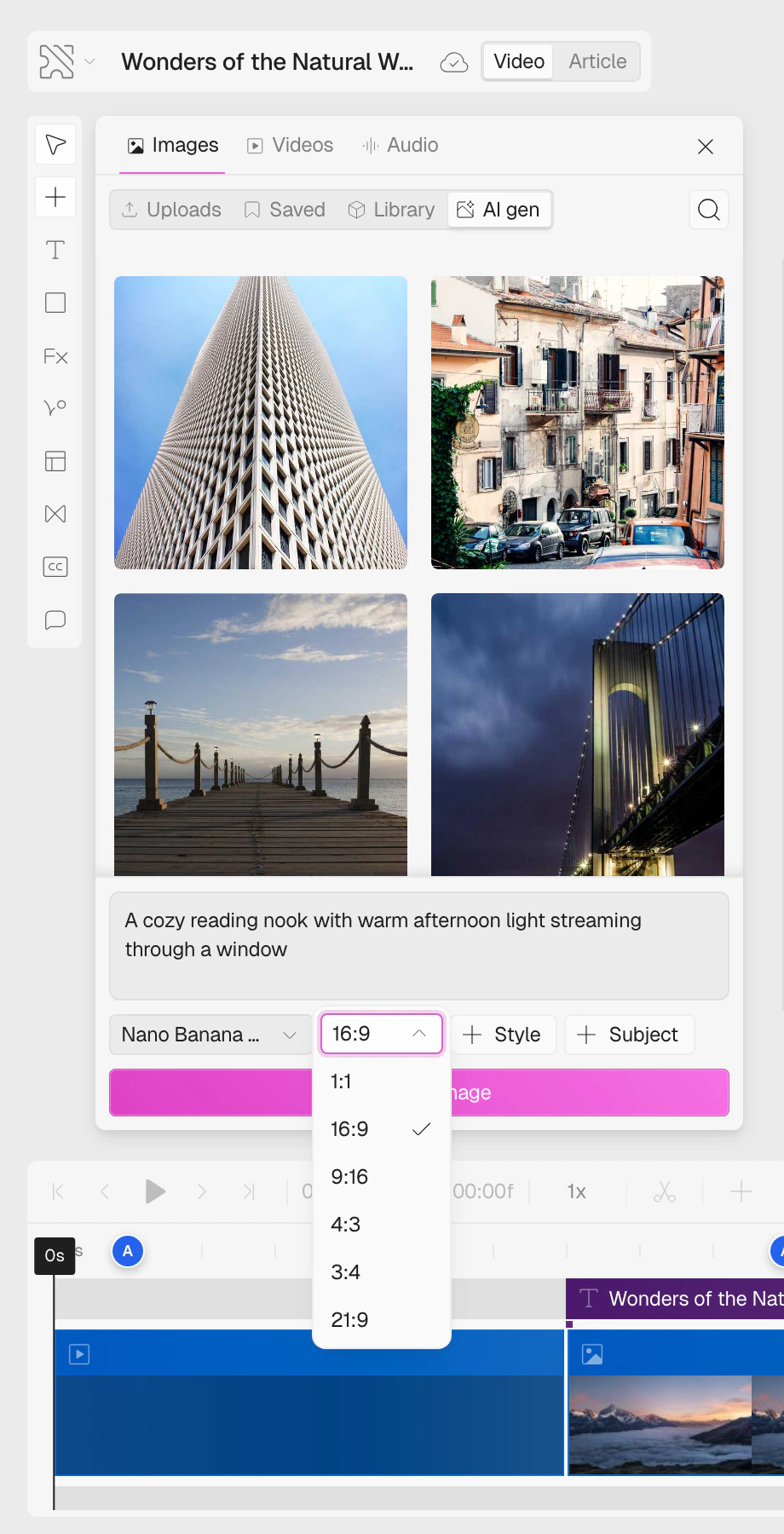
4
Choose a model
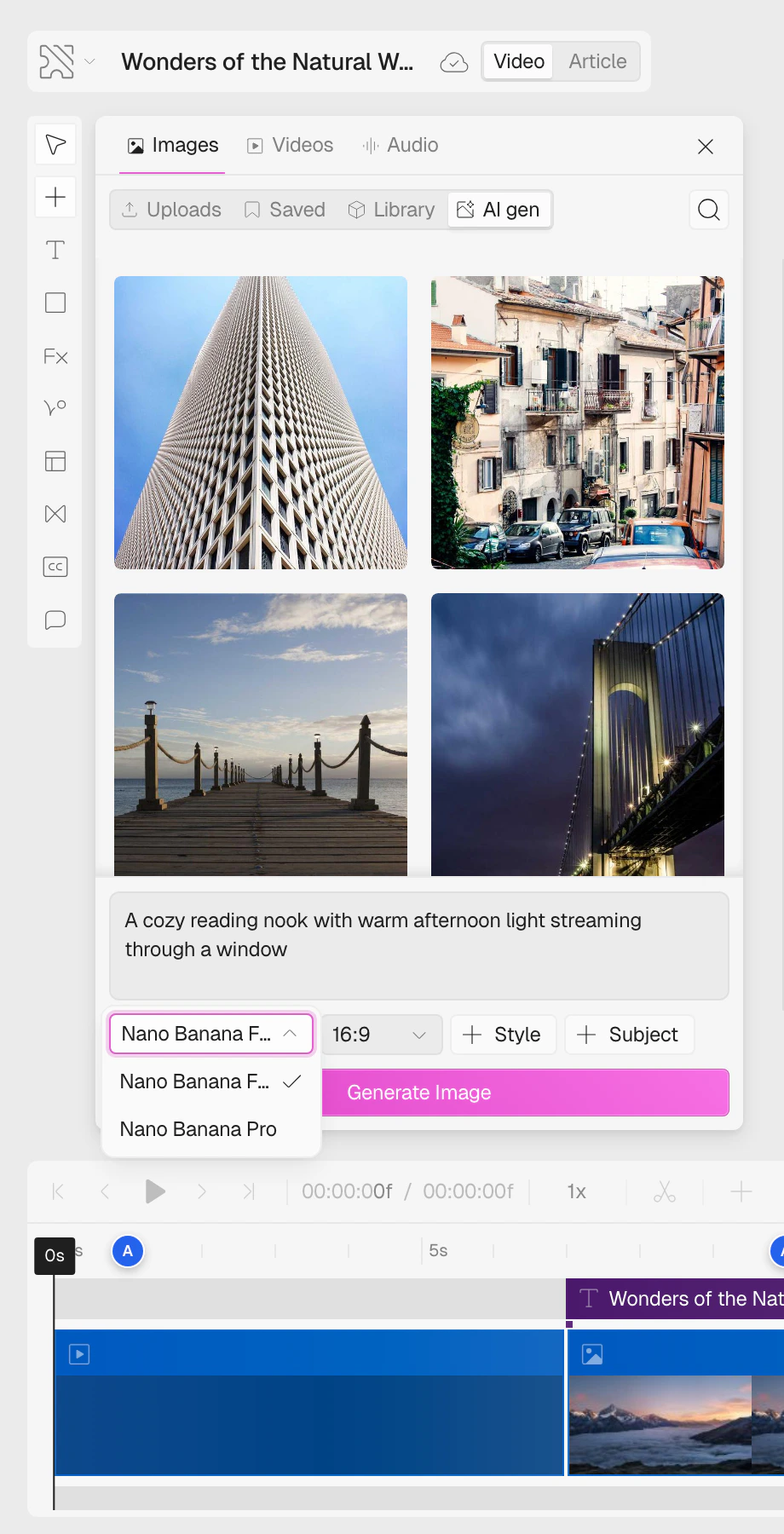
Choose one of the available image models:
- Nano Banana Flash generates images faster.
-
Nano Banana Pro takes longer, but produces more detailed results.
5
Generate the image
Click Generate Image to create the result. Once the image is ready, you can insert it into your project or regenerate it with updated settings.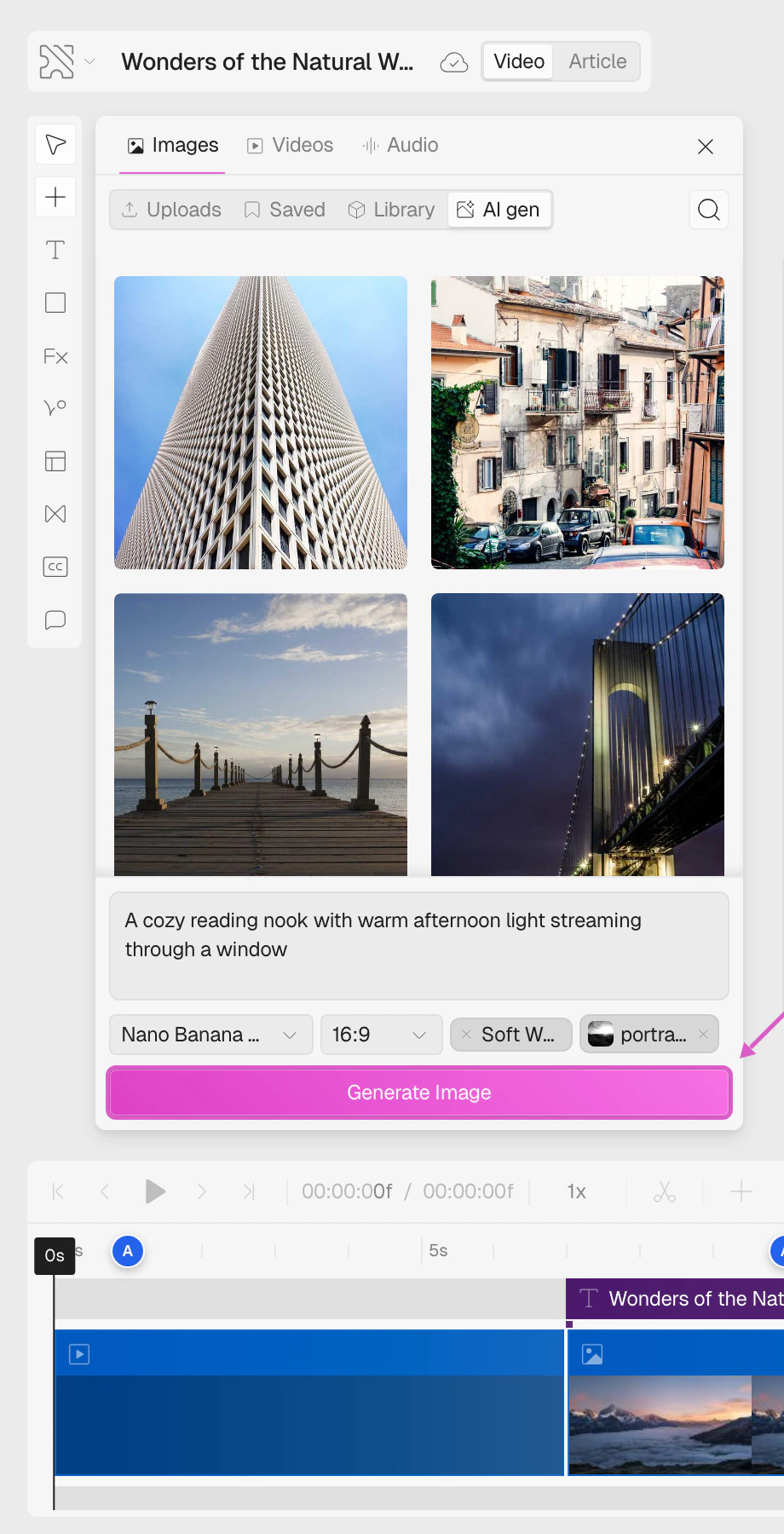
You’ve generated an image using a prompt, aspect ratio, and model selection.