

Using Brand Kits
1. Open Brand Kit
Click Brand kit in the sidebar to access your brand kits. Your default kit appears at the top, displaying its logos, colors, fonts, icons, and voice.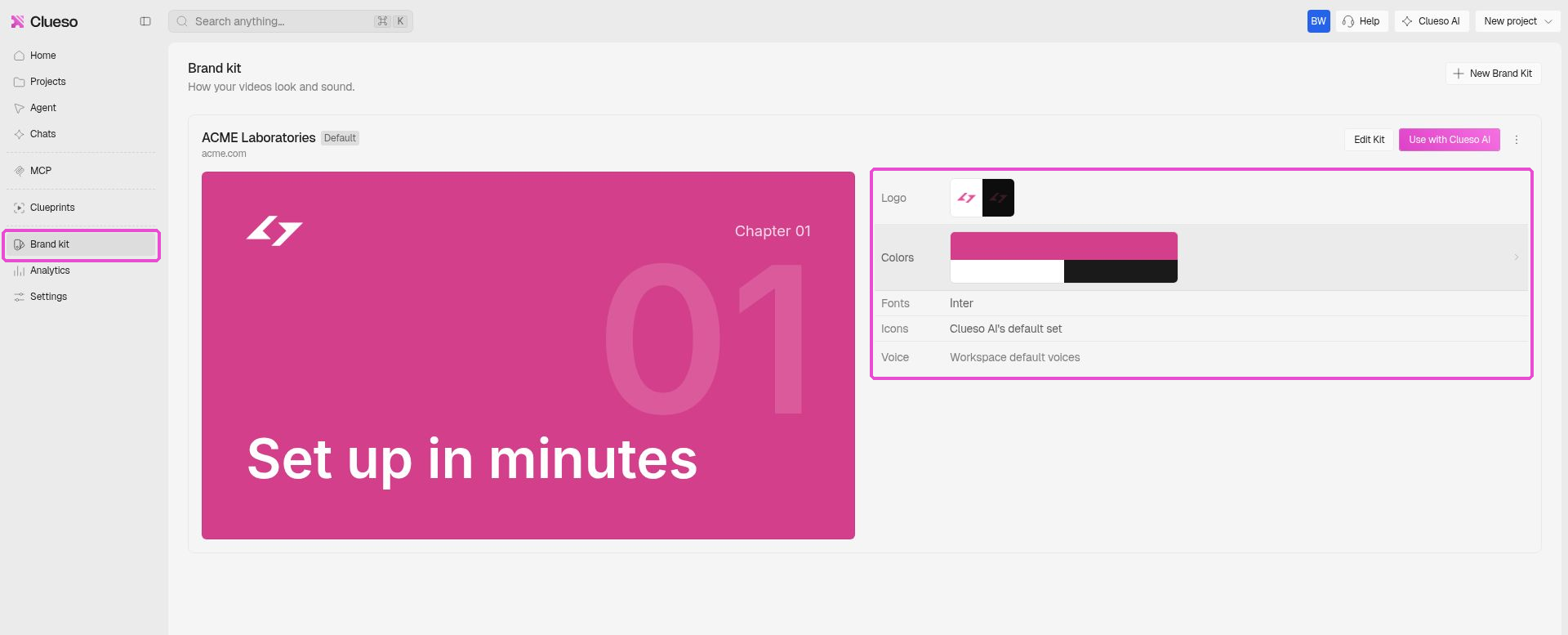
2. Create or Edit a Brand Kit
Click New Brand Kit to create a new kit, or click Edit Kit to modify an existing one.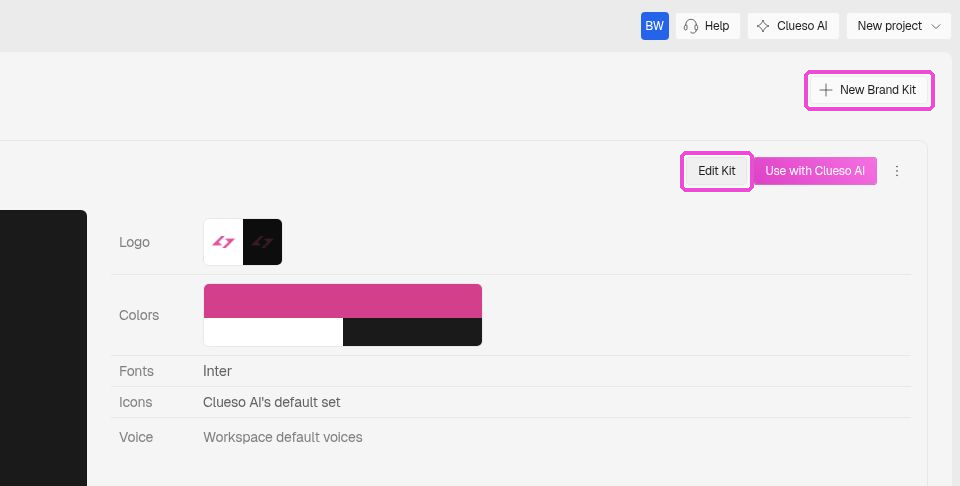
3. Import Brand Assets from Your Website
In the kit editor, open the kit menu and select Update from Website. Enter your website URL and click Read Website. Choose the sections you want to import, such as logos, colors, fonts, images, and company profile. Once you’ve made your selections, click Update to apply them to your brand kit.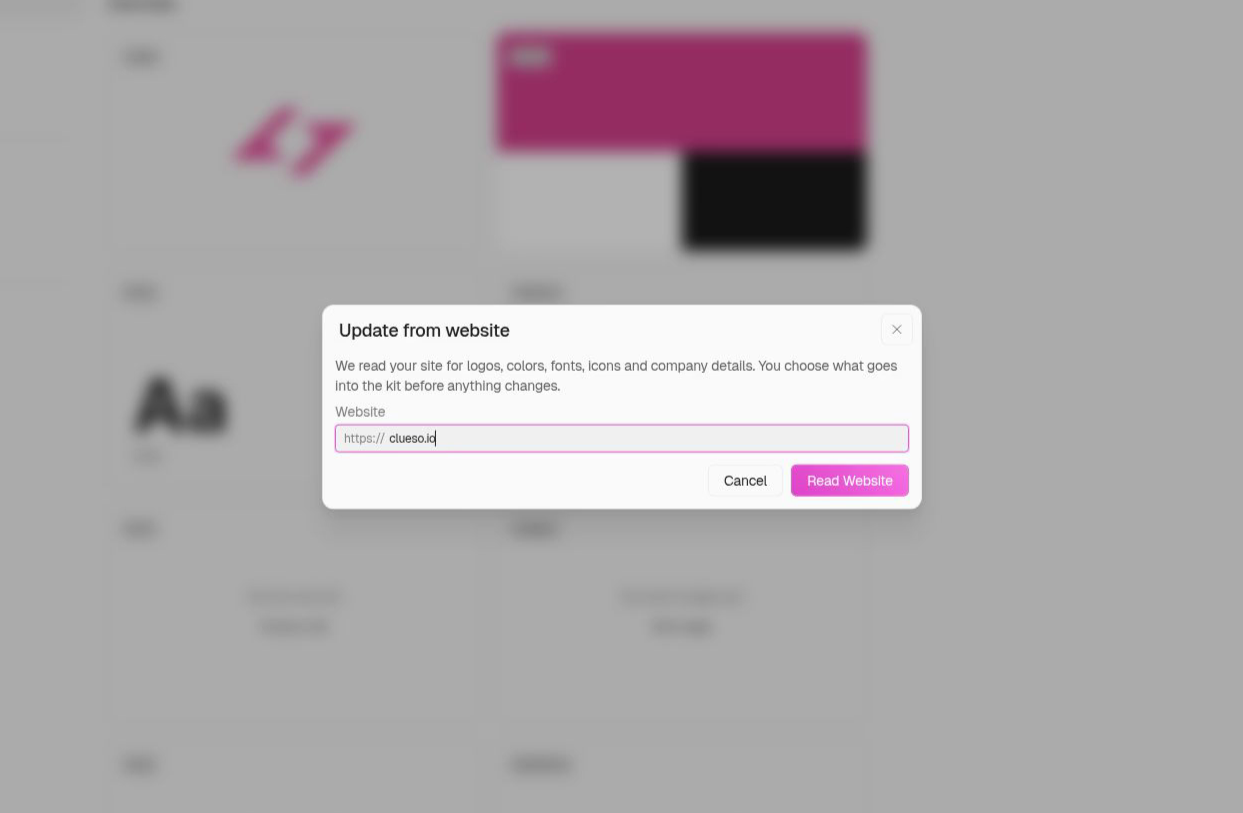
4. Name and Tag Your Colors
Open Colors to manage your brand colors. Give each color a name, then use Used as to assign its role: Background, Text, Accent, Accent 2, or Other. Click a color swatch to edit the color or convert it into a gradient.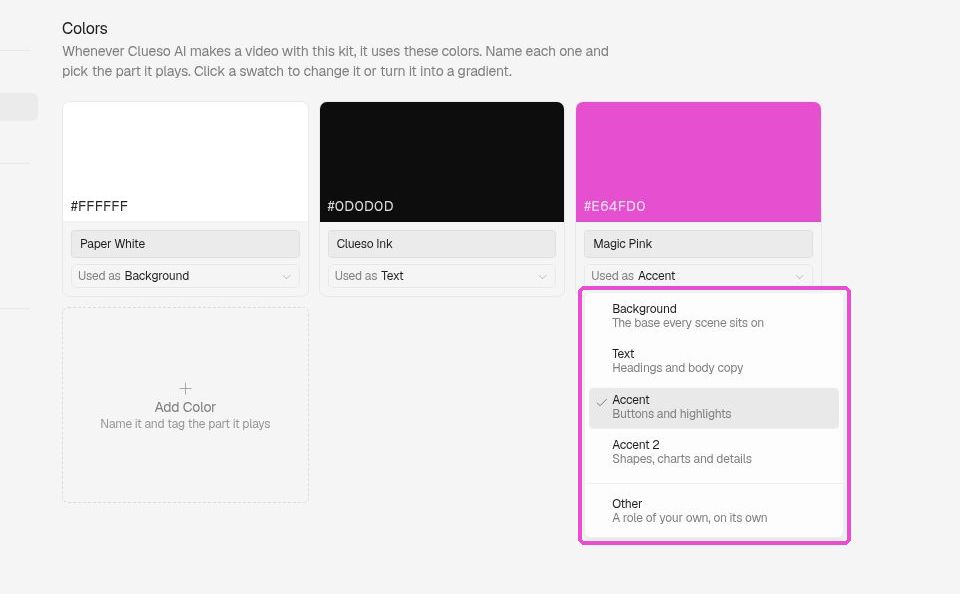
5. Set Fonts and Weights
Open Fonts to customize the typography used in your videos. For each text role, from Title large to Body, select a font from the available list or upload your own. You can also choose the appropriate font weight for each role.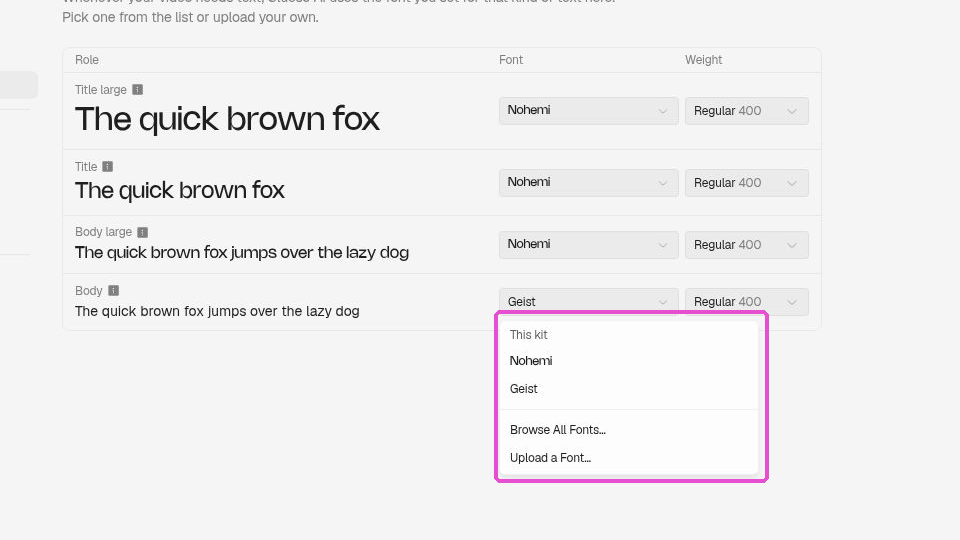
6. Choose Captions and Icons
Open Captions and select a default caption style for your videos. Next, open Icons, click Add Set, and browse an icon library such as Lucide or upload your own icon set.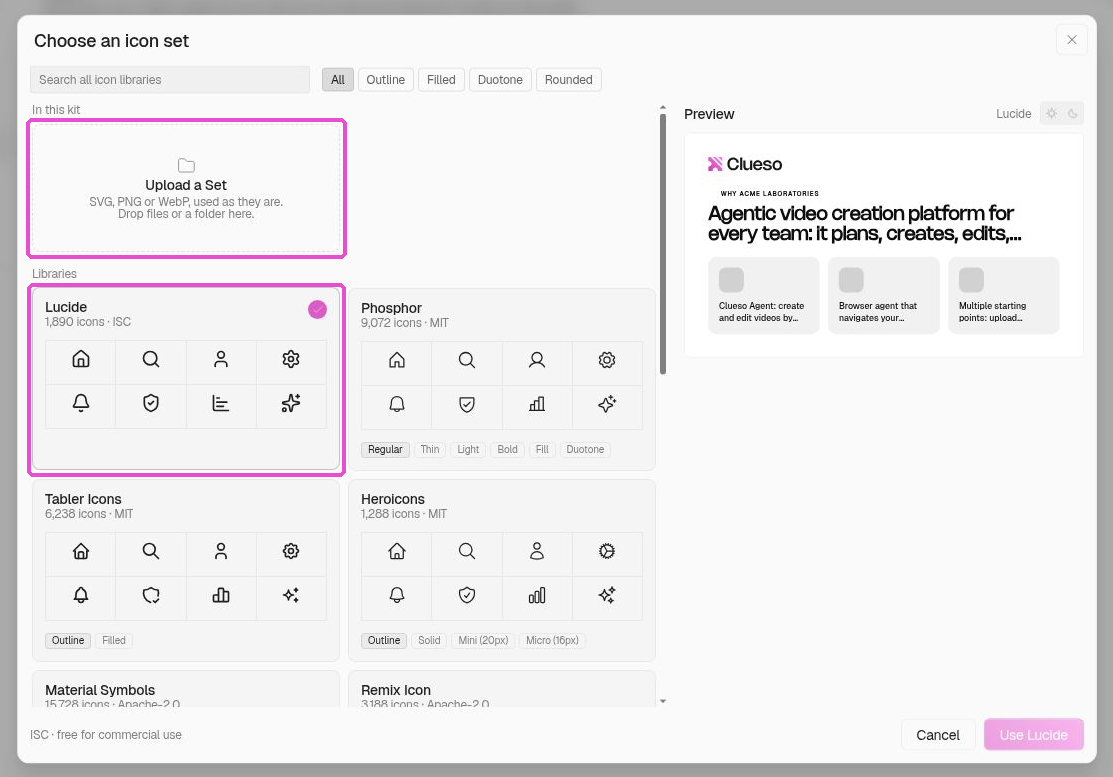
7. Use Brand Kits with Clueso AI
Click Use with Clueso AI to start creating a video with your selected brand kit. In the prompt, use the brand kit menu to choose the kit for your project or use the workspace default. This lets each project maintain the appropriate branding.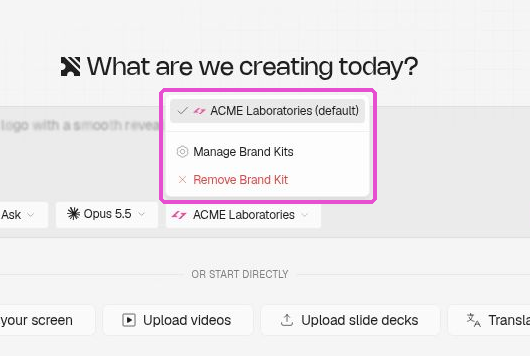 And that’s it 🎉 You’ve successfully set up your brand kit, helping you keep every video consistent, no matter who creates it or which brand it’s for!