

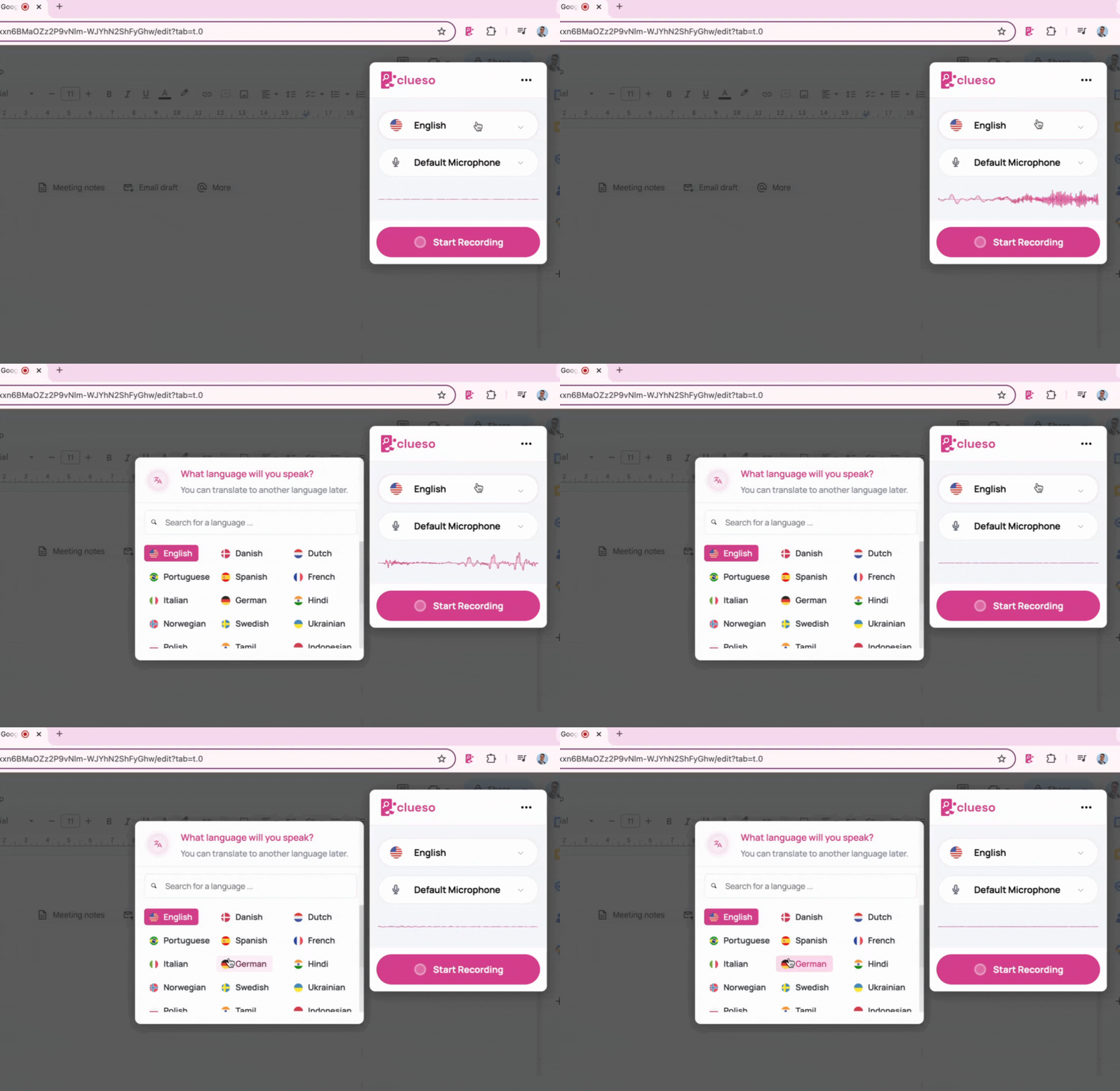
Recording options
Recording Language
Change the input language while recording videos
When you record in Clueso, the extension uses your audio to automatically construct a script. To get accurate results, make sure you set the input language correctly so Clueso can analyze your video.
By default, the input language is set to English. If you wish to record in a different language, click on the language drop-down from the chrome extension. Select your desired language from here.