1
Click Upgrade
In your workspace, go to Settings > Billing and click Upgrade.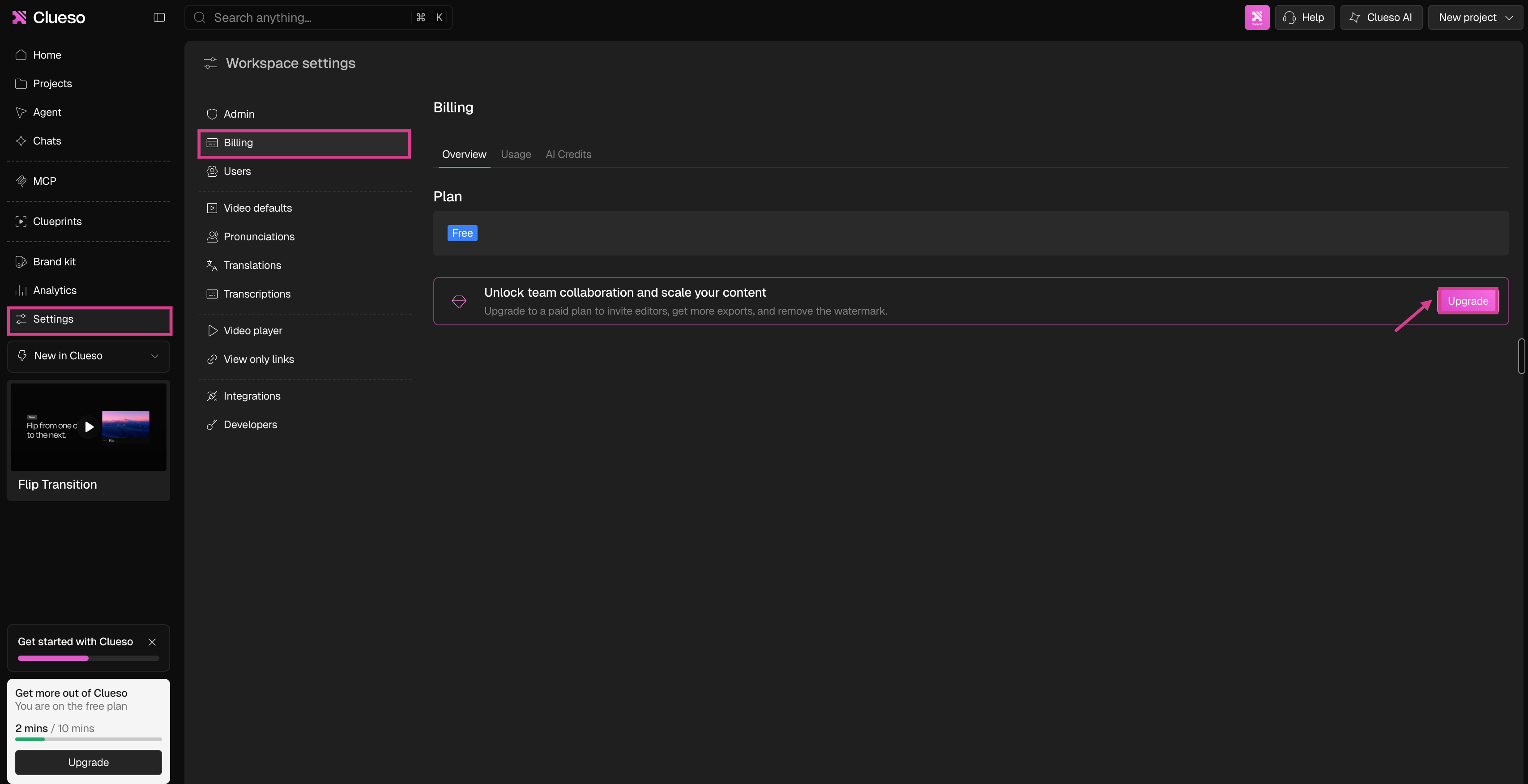
2
Choose monthly or annual billing
At the top of the page, switch between Monthly and Annual to compare pricing.
3
Pick minutes or seats and adjust the slider
On the Business plan, use the dropdown to choose what to increase: export minutes or seats. Drag the slider to increase your minutes or seats. The price updates as you go.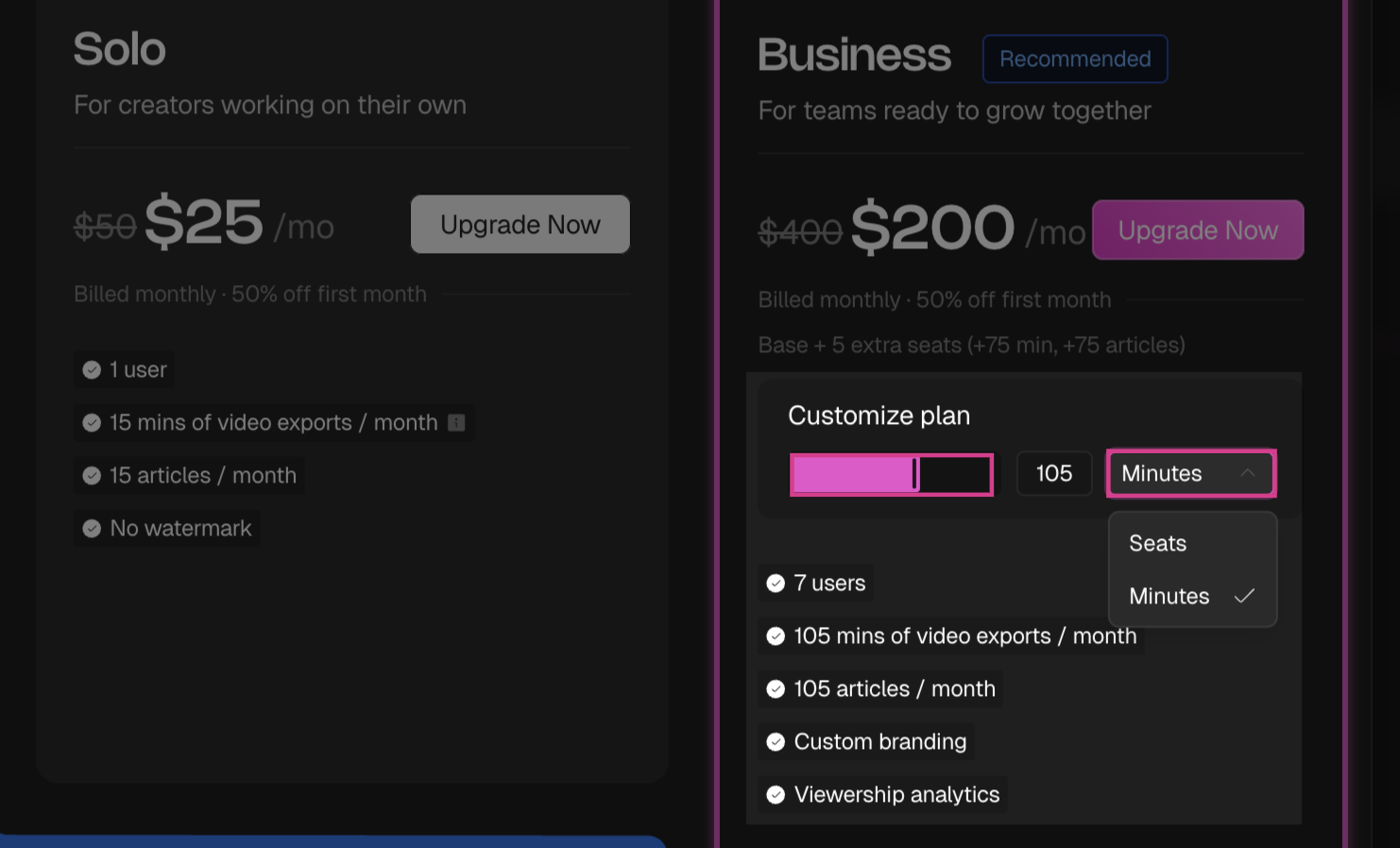
4
Complete upgrading
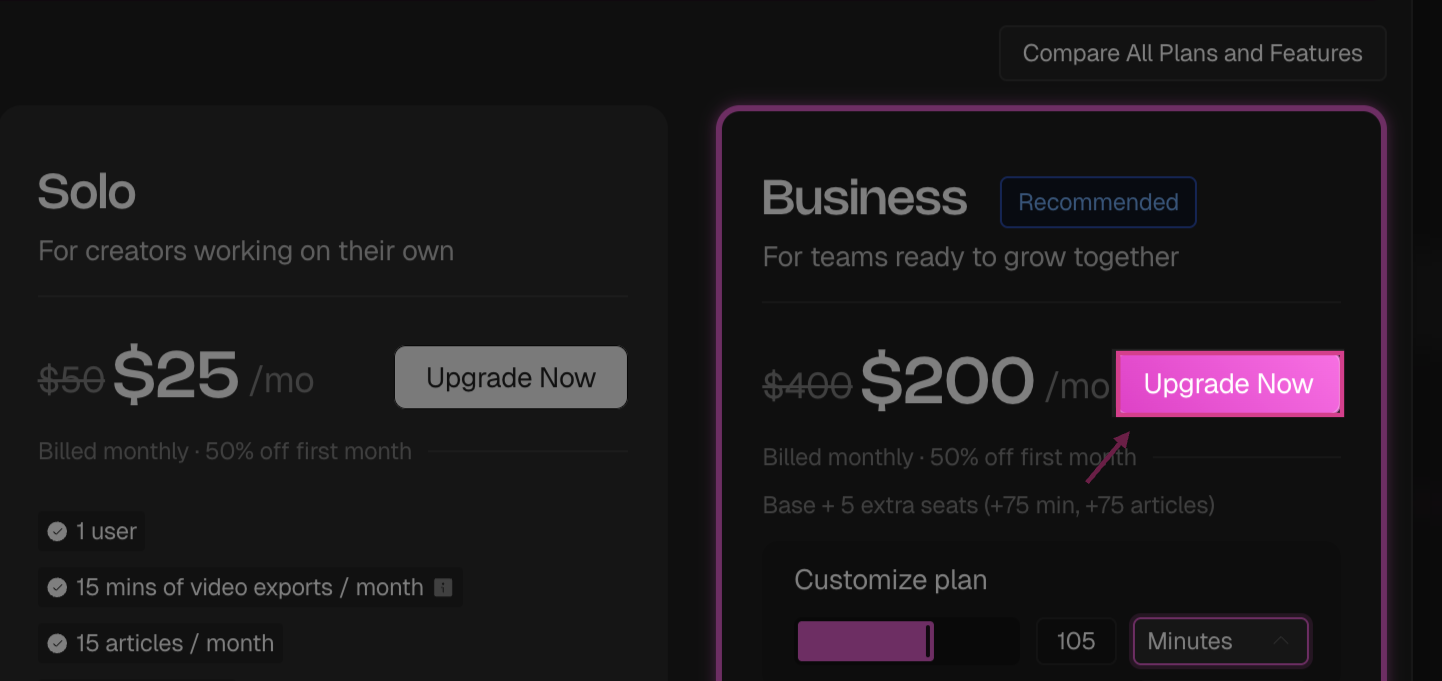
Click Upgrade Now to complete your upgrade.