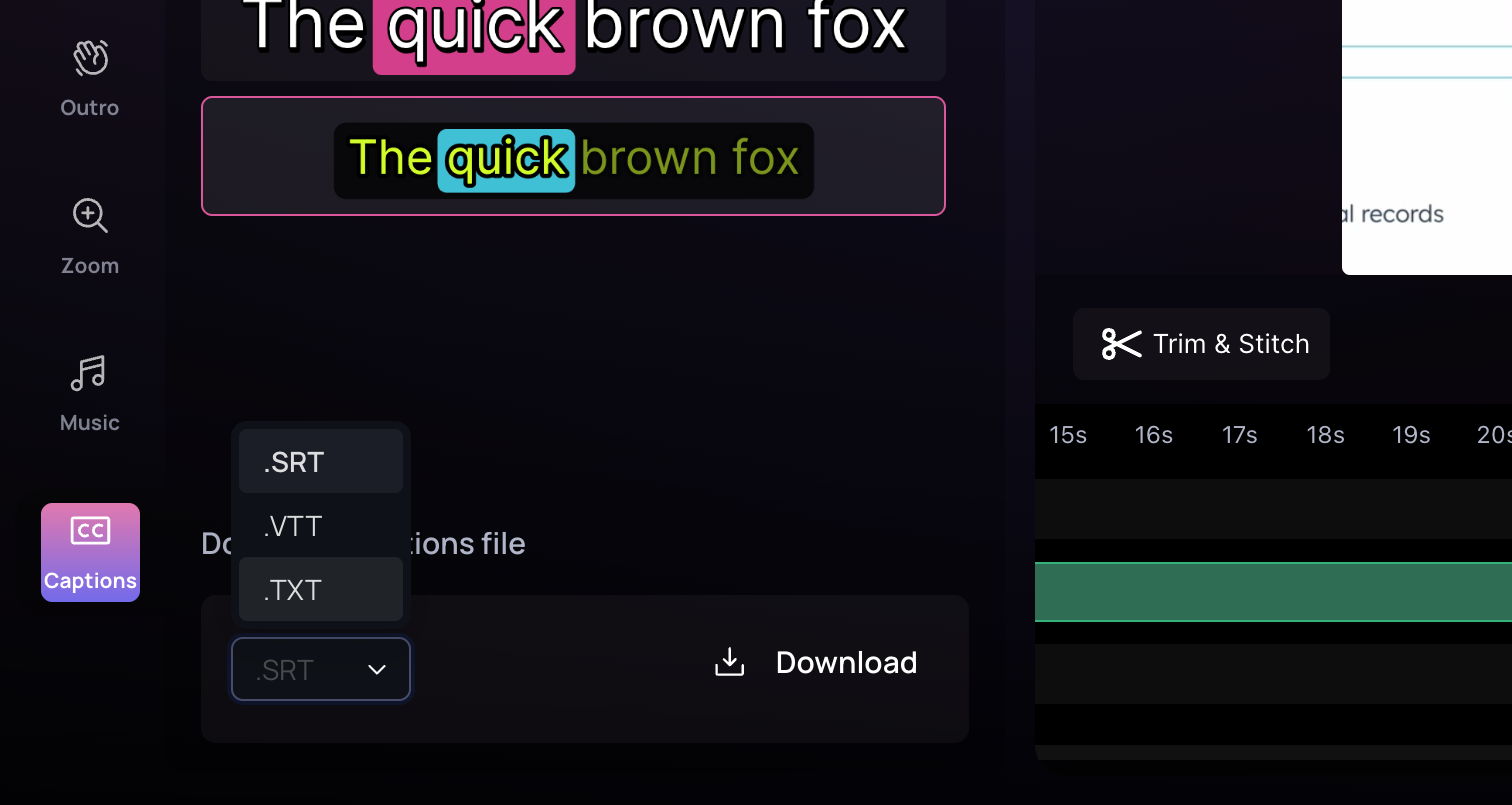
Follow these steps to add captions to your video:
1
Click on the Captions menu located on the left side of the screen.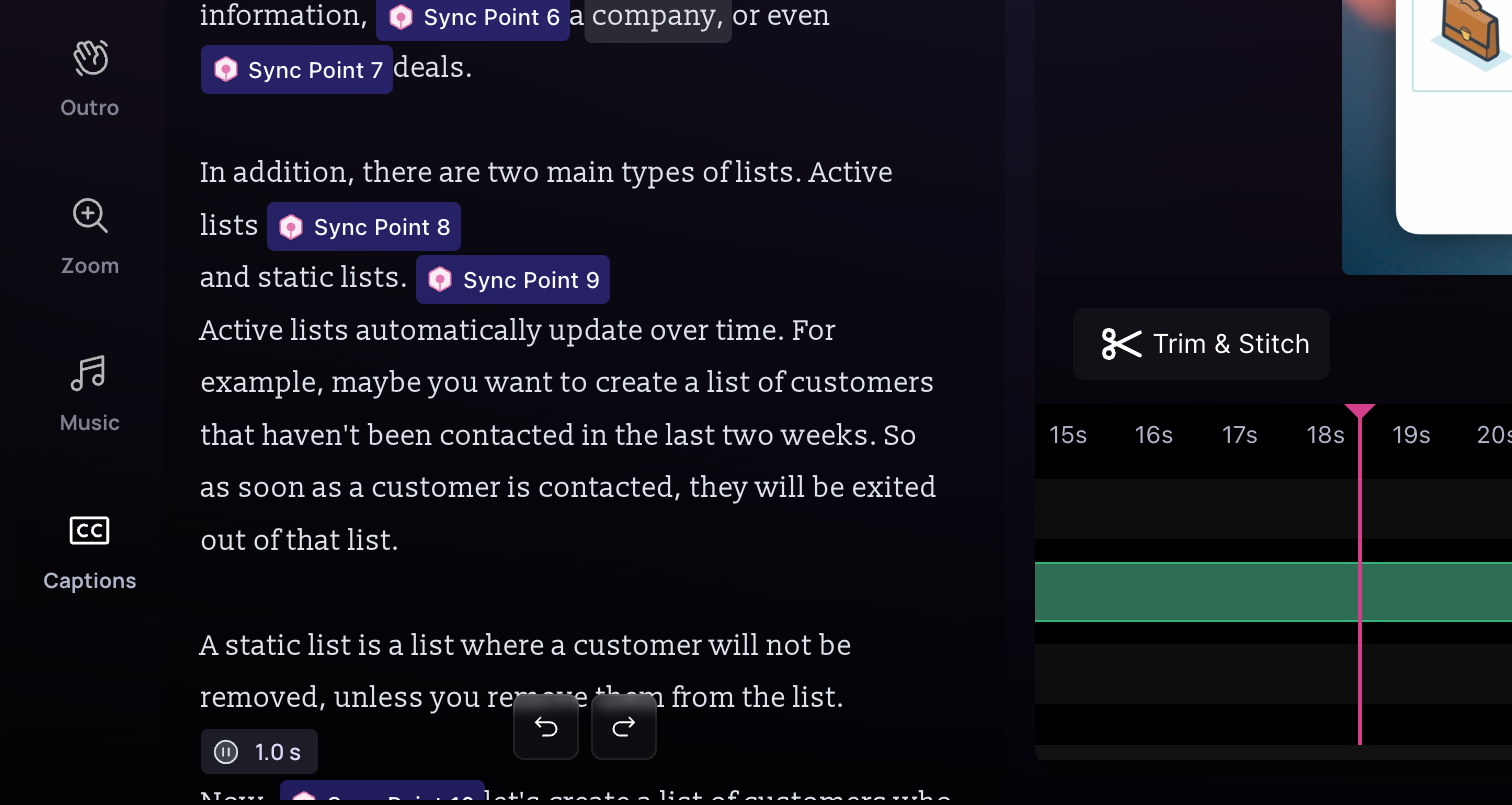
2
Explore the variety of caption styles available. Hover over any subtitle
style to preview its animation, then click on the style to apply it to your
video. 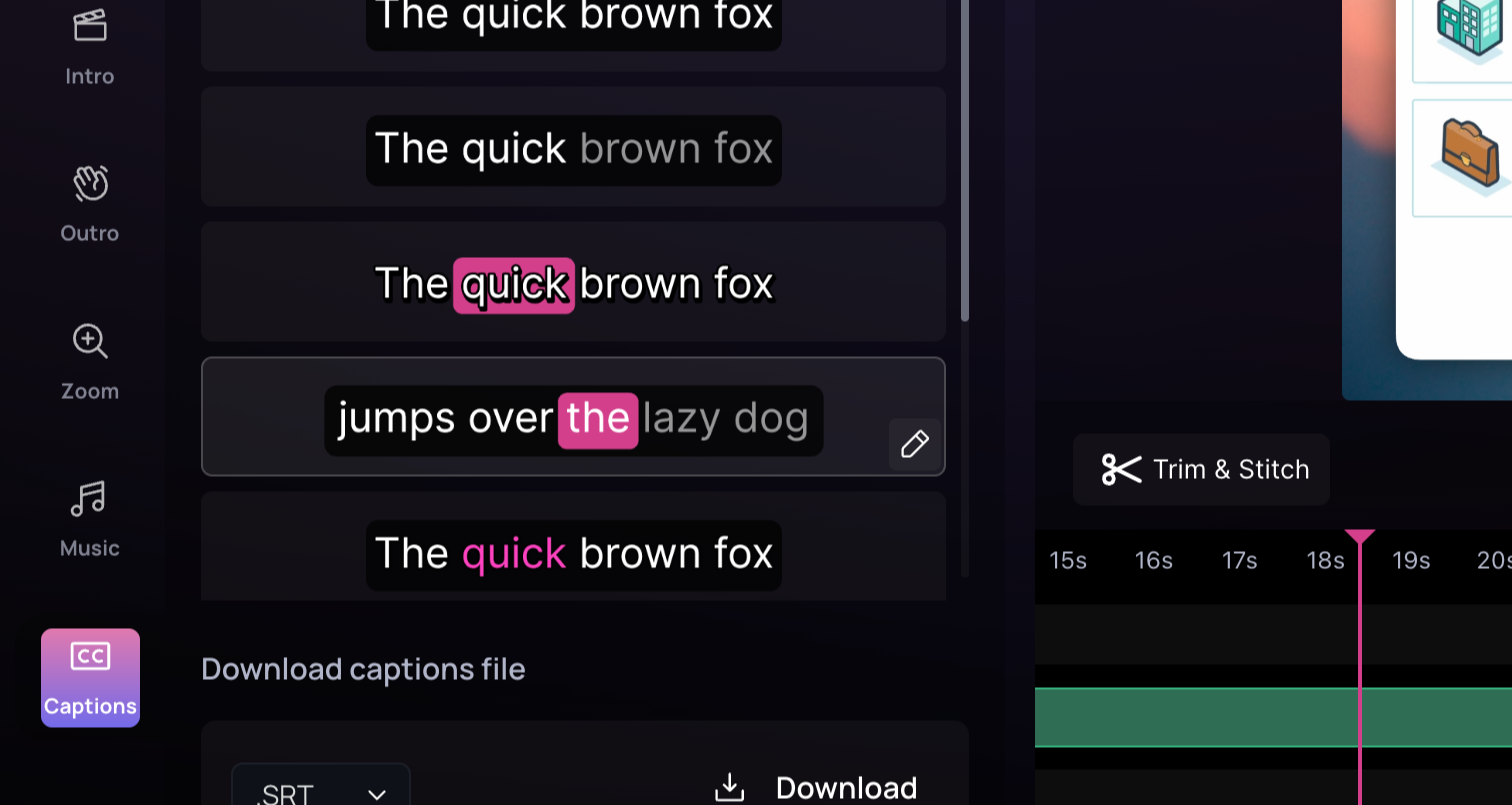
3
Apply the chosen style and play your video to see it in action.
4
To customize the subtitle, click on Edit style.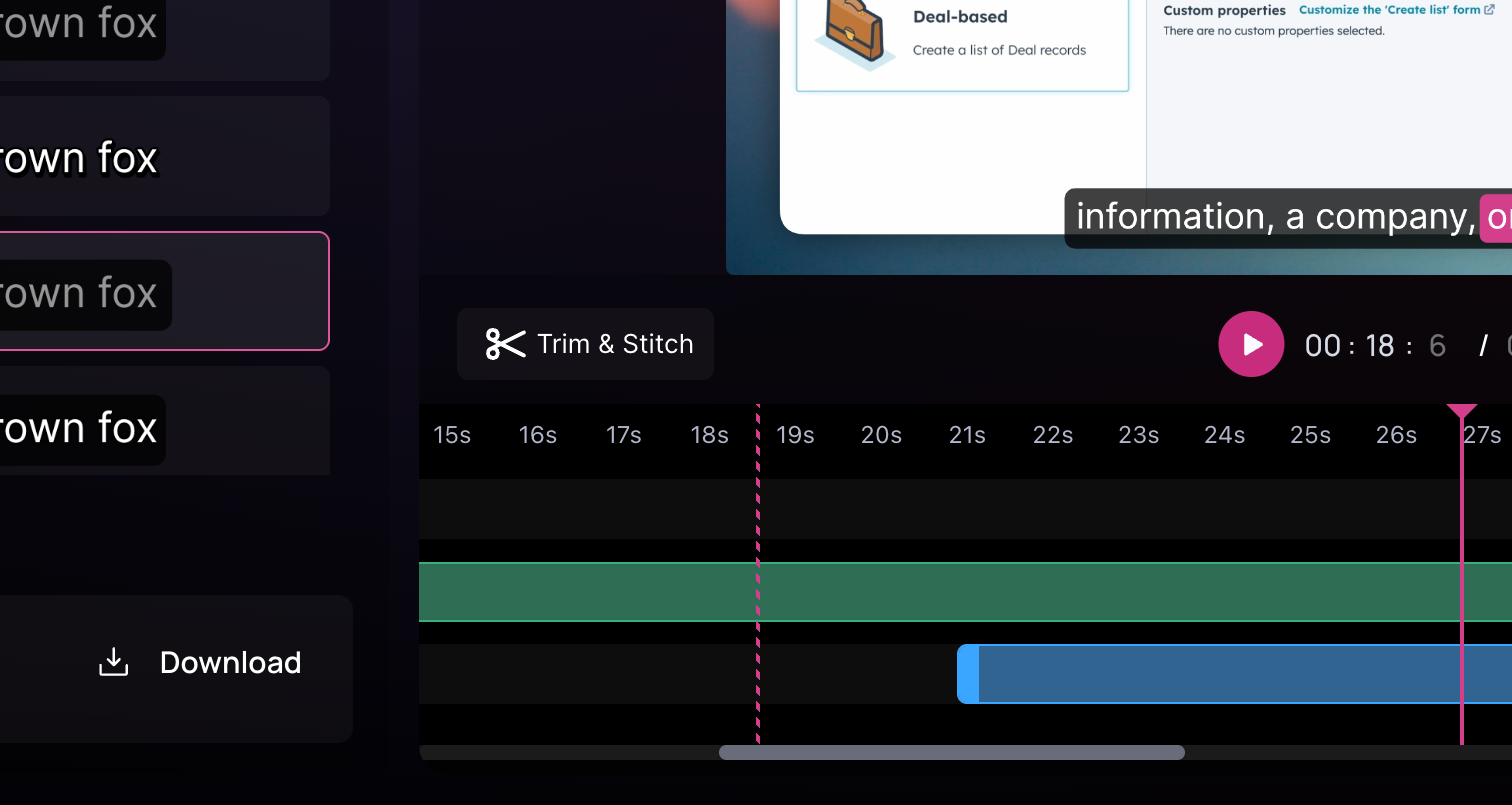
5
Access a variety of customization options: 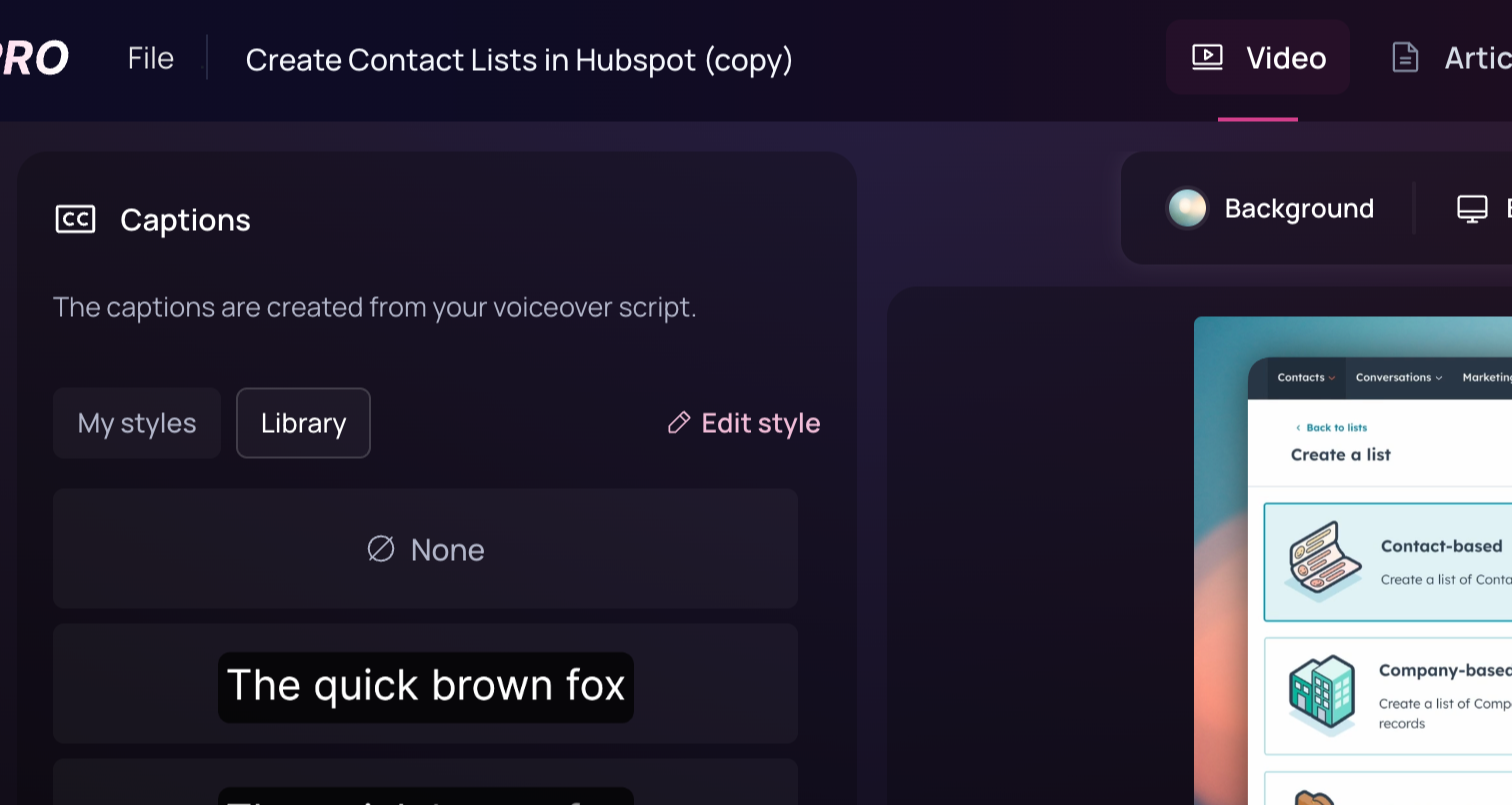 -
Adjust the text color, text size, caption background, text outline and even
add a shadow effect to the text.
-
Adjust the text color, text size, caption background, text outline and even
add a shadow effect to the text.
-
Adjust the text color, text size, caption background, text outline and even
add a shadow effect to the text.6
Explore additional properties specific to your caption style. For example,
with karaoke style, you can edit the background box color.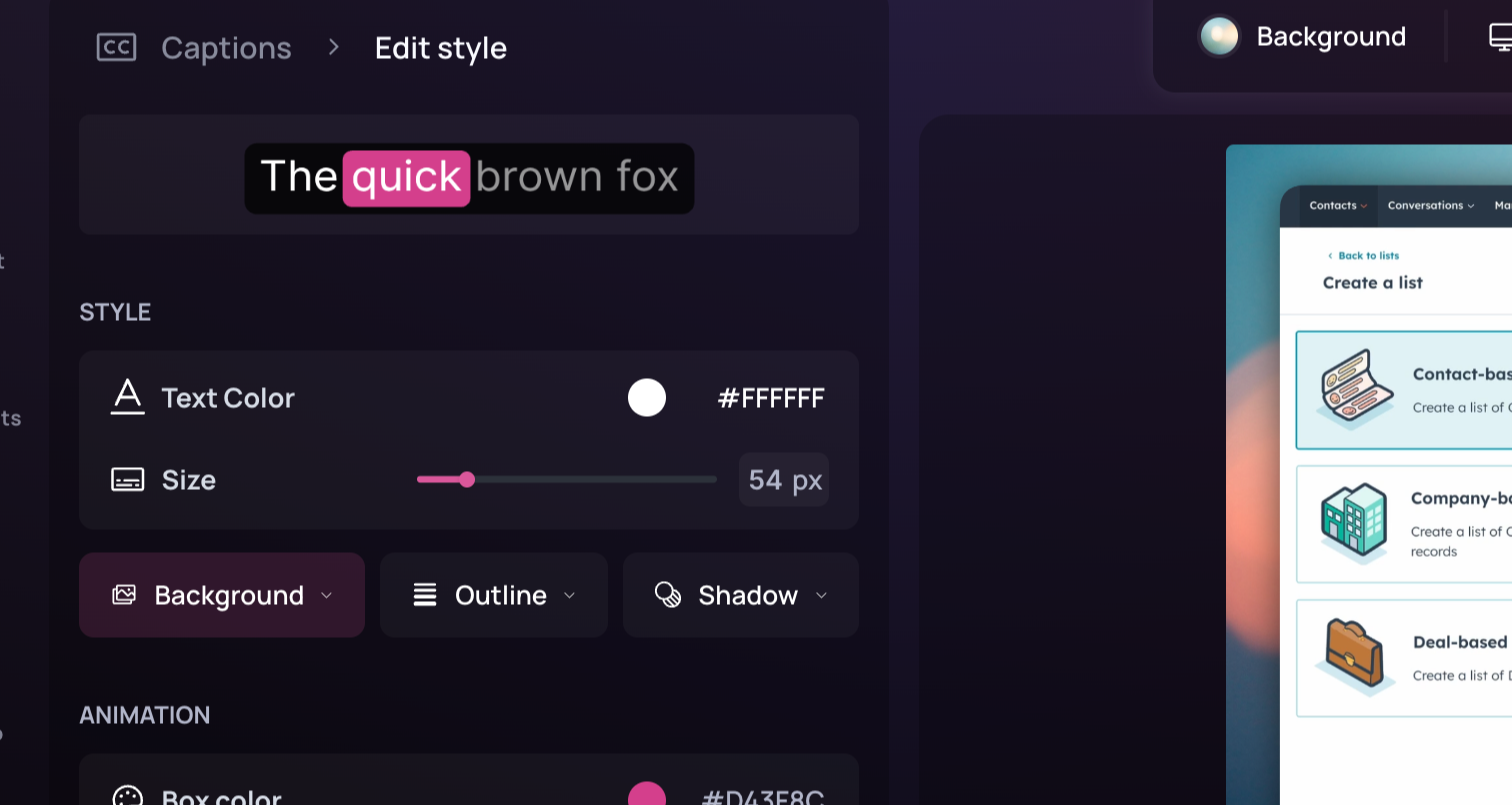
7
Preview your subtitles by hovering over the preview area or playing the
video. If you’re satisfied with the style and want to reuse it, click Save
Style. 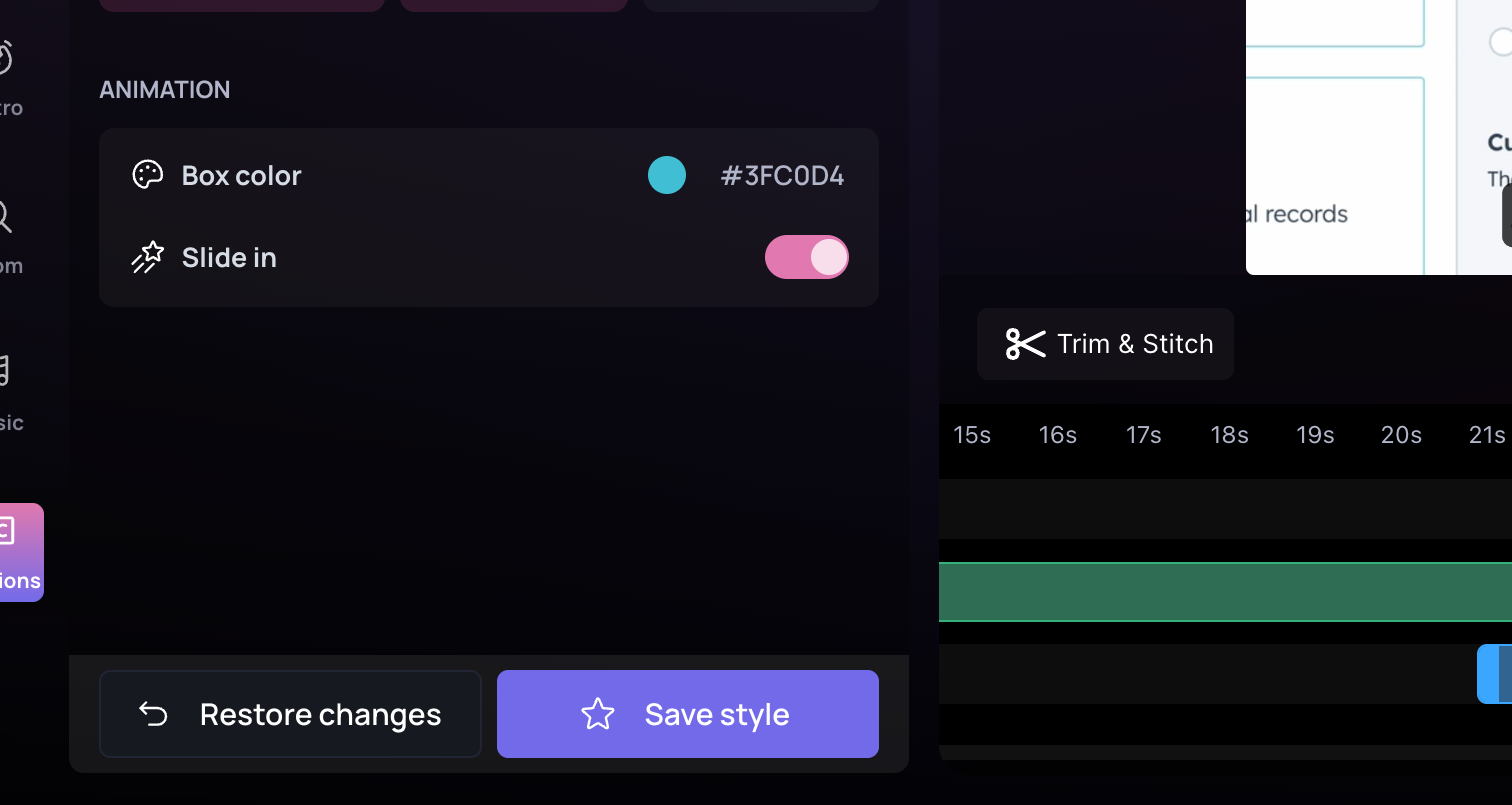
8
After saving, your new style appears under My Styles. You can now
directly apply any of your saved styles to any of your videos.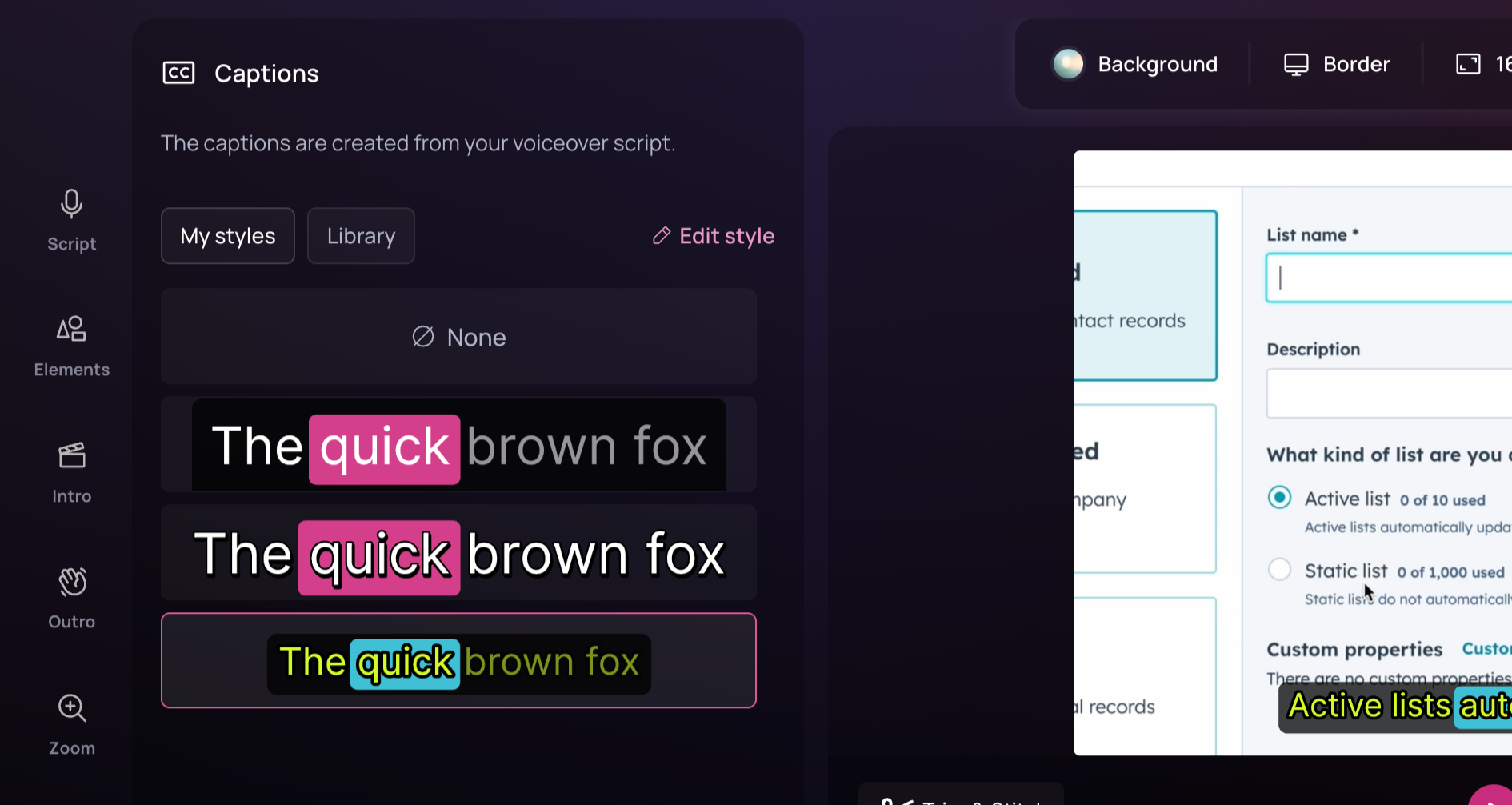
Downloading Captions
To download your captions file, go to the download section and choose from the available formats.