

Here’s how
1
Click Create with AI
From the Clueso home screen, click **Create with prompt **to open the prompt page.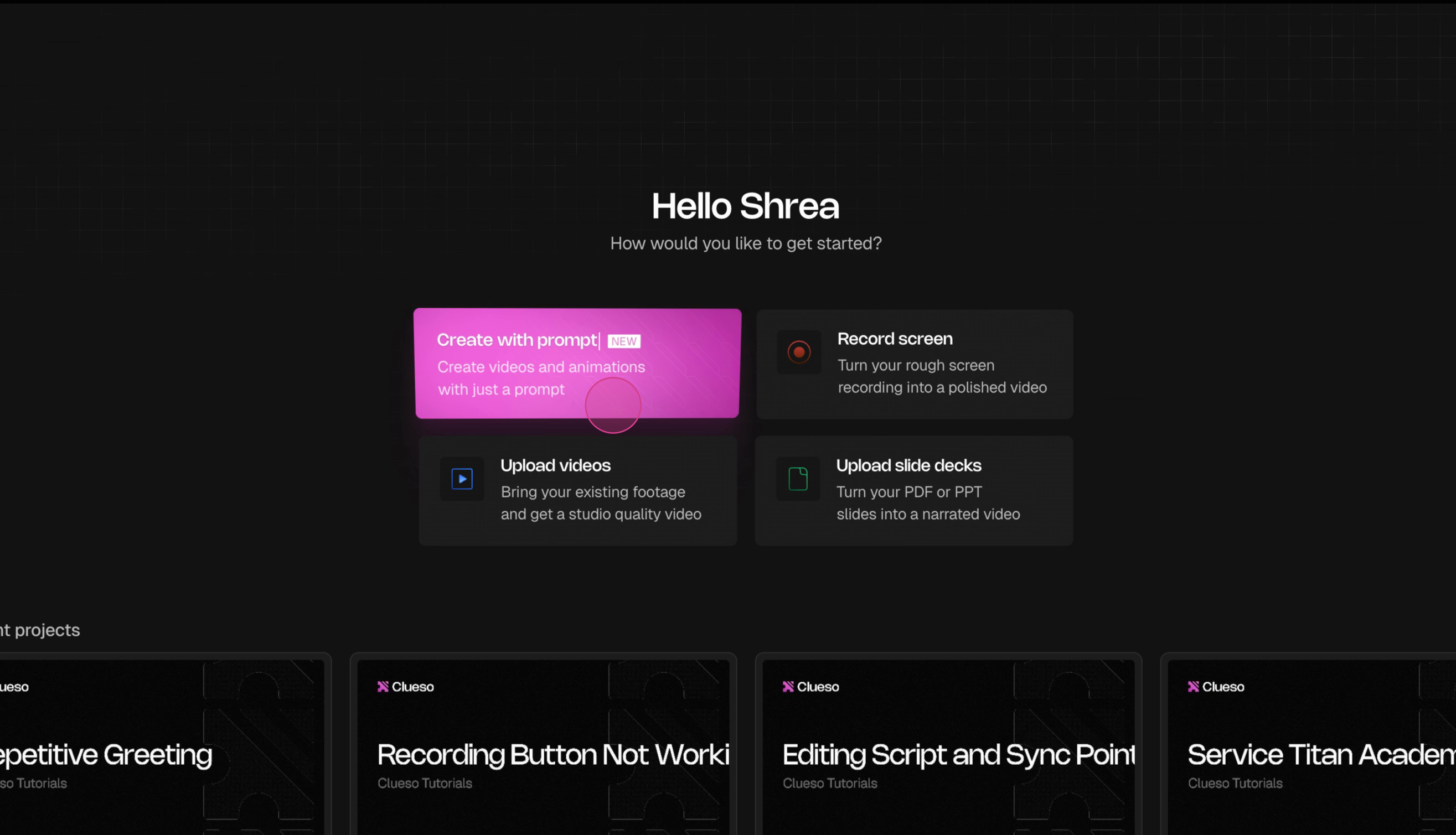
2
Write your prompt
Describe the video you want to create in the text box. Be specific - include the topic, your audience, and the key points you want covered.
3
Attach files and pick a model
Click the + button next to the prompt input to add supporting material: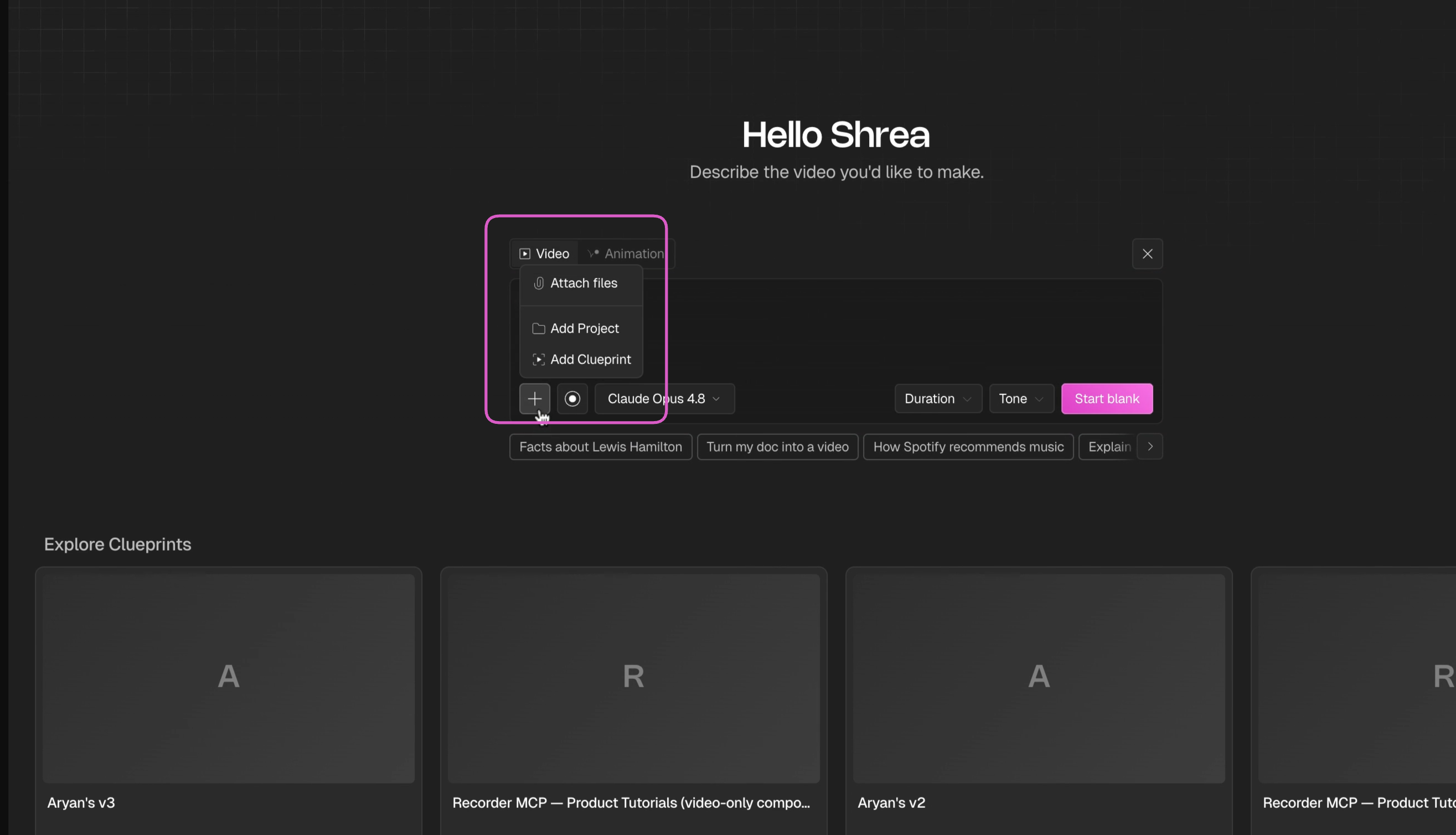
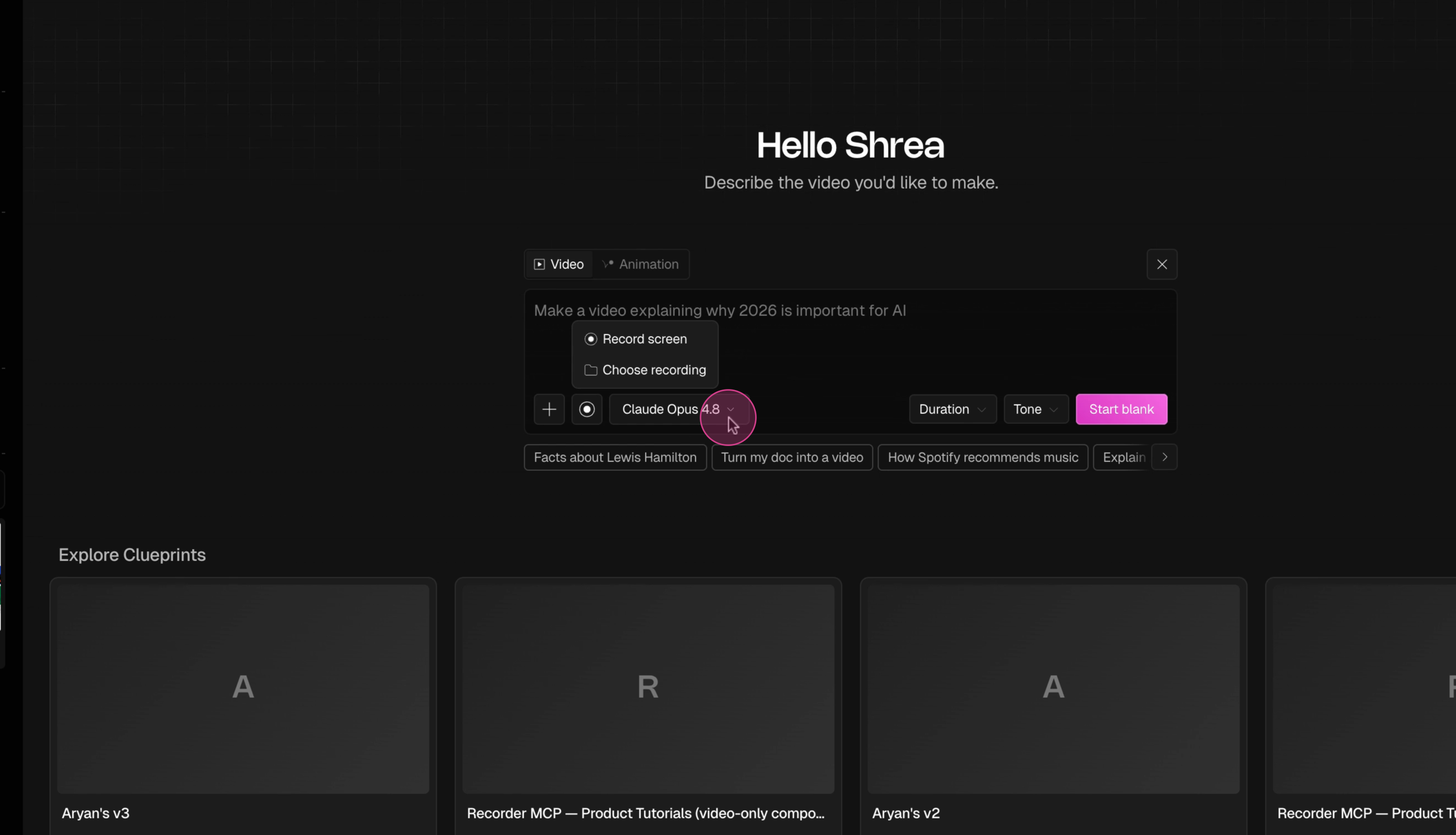
- Upload a file — video, PDF, PowerPoint, Word, or text files
- Add an existing Clueso project — use a previous project as a starting point
- Add a Clueprint — use a pre-designed template for structure and styling
Clueprints handle layout, design, and structure for you — they’re the fastest way to get a polished result. Learn more about clueprints.
4
Set duration and tone
Use the dropdowns to configure your video: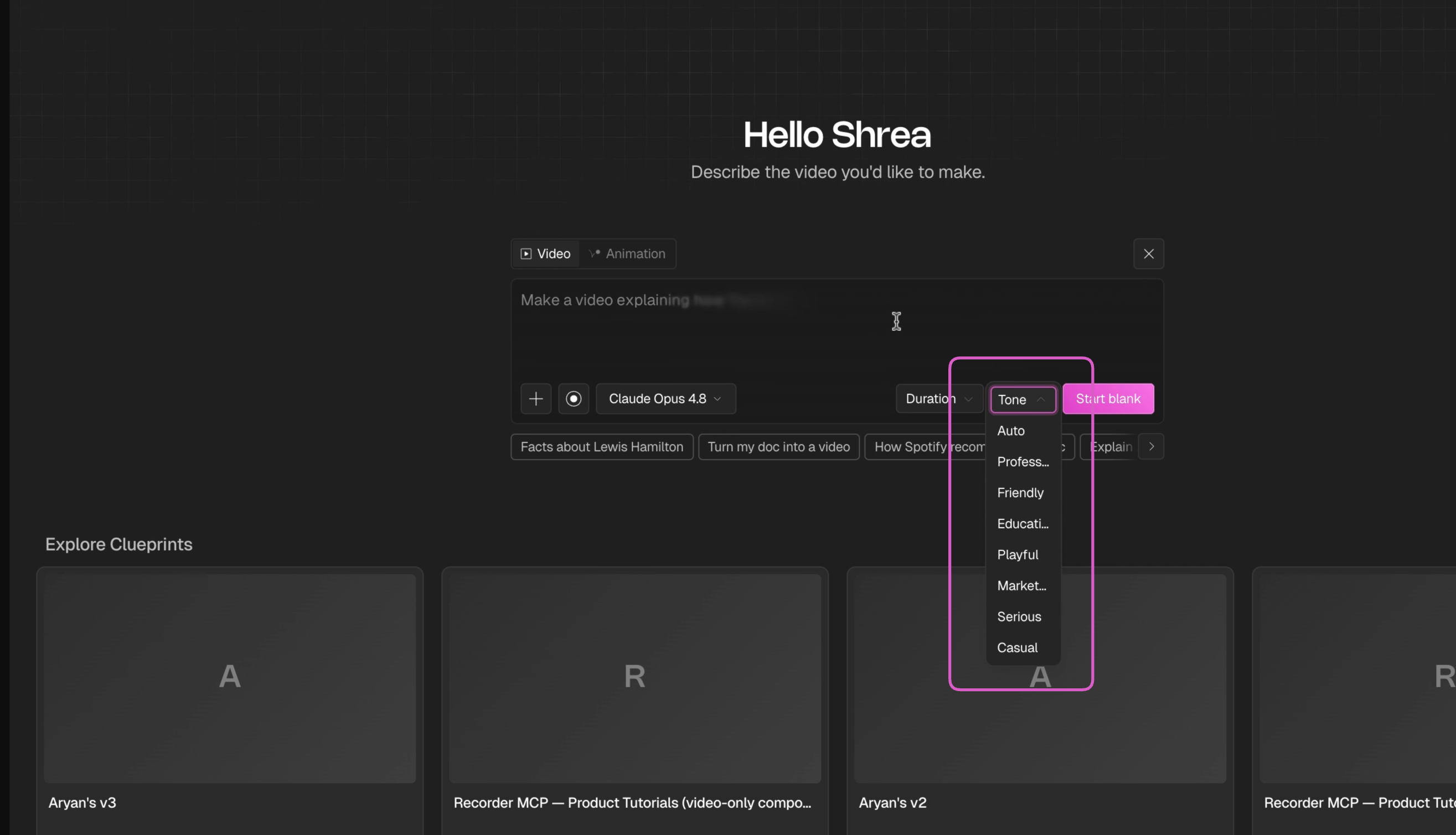 These help the AI tailor the script length and writing style to your needs.
- Duration — Auto, 1 min, 1–3 mins, 3–5 mins, 5–7 mins, or 7+ mins
- Tone — Auto, Professional, Friendly, Educational, Playful, Marketing, Serious, or Casual
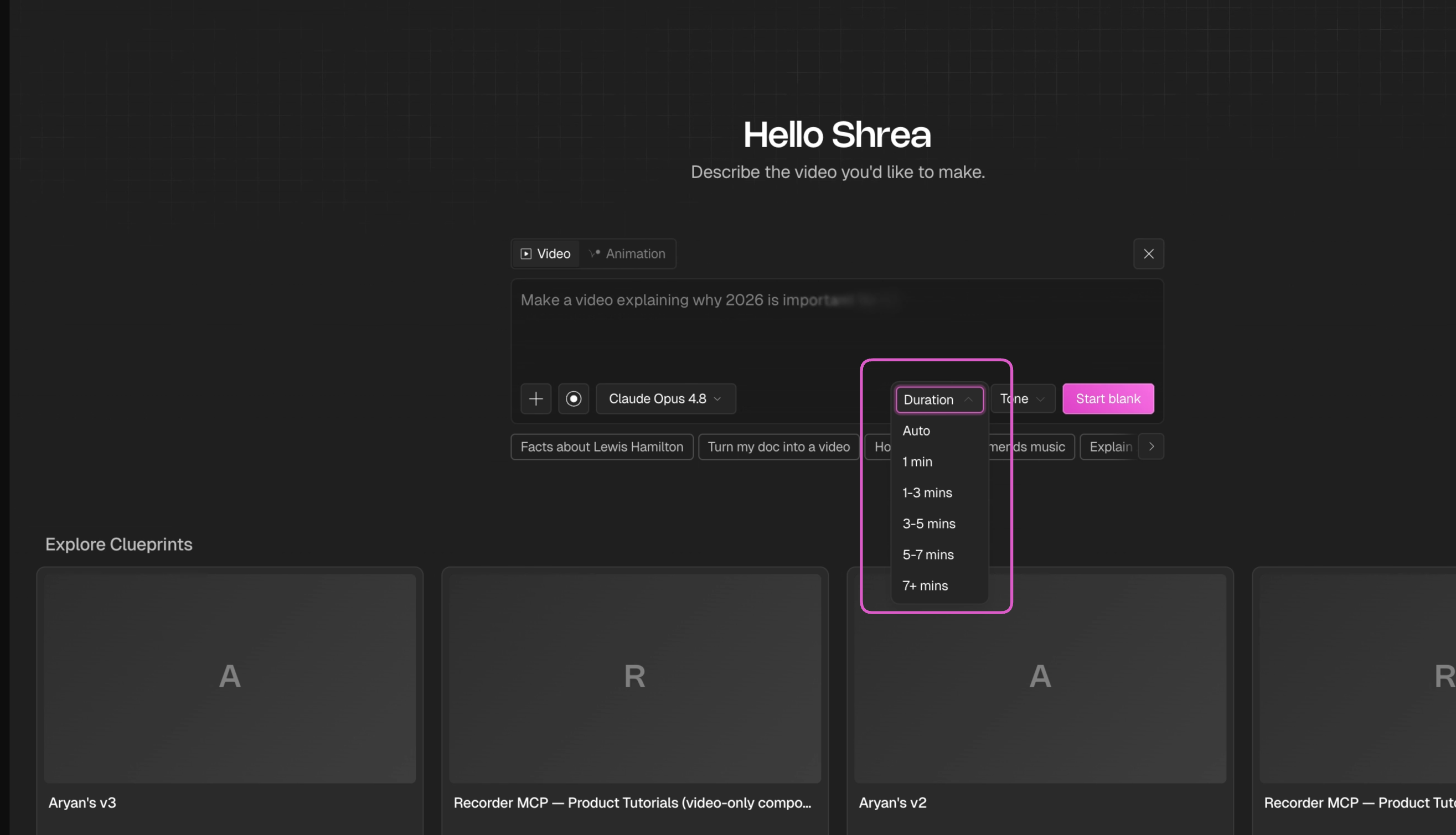
These help the AI tailor the script length and writing style to your needs.5
Click Create
Hit Create. Clueso Agent generates a script, builds the slides, and sets up a full video draft. You’ll be taken into the editor where you can refine everything — or keep chatting to make changes.
What Clueso Agent can build
- Make a video from scratch, from an idea, or from a template
- Turn a PowerPoint, Word doc, or PDF into a video
- Turn a screen recording into a polished product demo
- Write a help-centre article alongside the video (or instead of it)
- Write the script, generate the voiceover, add background music
- Lay out every slide — text, shapes, images, colours, fonts
- Animate elements and transitions
Starter prompts you can copy
Product announcement
Make a 30-second announcement video for the launch of [feature]. Audience is existing customers who already use [product]. Modern and premium — this should feel like a product launch, not a tutorial. Use our brand colours (navy #1A3D7C and white) and keep the animation subtle. Focus on the outcome for the user, not a feature list. Ending frame: our logo plus “Available now.” Logo attached.
Logo animation
Create a 5-second logo reveal from the attached logo. Keep the logo exactly as it is — don’t redesign or recolour it. Style: minimal and premium, white background, one accent colour taken from the logo. The wordmark should appear after the mark, not at the same time. No sound.
Turning a deck into a video
Here’s our pitch deck (attached). Turn it into a 90-second explainer video. Keep the slide order but cut the detail — one idea per clip. Confident, plain-English narration, no buzzwords. Use the deck’s own colours and fonts. Skip the team and pricing slides.
Screen recording into a demo
I’ve attached a screen recording of our dashboard. Turn it into a 45-second product demo for prospects who’ve never seen the product. Trim the dead time at the start, zoom in when I click into the reports section, and write narration that explains what I’m doing and why it matters. Add light background music.
Help article
Write a help-centre article explaining how to [do the thing], based on the attached recording. Audience is non-technical end users. Numbered steps, screenshots for each step, short sentences. No video needed.
Edit with chat
Steer Clueso Agent once it starts building
Best practices
Get better results and use fewer credits