> ## Documentation Index
> Fetch the complete documentation index at: https://help.clueso.io/llms.txt
> Use this file to discover all available pages before exploring further.
# Pauses
> Add pauses to control the timing of your AI voiceover.
Pauses let you control the pacing of your video by inserting moments of silence into the AI voiceover. This is useful for giving viewers time to process what’s on screen, making transitions feel smoother, or syncing with visual elements like pop-ups, animations, or loading screens.
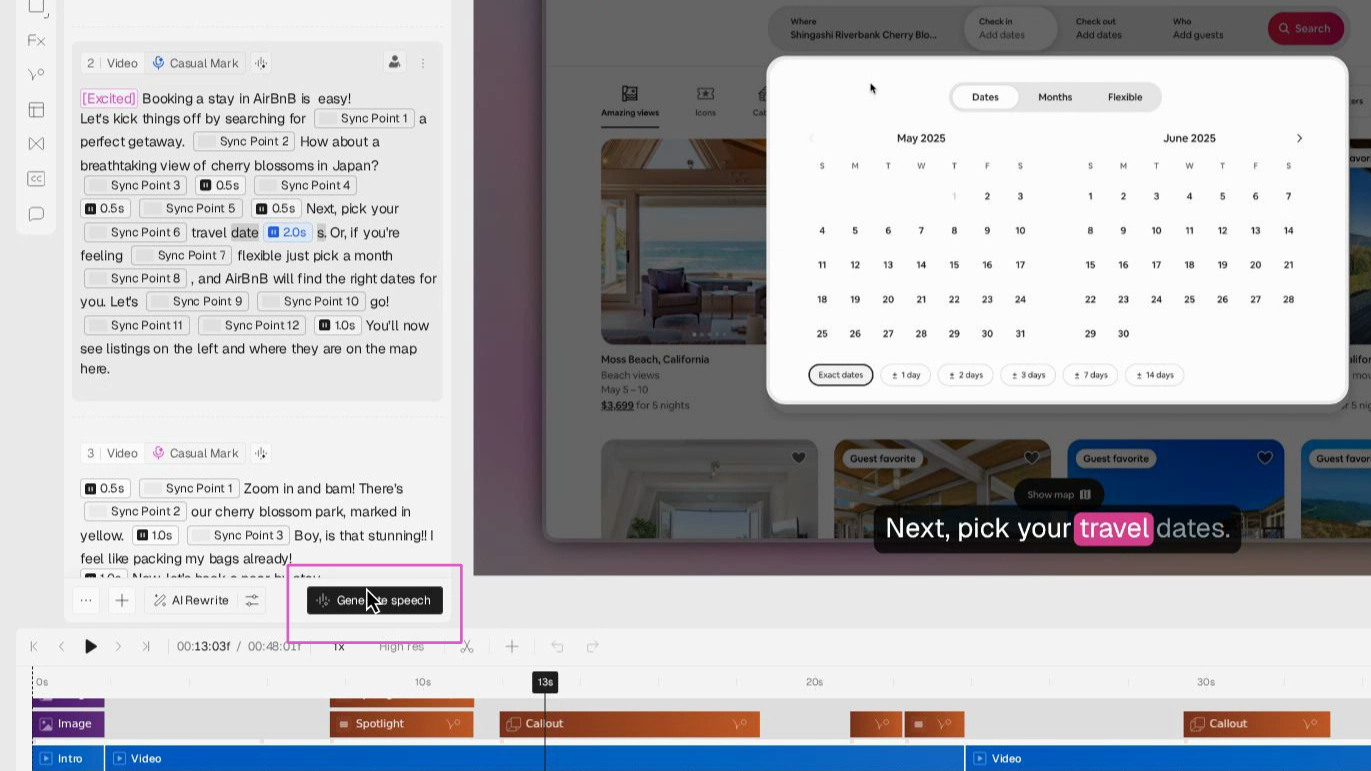
In your script editor, click the **plus (+) button** or hit the forward slash (/) button on your keyboard, then select **Add Pause**. A 1s pause will appear in your script at the selected position.
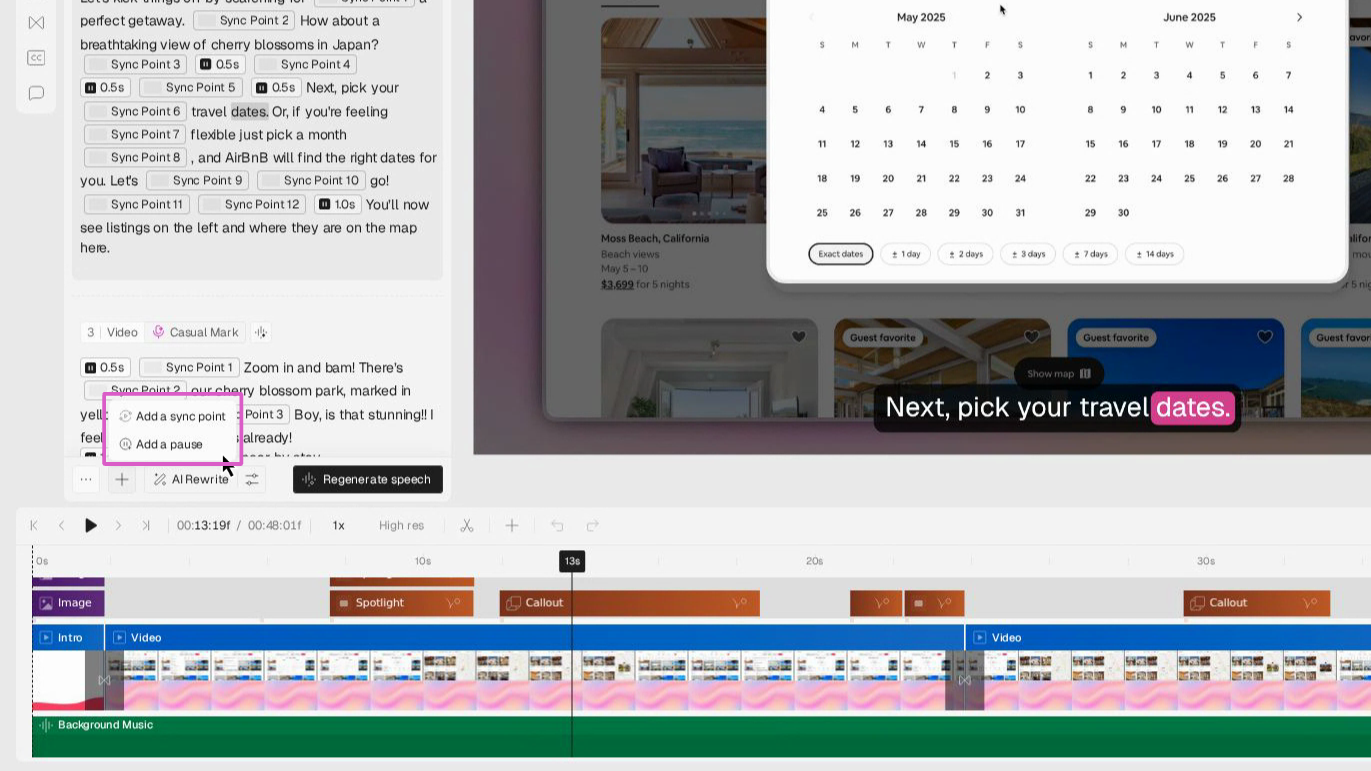
Choose how long you’d like the pause to last. You can set this in seconds—for example, a short 1–2 second pause for emphasis, or a longer pause for actions like waiting through a loading screen.
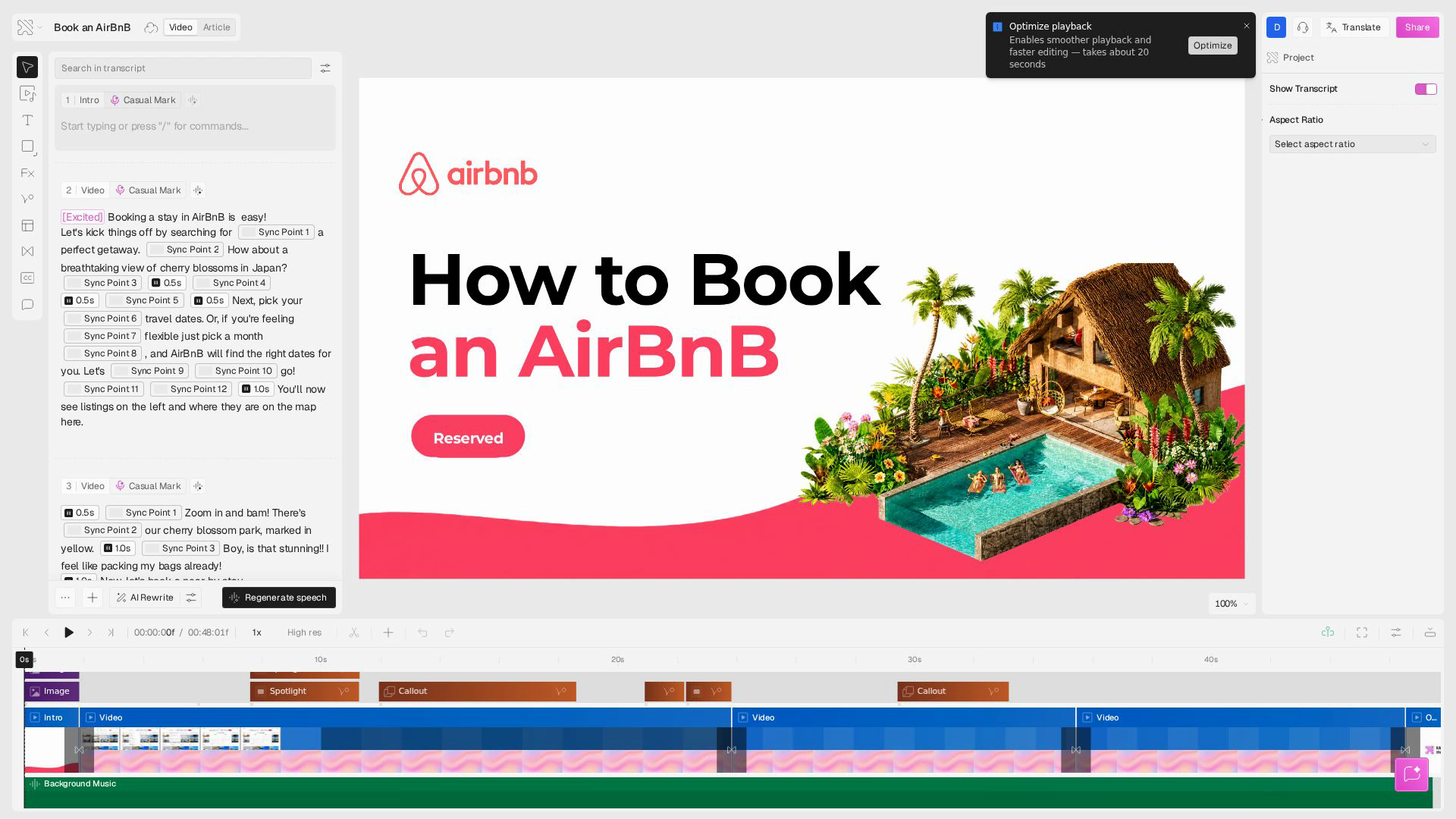
After adding a pause, click Generate Speech to update your AI voiceover. The pause will now be included in your video’s timing.