> ## Documentation Index
> Fetch the complete documentation index at: https://help.clueso.io/llms.txt
> Use this file to discover all available pages before exploring further.
# Adjust Caption Position
> Learn how to adjust the position of captions in your Clueso videos.
Adjusting the vertical position of captions in Clueso helps you improve readability and ensure they don’t overlap with important on-screen elements. Follow these steps to customize your caption placement quickly.
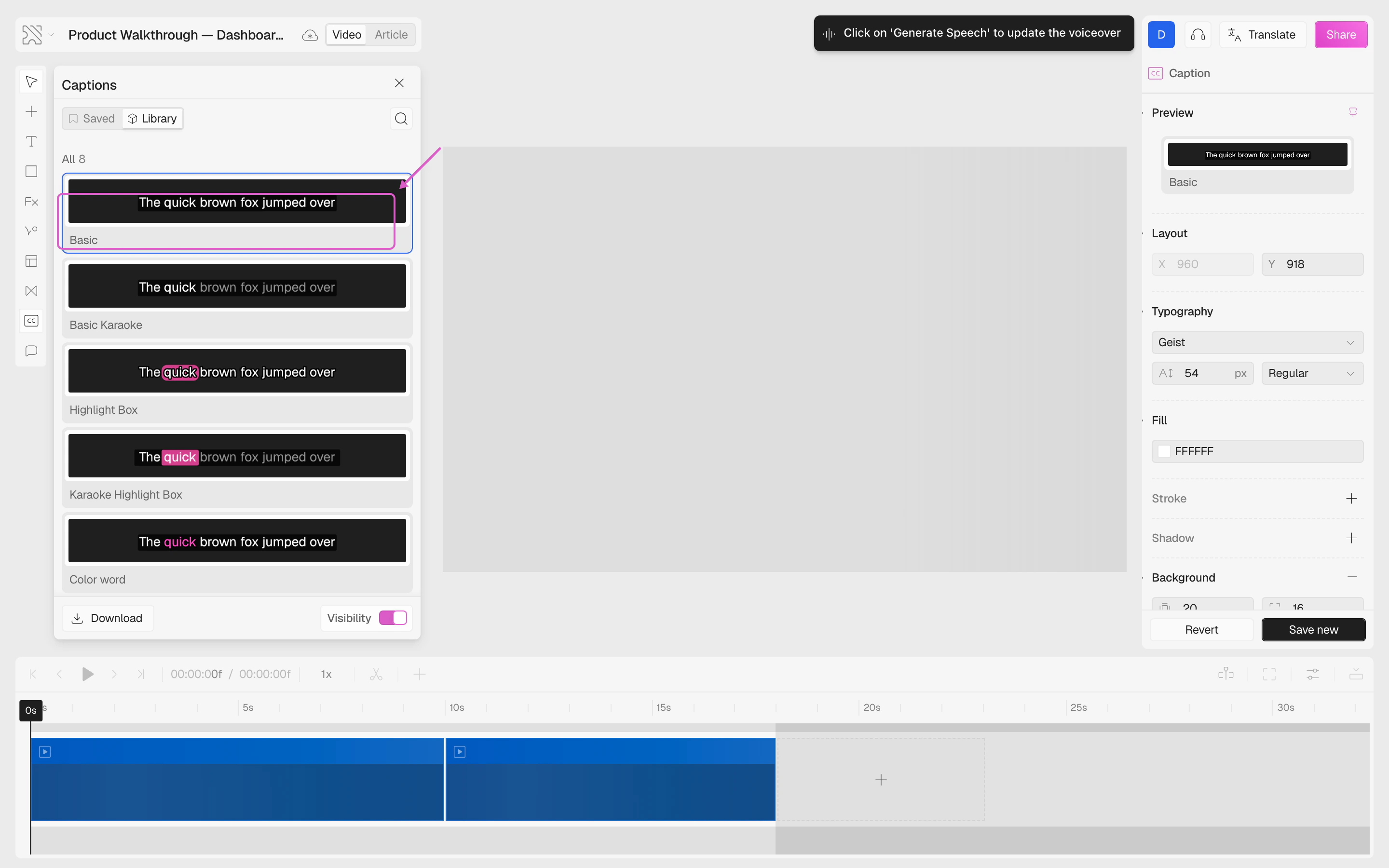
After selecting your preferred caption style, the caption editor will open on the right panel.
 Use the **Y** field in the **Layout** section to set the vertical position of the caption to your liking.
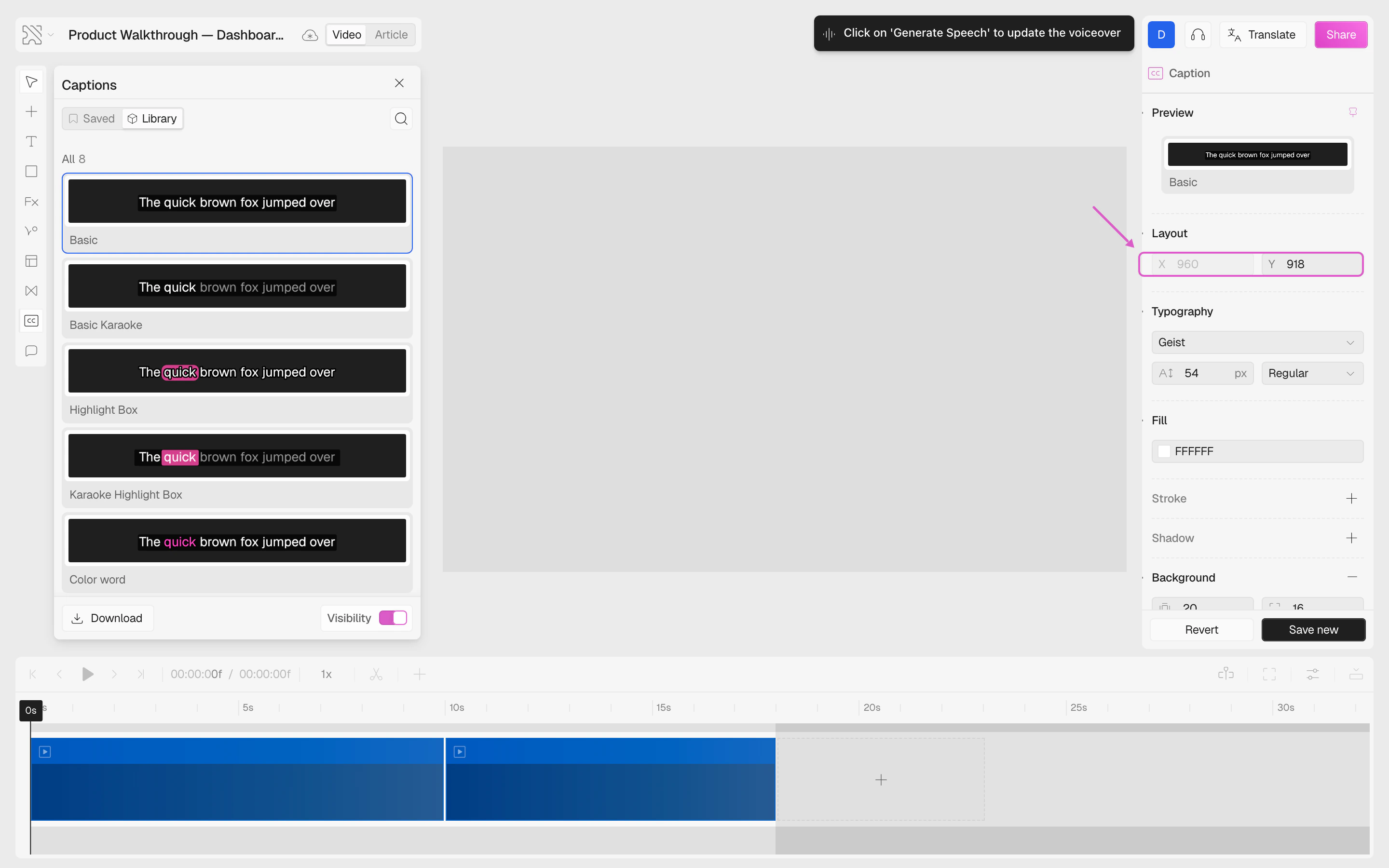 Adjusting the caption position applies to the entire video. Once set, your captions will appear in that position throughout the full duration of the video.