> ## Documentation Index
> Fetch the complete documentation index at: https://help.clueso.io/llms.txt
> Use this file to discover all available pages before exploring further.
# Delete templates
> How to delete a template you no longer need
You can delete templates you no longer use to keep your workspace clean and organized.
Click the **Templates** button in the left-side toolbar and switch to the **Saved** tab. You'll see all your saved templates here.
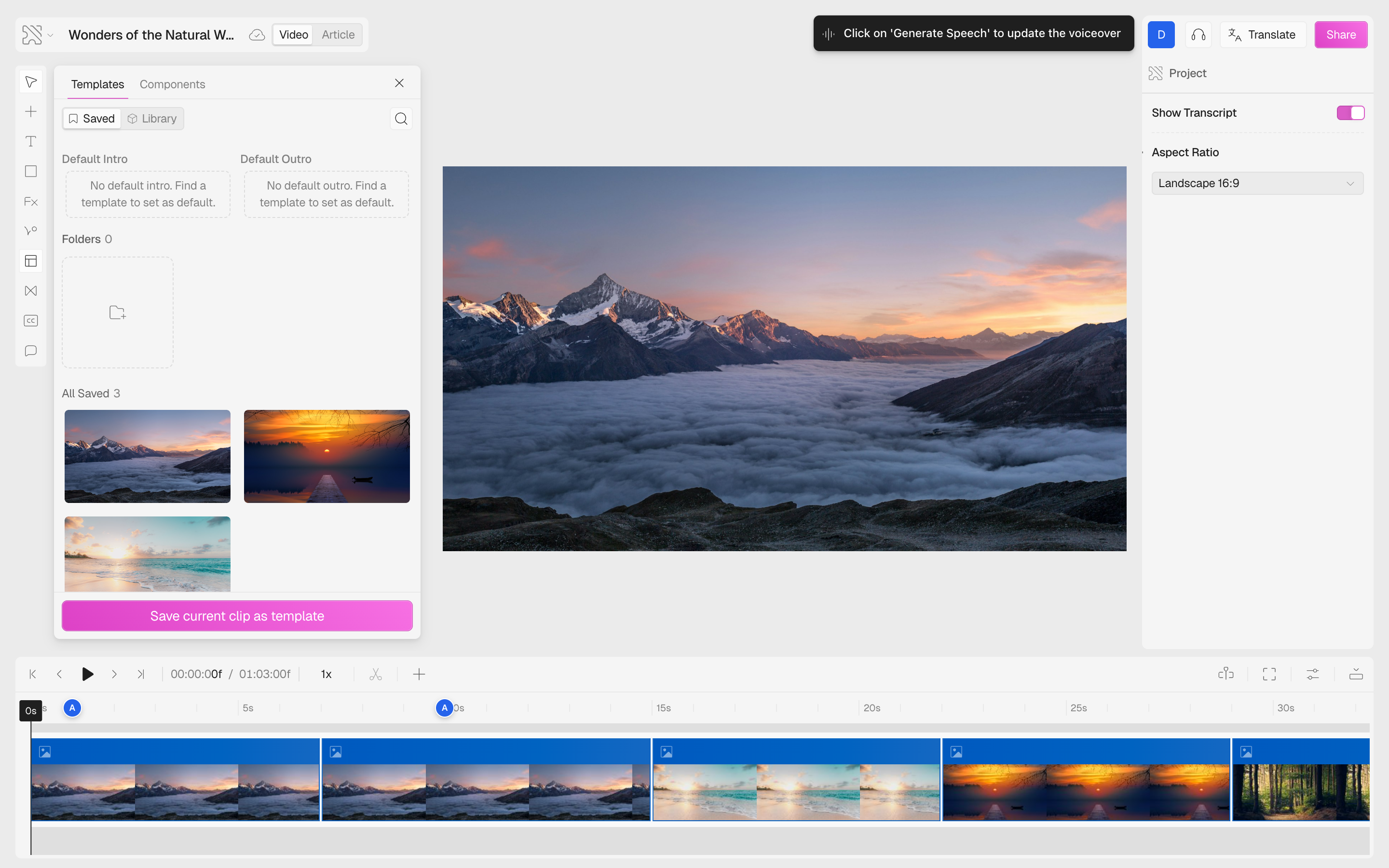 Hover over the template you want to remove. Click the **three-dot menu** (⋮) that appears on the card. From the dropdown, select **Delete template**.
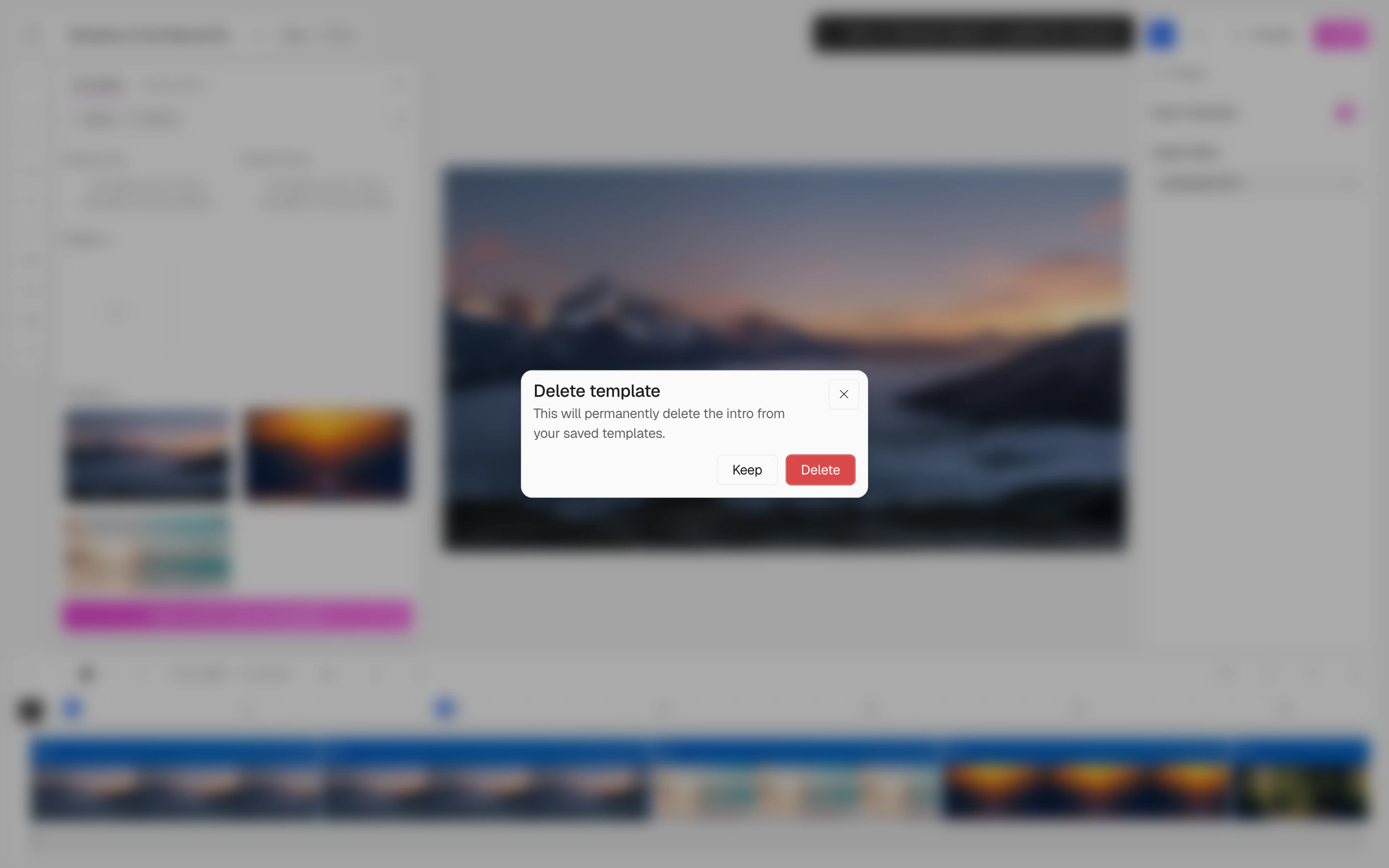
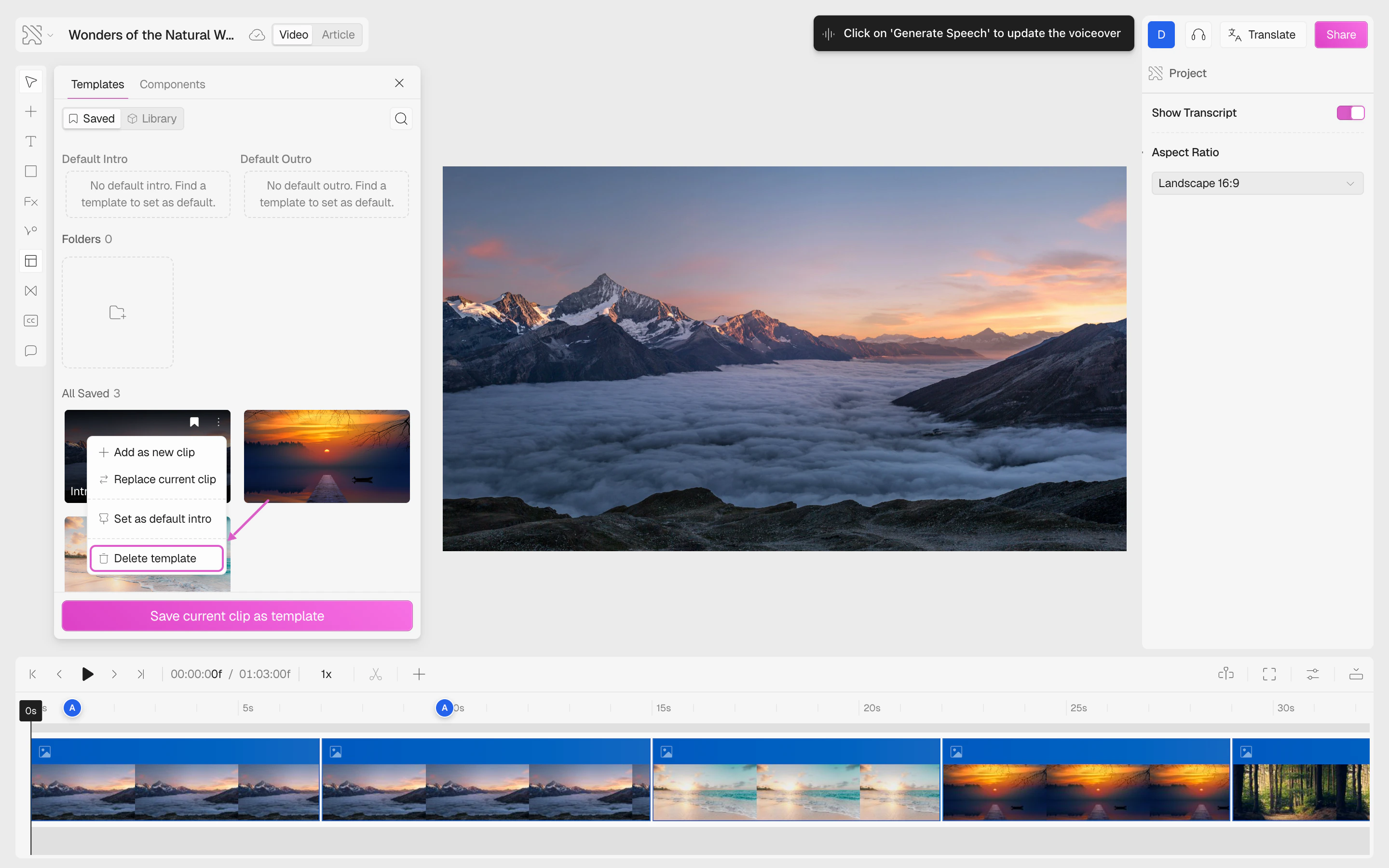 A confirmation modal appears warning that the template will be permanently deleted from your saved templates.
* Click **Delete** to permanently remove the template
* Click **Keep** to cancel and go back
A confirmation modal appears warning that the template will be permanently deleted from your saved templates.
* Click **Delete** to permanently remove the template
* Click **Keep** to cancel and go back
 ## Important Notes
* **Deleting a template does not affect existing projects** — any videos that already use the template will keep their current content unchanged.
* **Deleted templates cannot be recovered** — but you can always recreate them by saving a clip again.
* **Default templates cannot be deleted** — if a template is set as the default intro or outro, you must first remove it as the default before deleting it.
* **Deleting a folder** removes the folder but moves all templates inside it to "All saved" — they are not deleted.
Before deleting, consider whether anyone on your team is still using the template. Since templates are shared across the workspace, removing one affects everyone.
## Important Notes
* **Deleting a template does not affect existing projects** — any videos that already use the template will keep their current content unchanged.
* **Deleted templates cannot be recovered** — but you can always recreate them by saving a clip again.
* **Default templates cannot be deleted** — if a template is set as the default intro or outro, you must first remove it as the default before deleting it.
* **Deleting a folder** removes the folder but moves all templates inside it to "All saved" — they are not deleted.
Before deleting, consider whether anyone on your team is still using the template. Since templates are shared across the workspace, removing one affects everyone.