> ## Documentation Index
> Fetch the complete documentation index at: https://help.clueso.io/llms.txt
> Use this file to discover all available pages before exploring further.
# Adjust Aspect Ratio
> Learn how to change the aspect ratio of your project and choose the right format for different platforms.
This article explains how to adjust the aspect ratio of your video. Changing the aspect ratio helps you format your content for different platforms and screen sizes.
Click anywhere outside the canvas area to deselect everything. The right panel updates to show project-level settings.
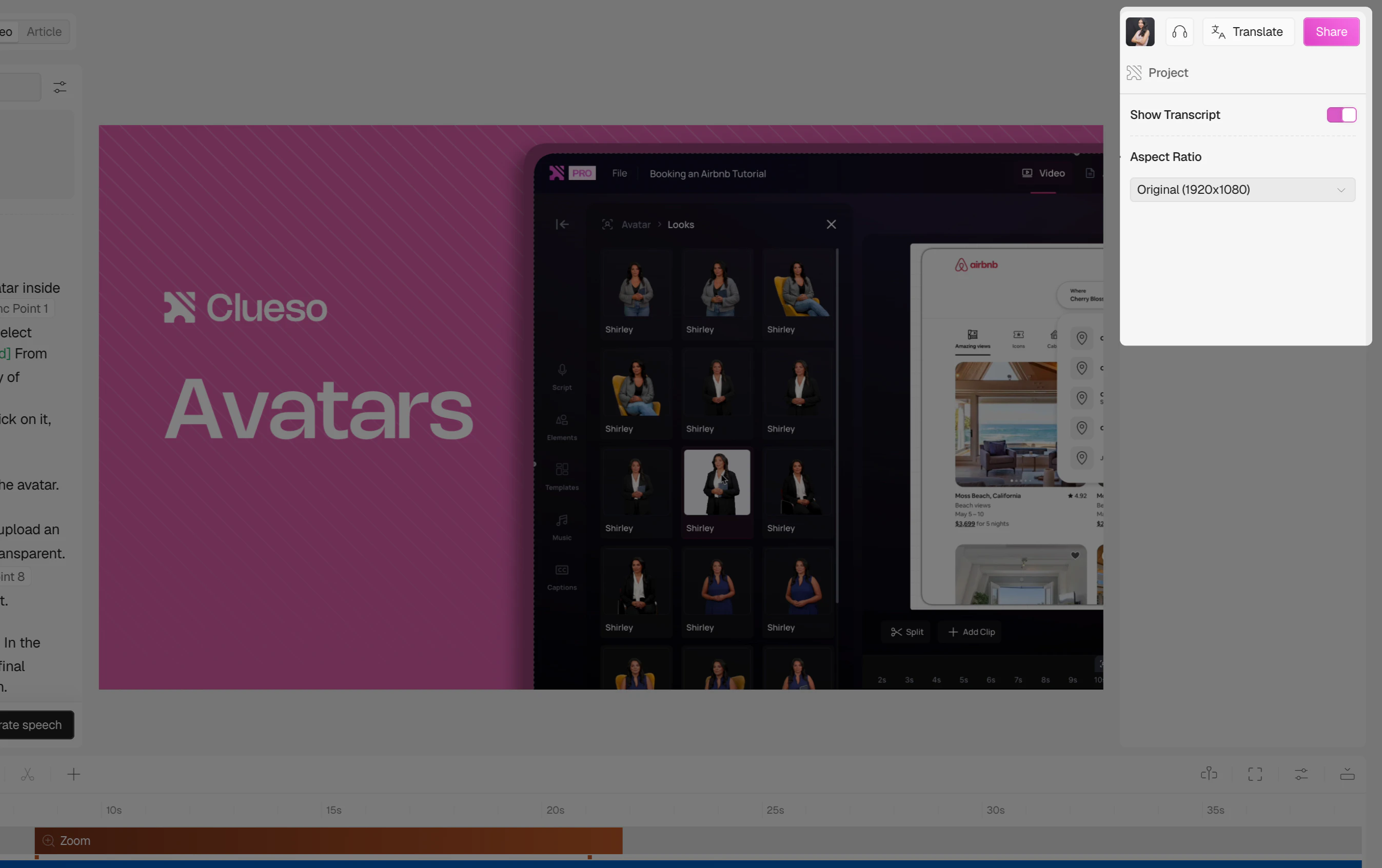 In the right panel, click the Aspect Ratio dropdown.
The first option shows your original recording resolution. Select this to keep the video exactly as recorded.
In the right panel, click the Aspect Ratio dropdown.
The first option shows your original recording resolution. Select this to keep the video exactly as recorded.
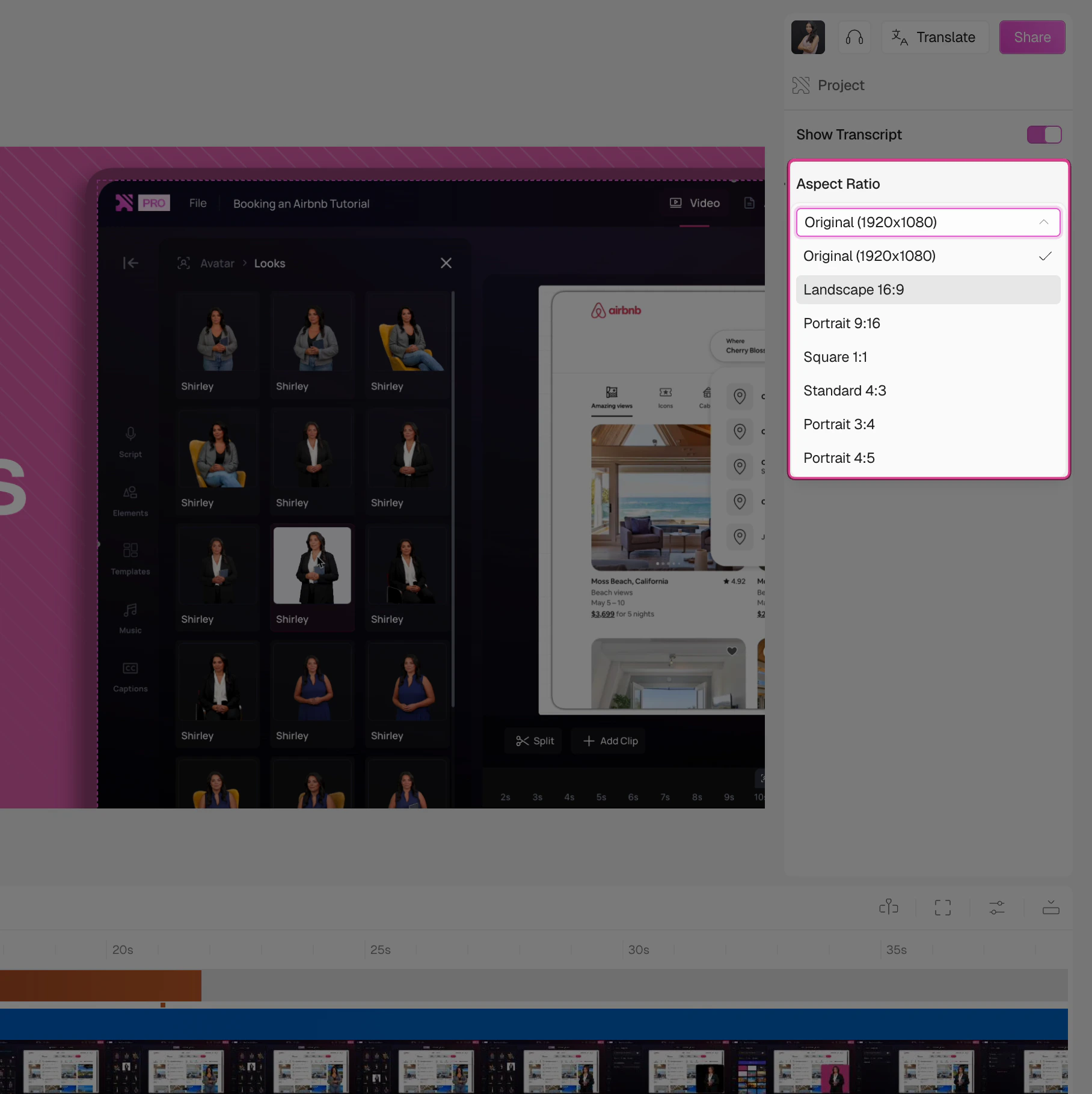 Select the aspect ratio that best fits your use case.
| Option | Best for | Devices |
| -------------- | ----------------------------------------- | ---------------------------- |
| Original | Keeping the recording as-is | Matches your recorded screen |
| Landscape 16:9 | YouTube, presentations, widescreen | Desktop, laptop, TV |
| Portrait 9:16 | YouTube Shorts, Instagram Stories, TikTok | Mobile, full-screen stories |
| Square 1:1 | Instagram feed, social media posts | Mobile, tablet |
| Standard 4:3 | Presentations, classic monitor format | Desktop, older screens |
| Portrait 3:4 | Pinterest, some mobile formats | Mobile, tablet |
| Portrait 4:5 | Instagram feed portrait posts | Mobile |
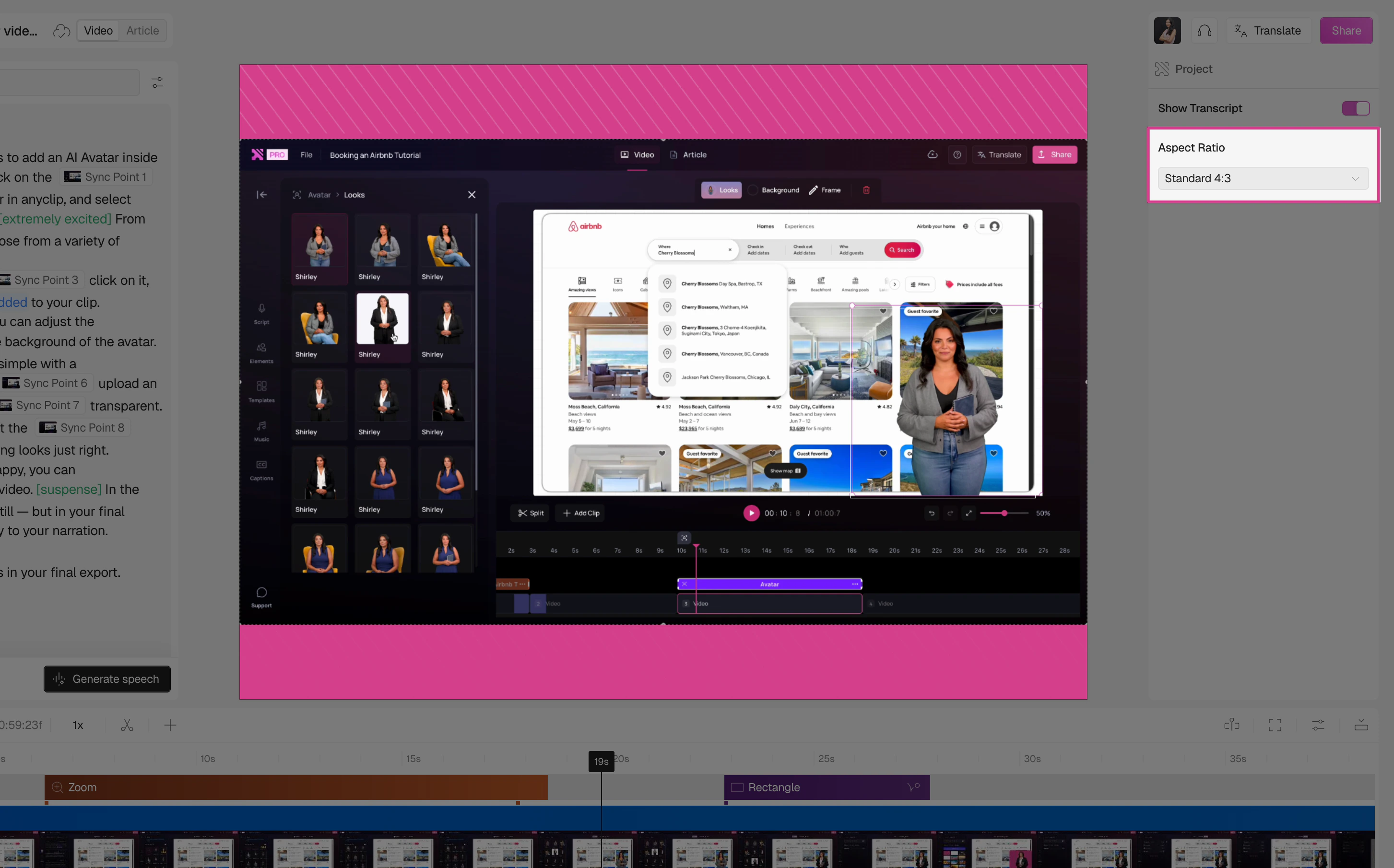
The canvas updates immediately to reflect your selection.
Select the aspect ratio that best fits your use case.
| Option | Best for | Devices |
| -------------- | ----------------------------------------- | ---------------------------- |
| Original | Keeping the recording as-is | Matches your recorded screen |
| Landscape 16:9 | YouTube, presentations, widescreen | Desktop, laptop, TV |
| Portrait 9:16 | YouTube Shorts, Instagram Stories, TikTok | Mobile, full-screen stories |
| Square 1:1 | Instagram feed, social media posts | Mobile, tablet |
| Standard 4:3 | Presentations, classic monitor format | Desktop, older screens |
| Portrait 3:4 | Pinterest, some mobile formats | Mobile, tablet |
| Portrait 4:5 | Instagram feed portrait posts | Mobile |
The canvas updates immediately to reflect your selection.
 ## FAQs
Yes, the aspect ratio is a project-level setting, so it applies to the entire video.
Yes, you can change it at any point during editing. The canvas will reformat automatically.
## FAQs
Yes, the aspect ratio is a project-level setting, so it applies to the entire video.
Yes, you can change it at any point during editing. The canvas will reformat automatically.